511
3. Instructions
CS/CJ/NSJ Series Instructions Reference Manual (W474)
Floating-point Math Instructions
3
FVAL
• Scientific Notation
Real numbers expressed as an integer part, fractional part, and exponent part.
Example: 1.2456E-2 (1.2456×10
-2
)
The data format (decimal or scientific notation) is detected automatically.
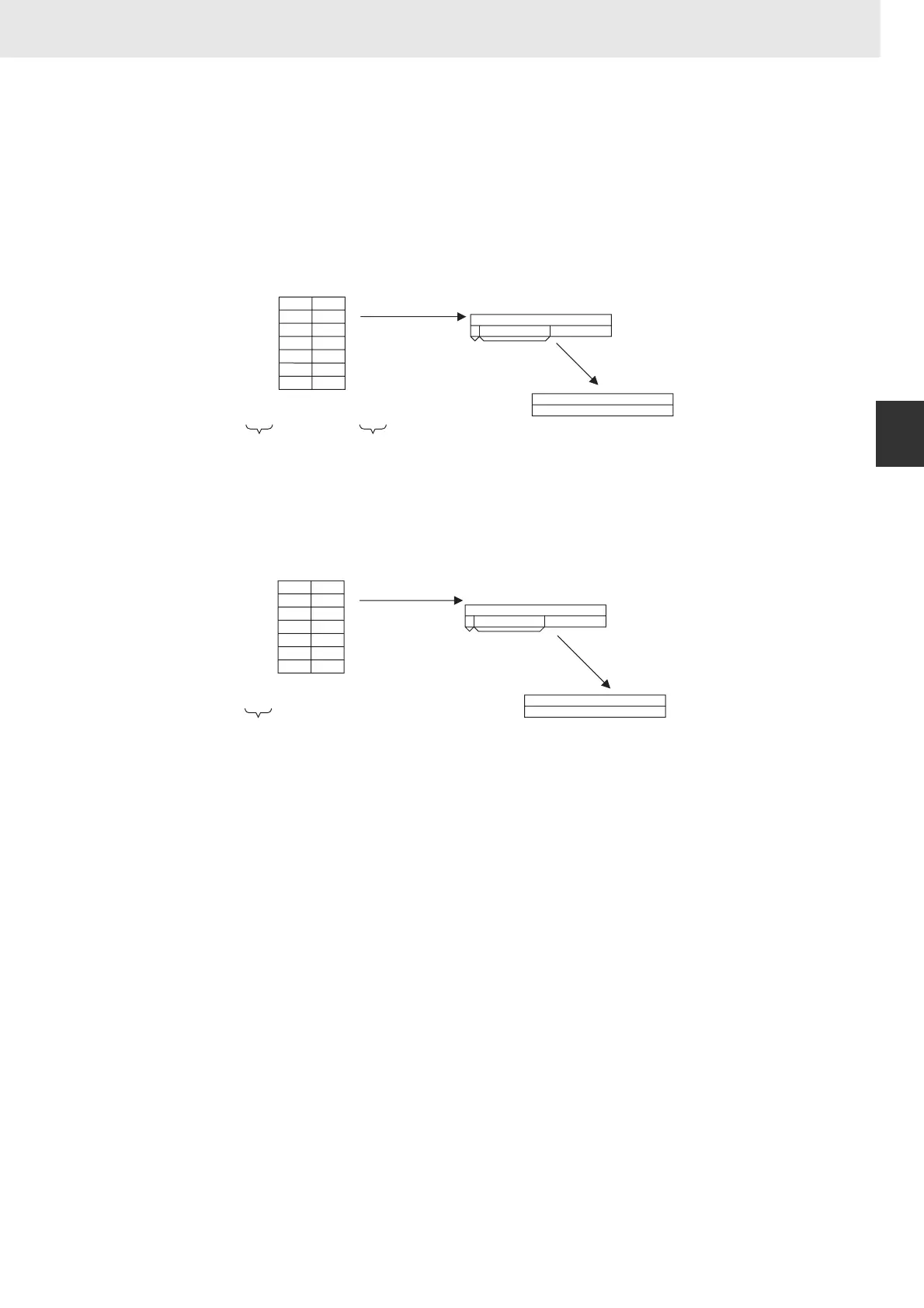
The ASCII text must be stored in S and subsequent words in the following order: leftmost byte of S,
rightmost byte of S, leftmost byte of S+1, rightmost byte of S+1, etc.
2D 20
20 31
32 33
2E 34
35 36
37 38
00 00
−
SP SP 1 2 3 . 4 5 6 7 8
(2D)(20)(20)(31)(32)(33)(2E)(34)(35)(36)(37)(38)
15 87 0
−123.456
1110100101111001
1100001011110110
D
D+1
1110100101111001
1100001011110110
15 0
Decimal notation
Exponent
Spaces are
ignored during
conversion
Sign
32-bit floating-point data
If there are more than 6 digits, the 7th
and higher digits are ignored.
(Digits do not include the sign, decimal
point, and exponent characters.)
Conversion of ASCII text number to
32-bit floating-point data
Stored in D and D+1.
2D 20
20 31
2E 32
33 34
45 2B
30 32
00 00
−
SP SP 1 . 2 3 4 E + 0 2
(2D)(20)(20)(31)(2E)(32)(33)(34)(45)(2B)(31)(38)
15 87 0
−1.234×10
2
1100110011001101
1100001011110110
D
D+1
1100110011001101
1100001011110110
15 0
Scientific notation
Exponent
Spaces are
ignored during
conversion
Sign
32-bit floating-point data
Conversion of ASCII text number
to 32-bit floating-point data
Stored in D and D+1.












 To Next Page