312
Serial Communications Section 6-3
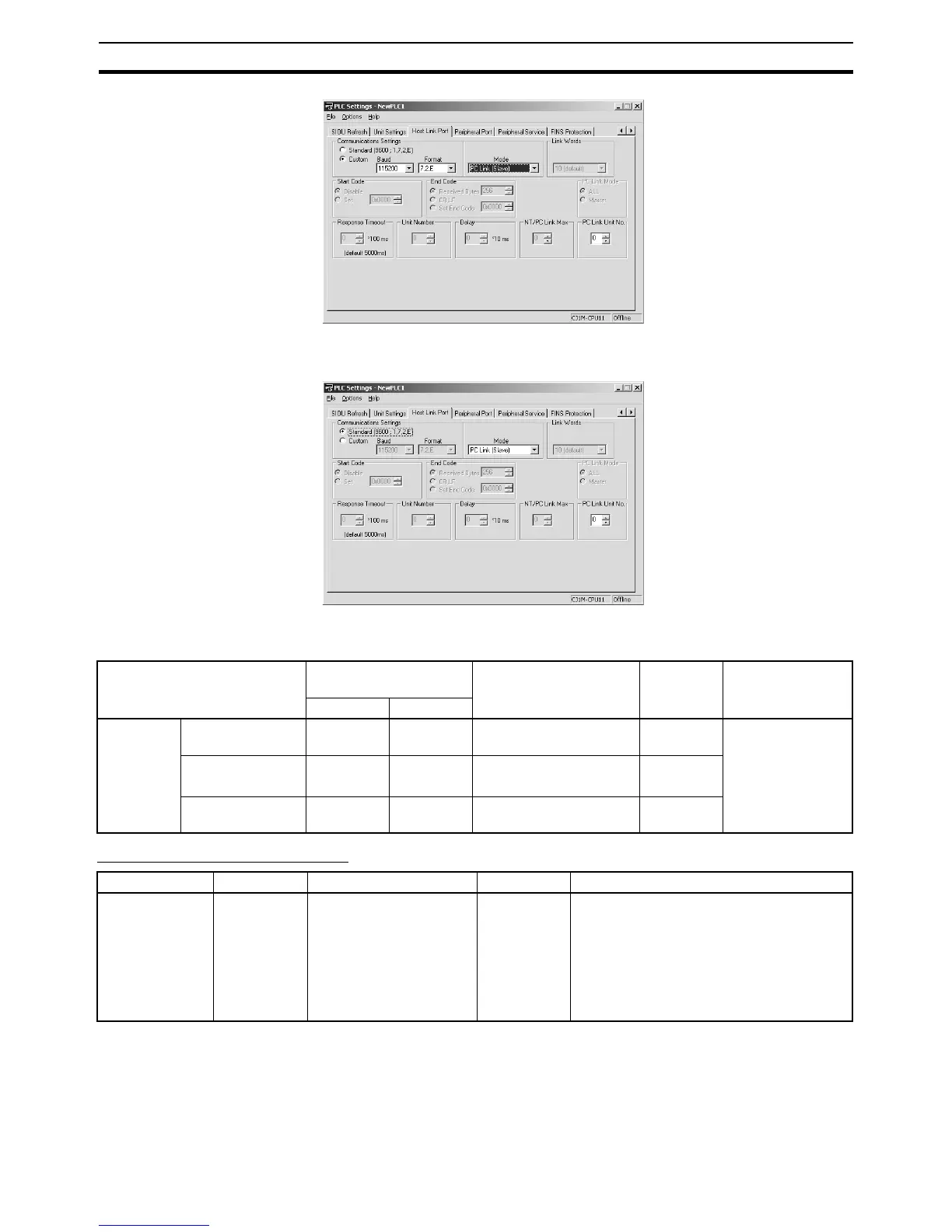
When using a standard serial PLC Link, select the Standard Option in the
Communications Settings Area.
The following table shows the corresponding settings when using a Program-
ming Console.
Related Auxiliary Area Flags
Item Programming Console
address
Set value Default Refresh timing
Word Bit
RS-232C
port set-
tings
Serial communica-
tions mode
+160 11 to 08 7 hex: Serial PLC Link
Polled Unit
0 hex Every cycle
Port baud rate +161 07 to 00 00 to 09 hex: Standard
0A hex: High-speed
00 hex
Polled Unit unit
number
+167 03 to 00 0 to 7 hex 0 hex
Name Address Details Read/write Refresh timing
RS-232C Port
Communica-
tions Error Flag
A39204 Turns ON when a com-
munications error occurs
at the RS-232C port.
1: Error
0: Normal
Read • Cleared when power is turned ON.
• Turns ON when a communications error
occurs at the RS-232C port.
• Turns OFF when the port is restarted.
• Disabled in Peripheral Bus Mode, NT
Link Mode, and Serial PLC Link Polling/
Polled Unit Mode.










 To Next Page