110
Introduction
Section 6-1
6-1 Introduction
This section discusses the operational aspects of using the combination of the
PROFIBUS-DP Master unit and the configuration software. The section has
been setup, to follow the general process flow of setting up and configuring a
network, downloading the configuration, using the PROFIBUS-DP network
and troubleshooting it.
Throughout this section an example network will be used, consisting of
• A CJ1W-PRM21 PROFIBUS-DP Master Unit (address 1).
• A CJ1W-PRT21 PROFIBUS-DP Slave Unit (address 2).
• A CPM1A-PRT21 PROFIBUS-DP Slave Unit (address 3).
• A F-150-PRT PROFIBUS-DP Vision System (address 10).
Example Sections referring to the Example configuration are marked with “Example” of
the side.
6-2 Setting up a network
Starting CX-Profibus Setting up a network involves setting up a configuration in CX-Profibus and
downloading it to the PROFIBUS-DP Master unit. To start CX-profibus, select
Program, OMRON, and CX-Profibus, from the Start Menu if the default pro-
gram folder name is used.
The Login Window will be displayed. Login as either Administrator or Plan-
ning Engineer.
Note The default password for all levels is “
password”
.
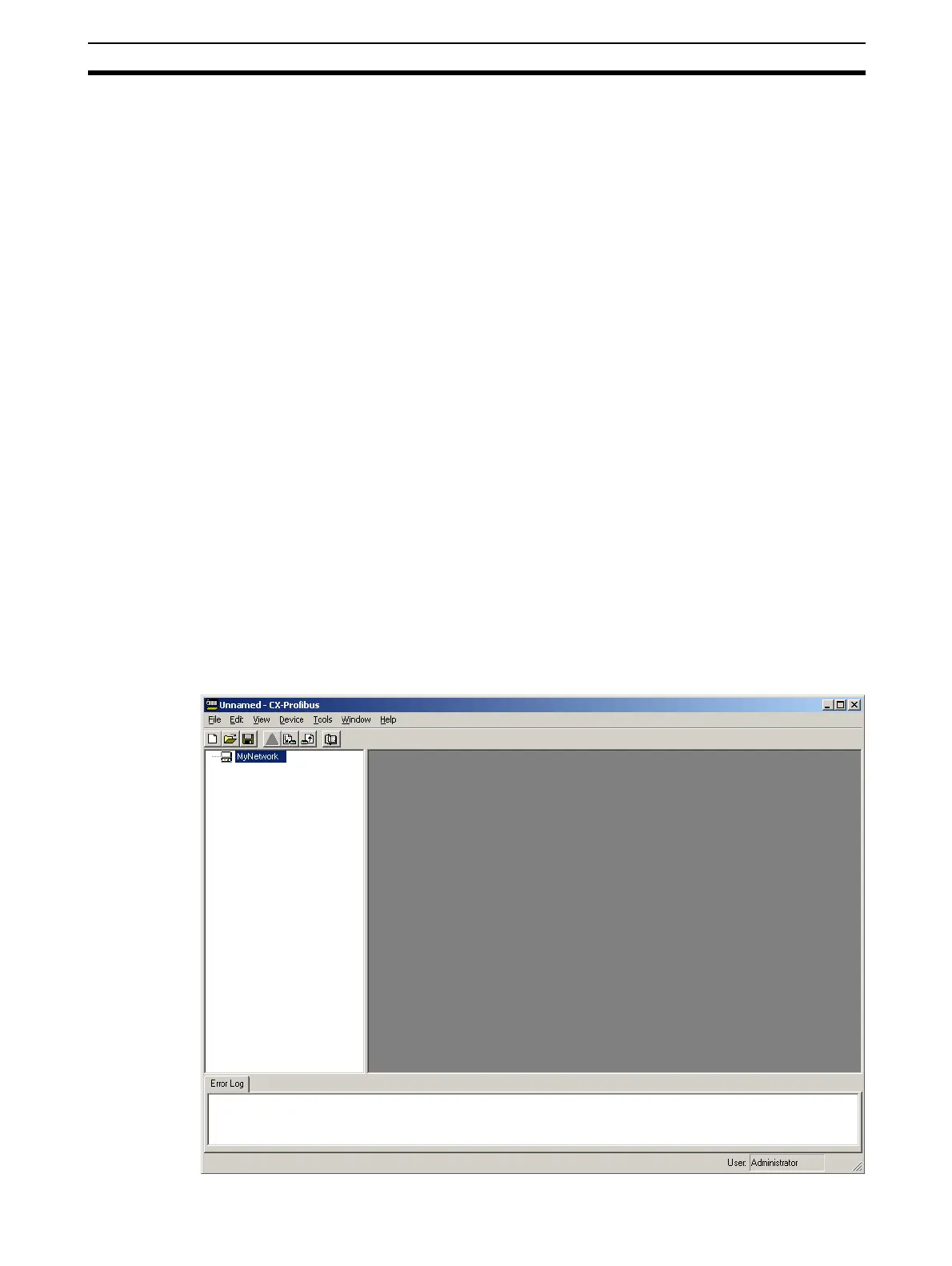
CX-Profibus will now start, displaying the main window, as shown below.








 To Next Page