120
Configuring the Master
Section 6-4
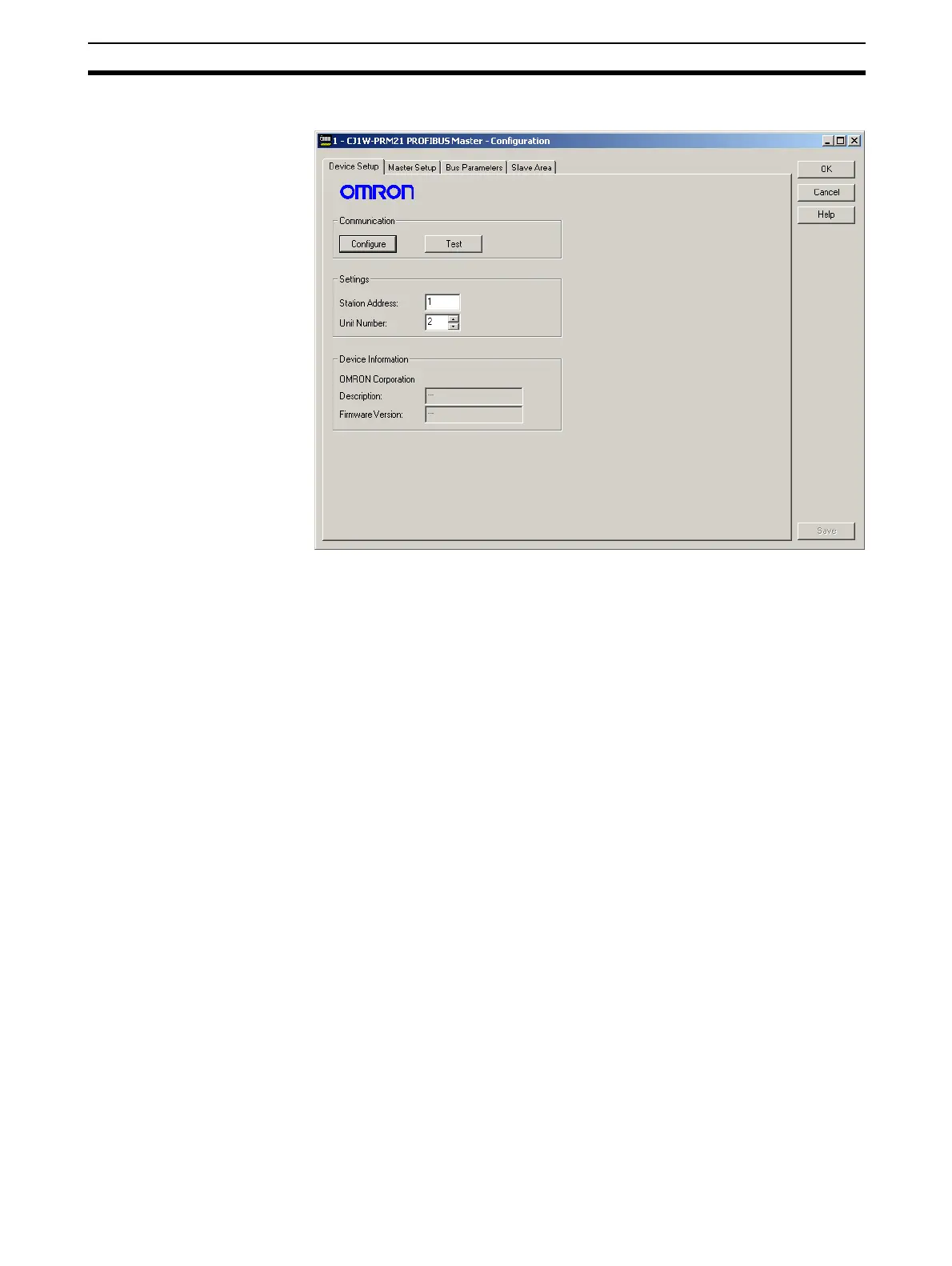
In the first tab, the station address and the unit number must be set. The sta-
tion address can be set in the range from 0 to 125.
The setting of the unit number is required to setup communication with the
Unit through CX-Server. The setting in the User Interface must match the set-
ting made with the rotary switch on the front of the Unit.
Example In the example network the station address is already assigned a number (1).
Note The station address is normally assigned automatically. Only in the case
where there are other devices in the network which have the same address,
the station address of the Master DTM may need to be changed.
Example For the purpose of the example, the unit number has been set to 2.
After making the changes, select the Save button in the lower right corner of
the User Interface to accept the changes. Next select the Master Setup tab, to
display the Master Setup options.
6-4-1 Setting the Master Parameters
The Master Setup tab defines
• the behavior of the Master Unit, when the PLC CPU switches its mode
between RUN / MONITOR and PROGRAM mode.
• The behavior of the Master Unit in case an error occurs in one of the slave
devices allocated to the Master Unit.
• The method of address mapping.
Example The figure below shows the settings for the example.








 To Next Page