33
Setting up a Network
Section 2-4
After creating the I/O table, the Unit is ready to be configured for first use on
the PROFIBUS-DP network.
Note After mounting the Unit and starting it up for the first time, the Unit’s Configu-
ration is empty. This will cause the red ERC LED on the front of the Unit to be
switched ON. In this situation, the Unit can still be configured.
2-4 Setting up a Network
2-4-1 Network Structure
Communication medium The PROFIBUS standard defines the use of EIA RS-485 as the main commu-
nication transport medium. The PROFIBUS-DP Master Unit is designed to
interface directly to this type of medium. This section will discuss the setup of
networks based on this medium.
Note The other communication medium specified for PROFIBUS is optical fibre.
The PROFIBUS-DP Master Units does not provide a direct interface to this
type of medium. However, by using third party couplers an interface between
EIA RS-485 and optical fibre networks can be made.
Linear Bus Topology PROFIBUS-DP defines the use of the Linear Bus Network Topology. The Bus
must be terminated at both ends, and must not contain network branches.
The total cable length of the bus depends on the cable and the selected baud
rate. Also, RS-485 specifies a maximum of up to 32 stations - master and
slave stations - per line segment. If more than 32 stations are to be con-
nected, or if the total length of the segment must be extended beyond its max-
imum, repeaters must be used to link the separate segments.
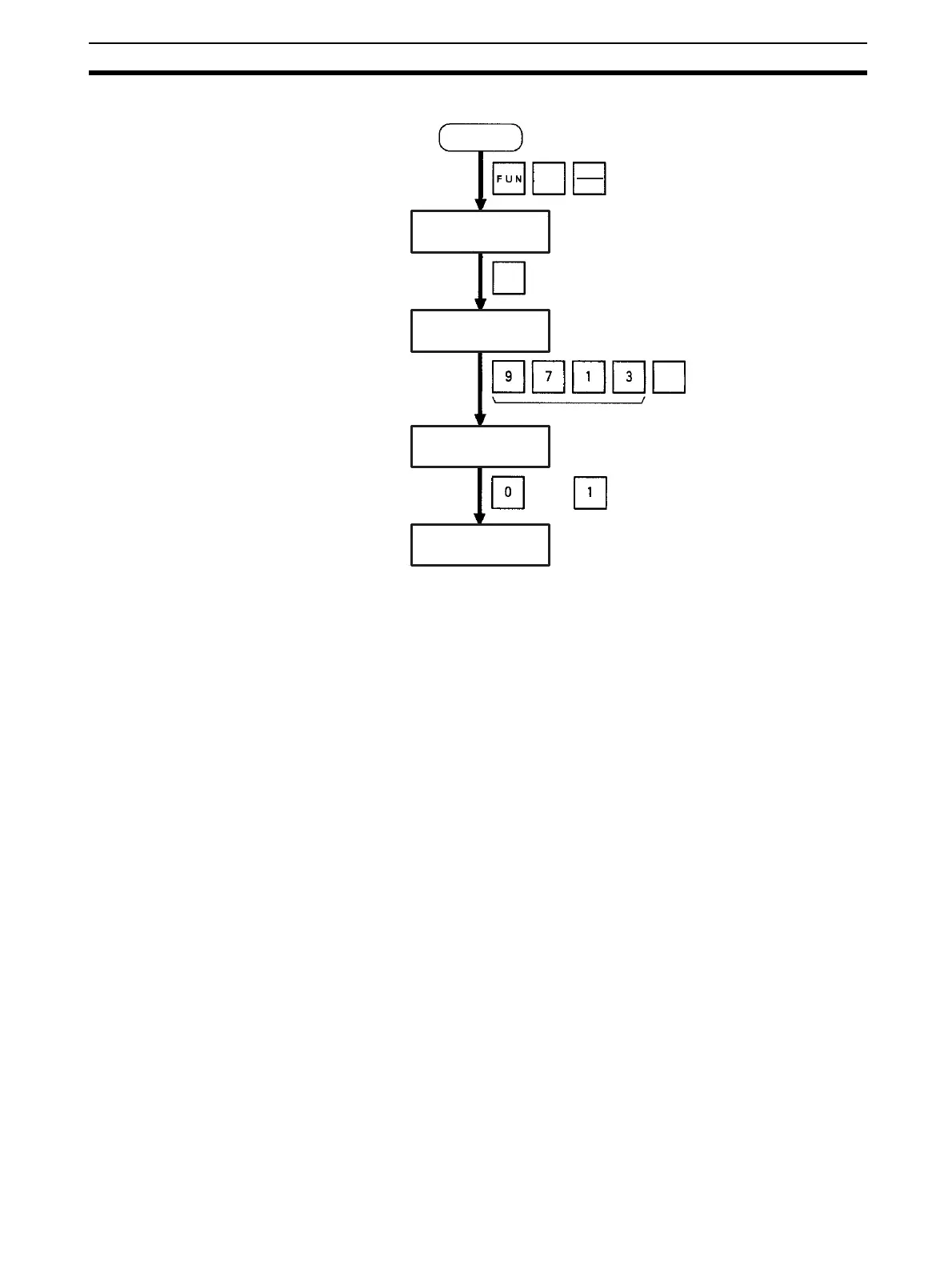
Initial screen
Password
or
(Save or clear the CPU Bus Unit System Setup.)
SHIFT
WRITE
CHG
CH
*DM
000000 I/O TBL ?
000000 I/O TBL
WRIT ????
000000CPU BU ST?
0:CLR 1:KEEP
000000 I/O TBL
WRIT OK








 To Next Page