130
Troubleshooting Using LED Indicators
Section 7-2
Unit Start up Errors
Note If startup errors prevent the Unit from functioning correctly, the PRM, BST and
BF LED indicators will remain OFF.
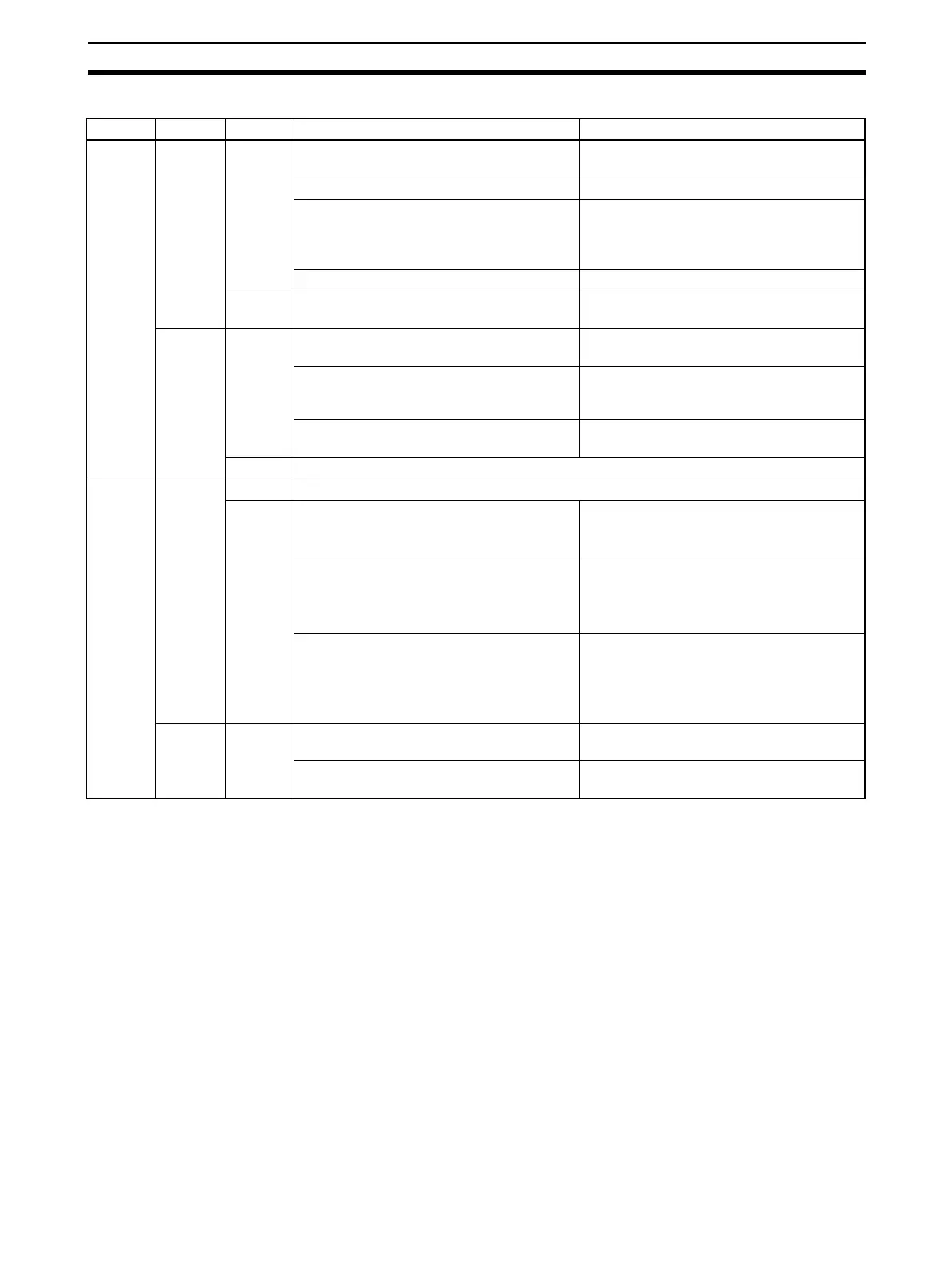
RUN ERH ERC Probable cause Correction
Not lit Not lit Not lit Power is not being supplied to the CPU Unit
or the power supply voltage is too low.
Supply power. Make sure that the correct
voltage is being supplied.
The CPU Unit or Backplane is faulty. Replace the CPU Unit or the Backplane.
The mounting screws on the PROFIBUS-
DP Master Unit are loose (CS Series) or
the sliders are not properly locked into
place (CJ Series).
Tighten the mounting screws to the speci-
fied torque (CS Series) or lock the sliders
into place (CJ Series).
The PROFIBUS-DP Master Unit is faulty. Replace the PROFIBUS-DP Master Unit.
Lit The PROFIBUS-DP Master Unit is faulty
(COMM LED indicator is also flashing).
Replace the PROFIBUS-DP Master Unit.
Lit Not lit The I/O tables are not registered in the
CPU Unit.
Register the I/O tables.
The same unit number is being used on
another Unit as well.
Correct the unit number. Make sure that all
unit numbers used in the system are
unique.
The PLC CPU Unit is faulty. Restart the CPU Unit. If the problem per-
sists, replace the CPU Unit.
Lit Not a valid combination at startup.
Lit Not lit Not lit Unit is functionally correct. If there are still problems, check on the other LED indicators.
Lit During startup the checksum of the Error
Log stored in non-volatile memory was
found to be corrupted.
Send a ERROR LOG CLEAR FINS com-
mand to the Unit.
Restart the Unit.
During startup the checksum of the Param-
eter sets stored in non-volatile memory was
found to be corrupted.
Re-download the Parameter sets from CX-
Profibus or the Memory Card.
If the problem persists, replace the PROFI-
BUS-DP Master Unit.
During startup the Parameter set stored in
non-volatile memory was correct, but the
contents contains errors preventing the
PROFIBUS interface to be initialized cor-
rectly.
Check the Parameter set in CX-Profibus
and re-download the Parameter sets from
CX-Profibus.
If the problem persists, replace the PROFI-
BUS-DP Master Unit.
Lit --- Memory in the CPU Unit is faulty. Restart the CPU Unit. If the problem per-
sists, replace the CPU Unit.
The CPU Unit is faulty. Restart the CPU Unit. If the problem per-
sists, replace the CPU Unit.








 To Next Page