41
Installation
Section 3-1
5. The operations and displays shown in the following procedure may differ
slightly depending on the version of Windows software being used. The
displays for Windows 2000 are shown here.
1,2,3...
1. Exit all other Windows-based programs.
2. Insert the setup disk (CD-ROM) into the CD-ROM drive.
3. Double-click
Setup.exe
.
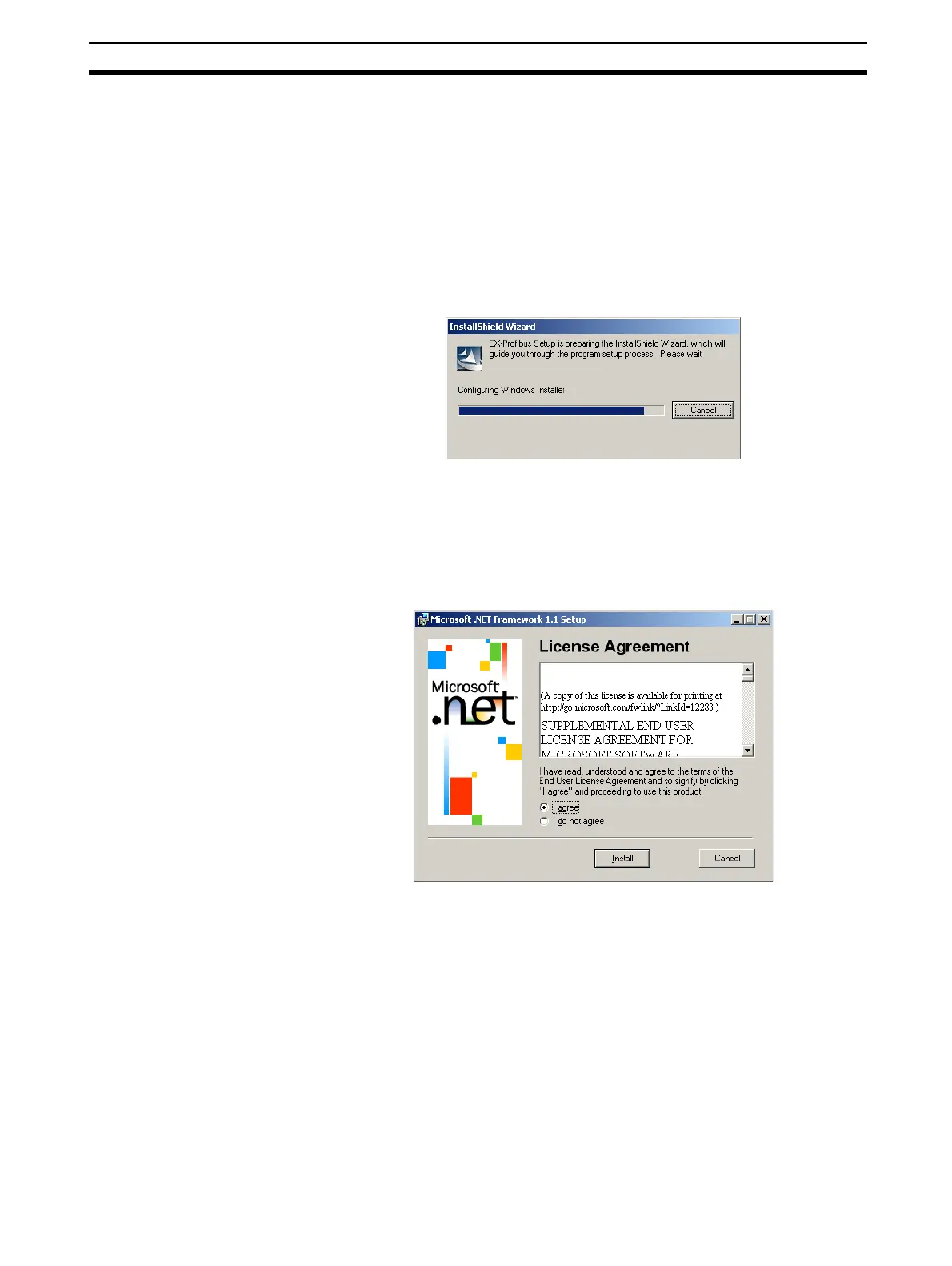
The setup program for CX-Profibus will start. A progress dialog window is dis-
played, indicating progress of the setup as the program is loaded.
4. During the preparation, the InstallShield wizard will determine if the Mi-
crosoft.NET framework needs to be installed. This package is required
during installation and for executing CX-Profibus. If already present on the
PC, the installation will be skipped, and the installation process will pro-
ceed with step 7. Installation of the Microsoft.NET framework first displays
the Licence window, as shown below.
In order for the installation to continue, the user must agree to the License
statement and click the Install button








 To Next Page