43
Installation
Section 3-1
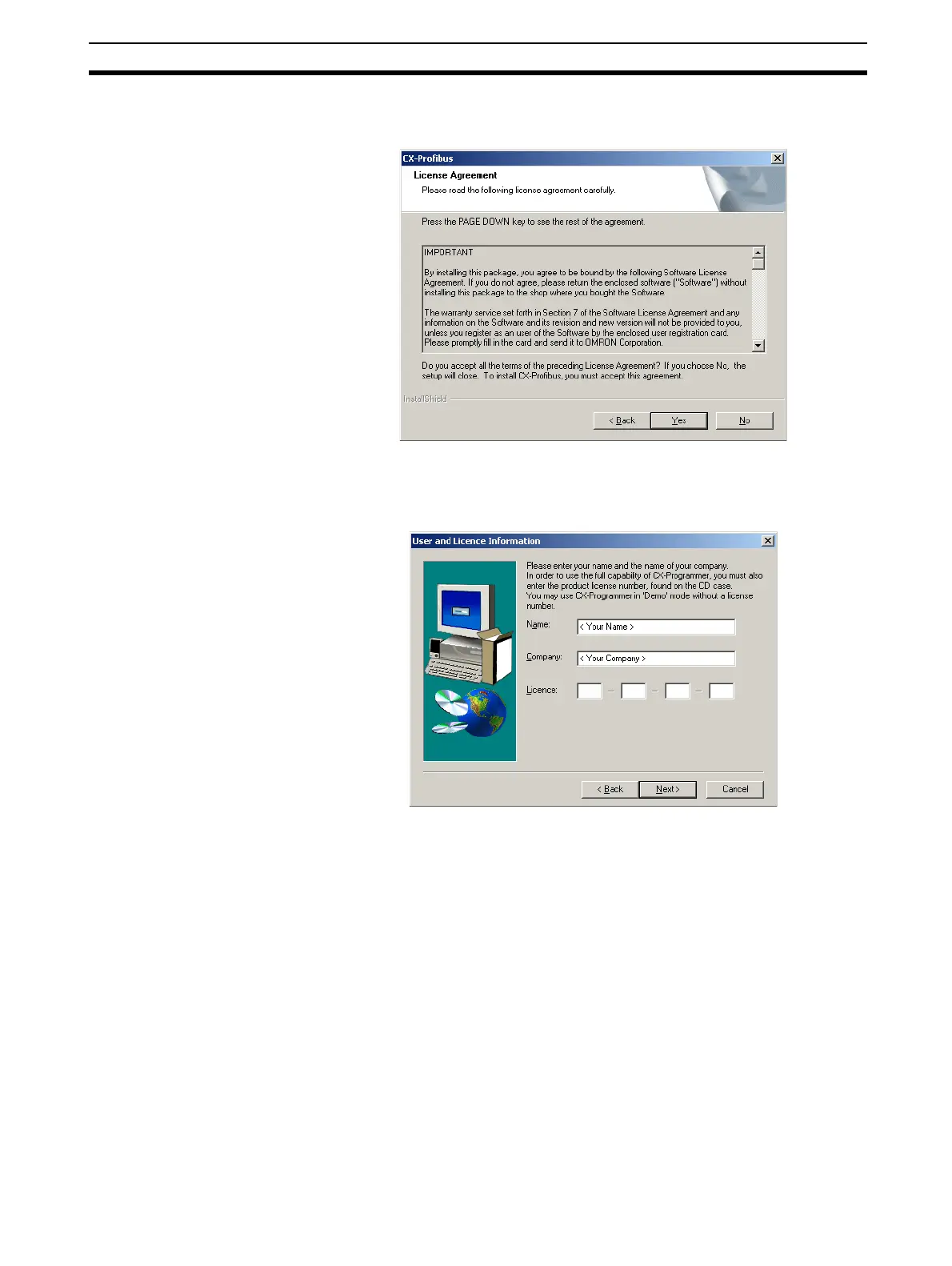
cense. If the License is not accepted - by selecting the No button -, the in-
stallation will be terminated.
9. After accepting the License statement, the window below is displayed to al-
low you to enter your name, your Company name and the 16-digit License
key provided on the back side of the CD-ROM case.
Note a) If an incorrect 16-digit License code is entered, the program will
display an error message, after which it allows you to re-enter the
number again.
b) If no License code is entered, the program will still be installed, but
it will run only for 30 days after installation. After this 30-day trial
period, you will have to enter the required 16-digit License code in
order to be able to run the program.
10. After entering the information a window will be displayed, allowing you to
verify the entered information before installation commences. If the infor-








 To Next Page