69
PROFIBUS-DP Master DTM
Section 3-3
In order to access the Diagnostics User Interface, the DTM has to be on-line,
i.e. a communication channel between the DTM and the PROFIBUS-DP Mas-
ter Unit must have been established.
Opening the DTM
Diagnostics User Interface
In order to open the DTM Diagnostics User Interface perform the following
sequence.
1,2,3...
1. To go on line, perform one of the following actions.
• Select the DTM in the Network View.
• Select the Device - Go Online option from the main menu, or from the
DTM context menu, or
• Select the button from the Tool Bar.
2. A communication channel will be opened through CX-Server. The name of
the DTM in the Network View window, will turn to Italic font, to indicate that
the Unit is on-line.
3. Select the Device - Diagnosis option from the main menu, or from the
DTM context menu. The Diagnostics User Interface will now be displayed.
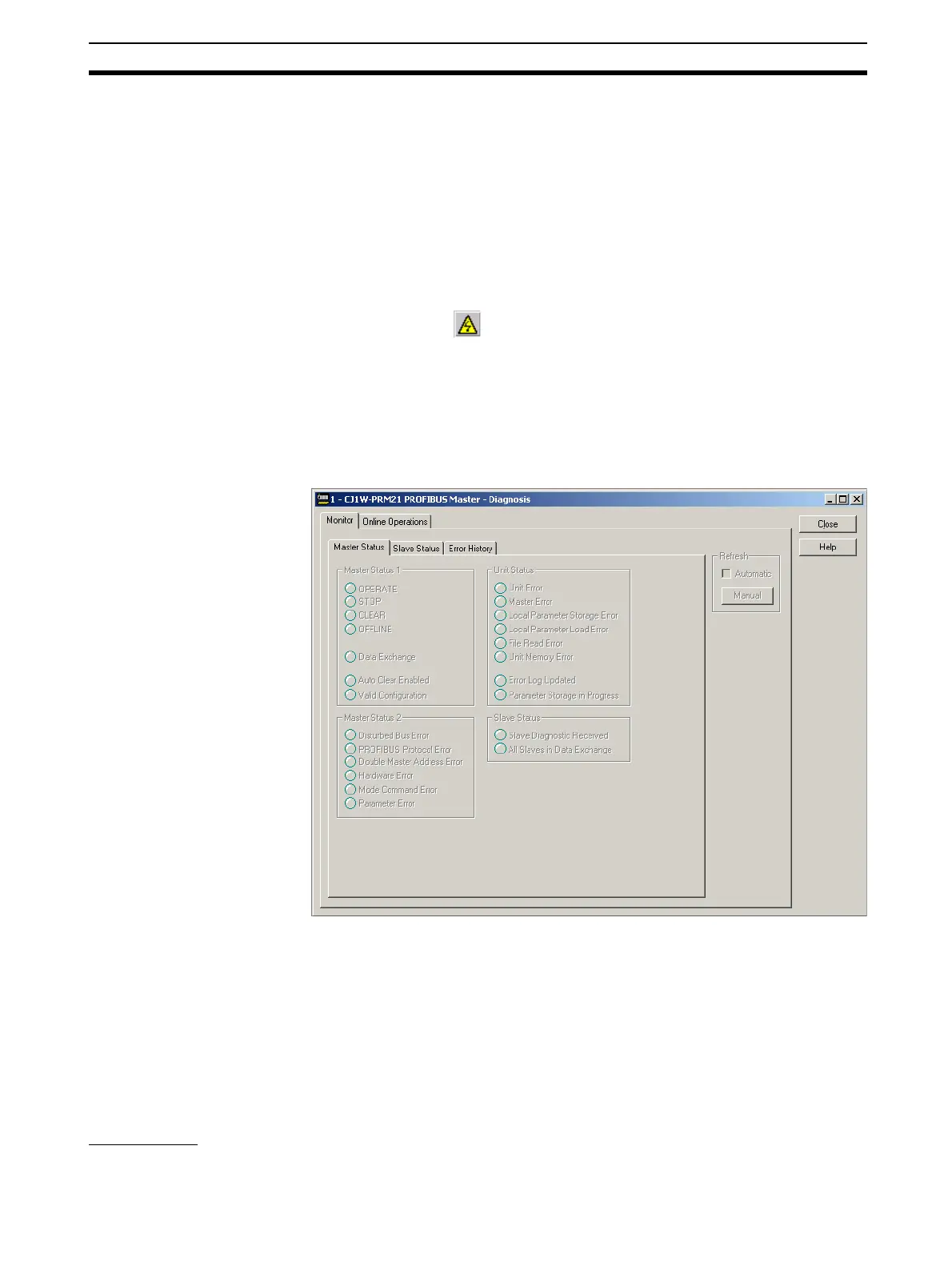
The figure below shows an example of the DTM Diagnostics User Interface.
The DTM Diagnostics User Interface contains two tabbed windows:
• The Monitor tab
This tab displays all Master Unit status and error information as well the
overall slave status information, which resides in the Master Unit.
• The Online Operations tab
This tab contains controls to initiate state changes in the Master Unit as
well as transmit Global_Control messages over the PROFIBUS network.
Monitor Tab The Monitor tab in the DTM Diagnostics User Interface contains three sub-
tabs:








 To Next Page