73
PROFIBUS-DP Master DTM
Section 3-3
The Error Log entries are described in section
7-5-2 Error Codes
. Refer to this
section for details.
Clear Button Pressing the Clear Button, initiates an ERROR LOG CLEAR FINS command.
All error messages in the Unit and the displayed list will be cleared.
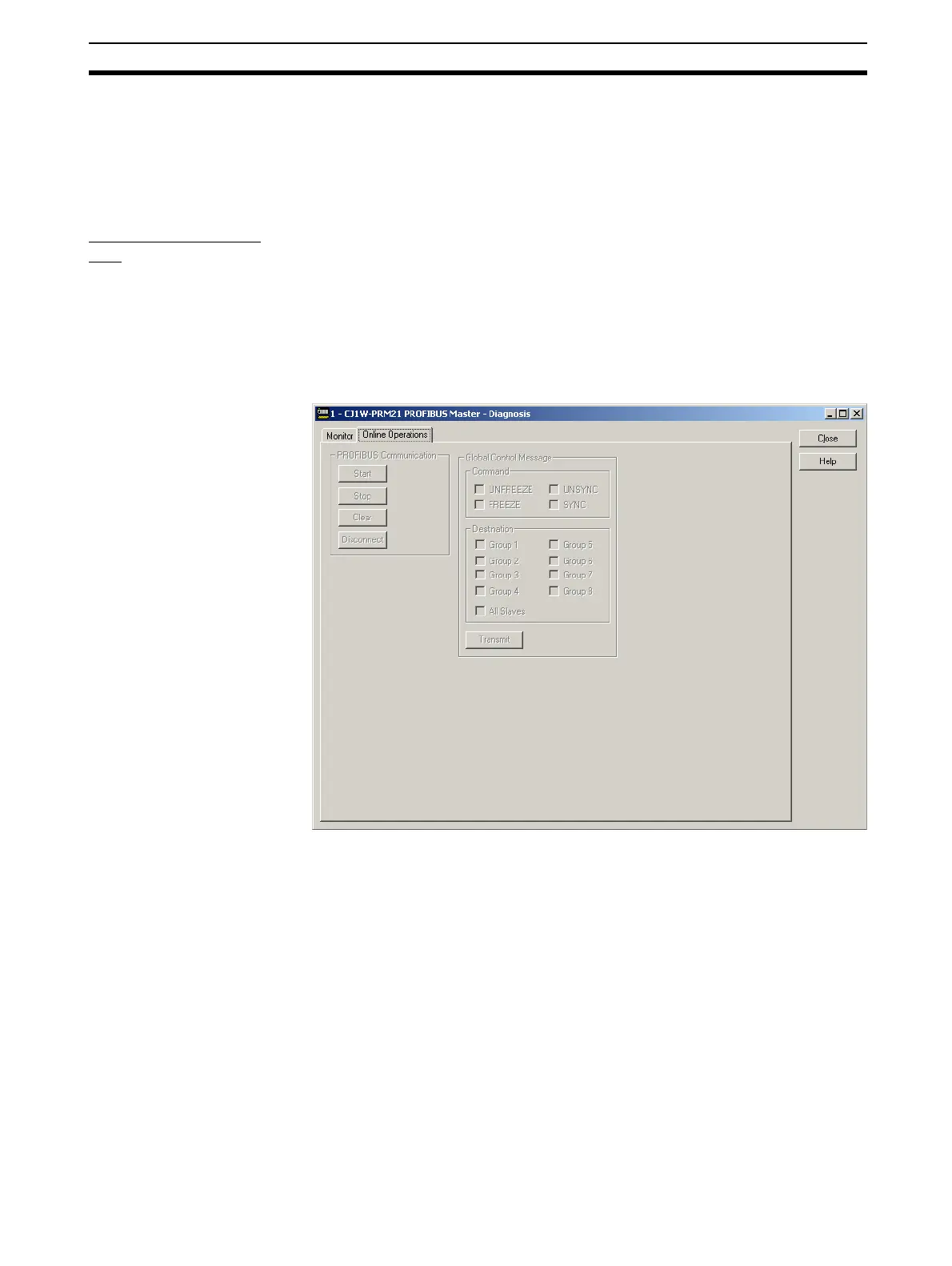
Online Operations
Tab
The Online Operations tab is the second main tab in the DTM Diagnostics
User Interface. It contains the necessary controls to
• Switch the Master unit to PROFIBUS Operational modes
• Select one or more groups, and Global_Control Commands and transmit
Global_Control message over the PROFIBUS network.
The Online Operations tab is shown below.
PROFIBUS
Communication Group
These buttons can be used to force the Unit to change its operating mode.
The four operational modes are
• OFFLINE mode.
• STOP mode.
• CLEAR mode.
• OPERATE mode.
The mode changes are implemented through FINS messages to the Unit’s
software switches in the CIO Memory Area (see section
4-2-1 Software
Switches 1 (Word n)
).
!Caution When initiating a mode change, it may interfere with attempts from the PLC
Program to write to the same software switches. Care should be taken to
avoid these situations.








 To Next Page