Setting Up the System - 143
For systems with more than
one encoder, the printer
must be connected to the
Main Encoder.
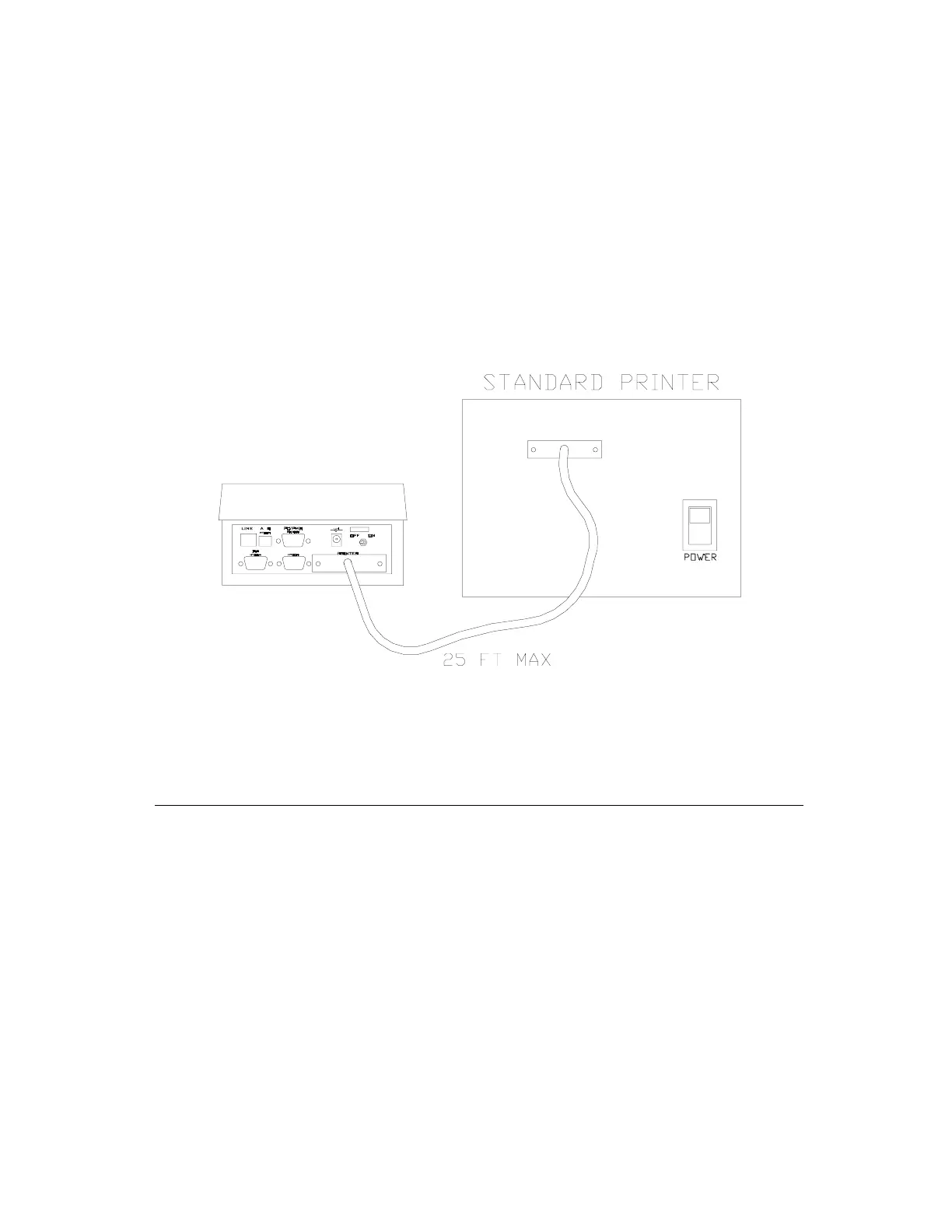
To connect a parallel printer to the HT22, connect one
end of a standard parallel printer cable to the printer you
wish to use. This cable may not exceed 25 feet in length.
Connect the other end of the cable to the 25-pin
connector labeled PRINTER (see Figure 15 on page 145
below) located on the rear panel of the HT22.
Figure 15 – Connecting the Printer
Other Tasks
Programming the Locks
Now that your system is set up and ready to begin live
operation, it is necessary to program all of the locks on
the property. Make sure to set the date and time of
the encoder before loading the Portable
Programmer. Once the date and time are correct, load
the Portable Programmer and Initialize the locks. Refer
to Load Portable Programmer on page 100 for loading
the program, and refer to Initialize on page 116 for
initializing the locks.



 To Next Page