29716AF 31
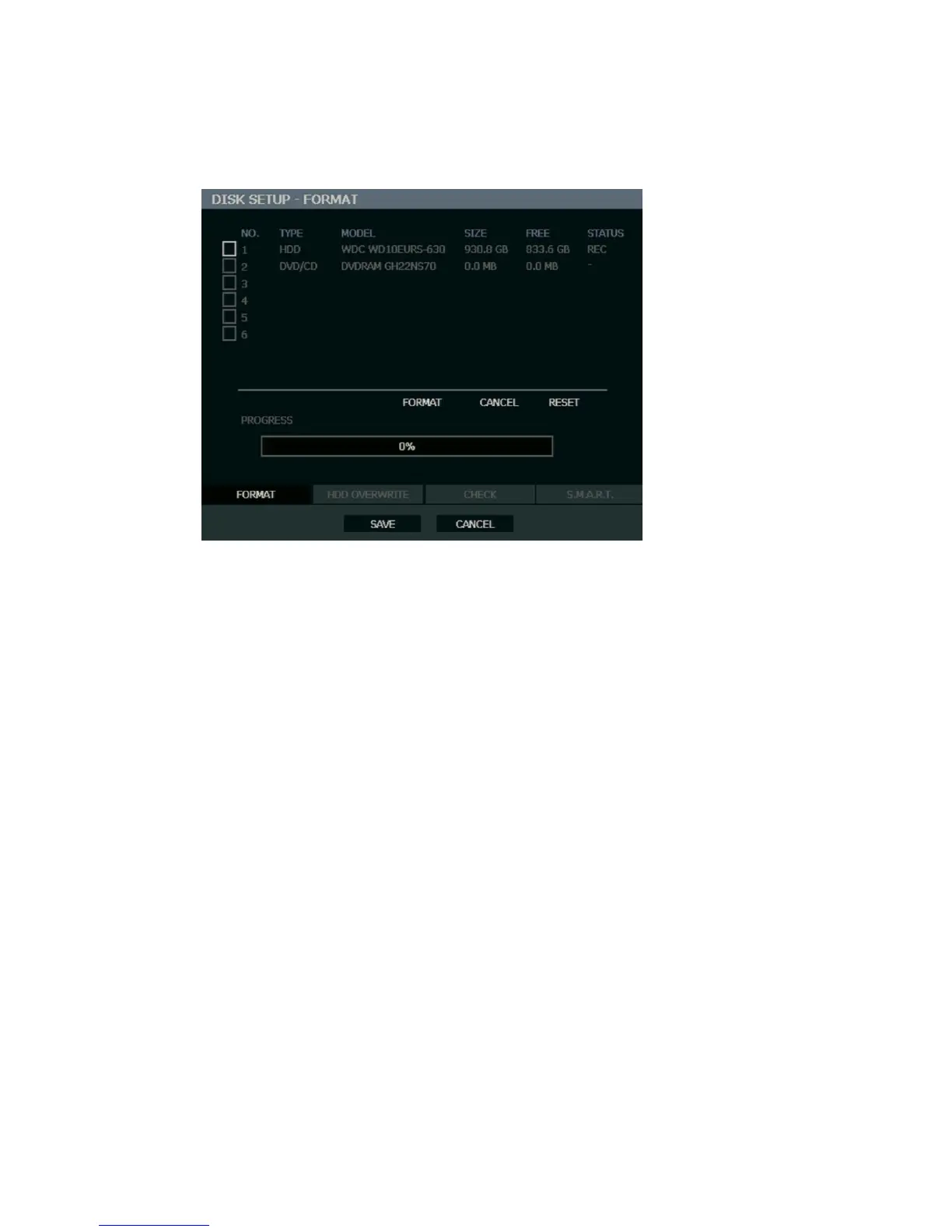
Disk Setup
Format
Shows installed Hard Disk Drives and the status of other attached storage devices.
To format a Hard Drive or USB device, use the arrow keys to select the appropriate device
and press ENTER. Select FORMAT and press ENTER. Select YES to confirm and press
ENTER.
Tip Refer to the list of Approved USB Flash Drives in the Introduction chapter.
To refresh the list of connected USB devices select RESET and press ENTER.
Caution All USB devices must be formatted as FAT32 before using with the recorder.
Note When formatting a drive, all video and other data stored on that drive will be
permanently erased and cannot be recovered.



 To Next Page