38
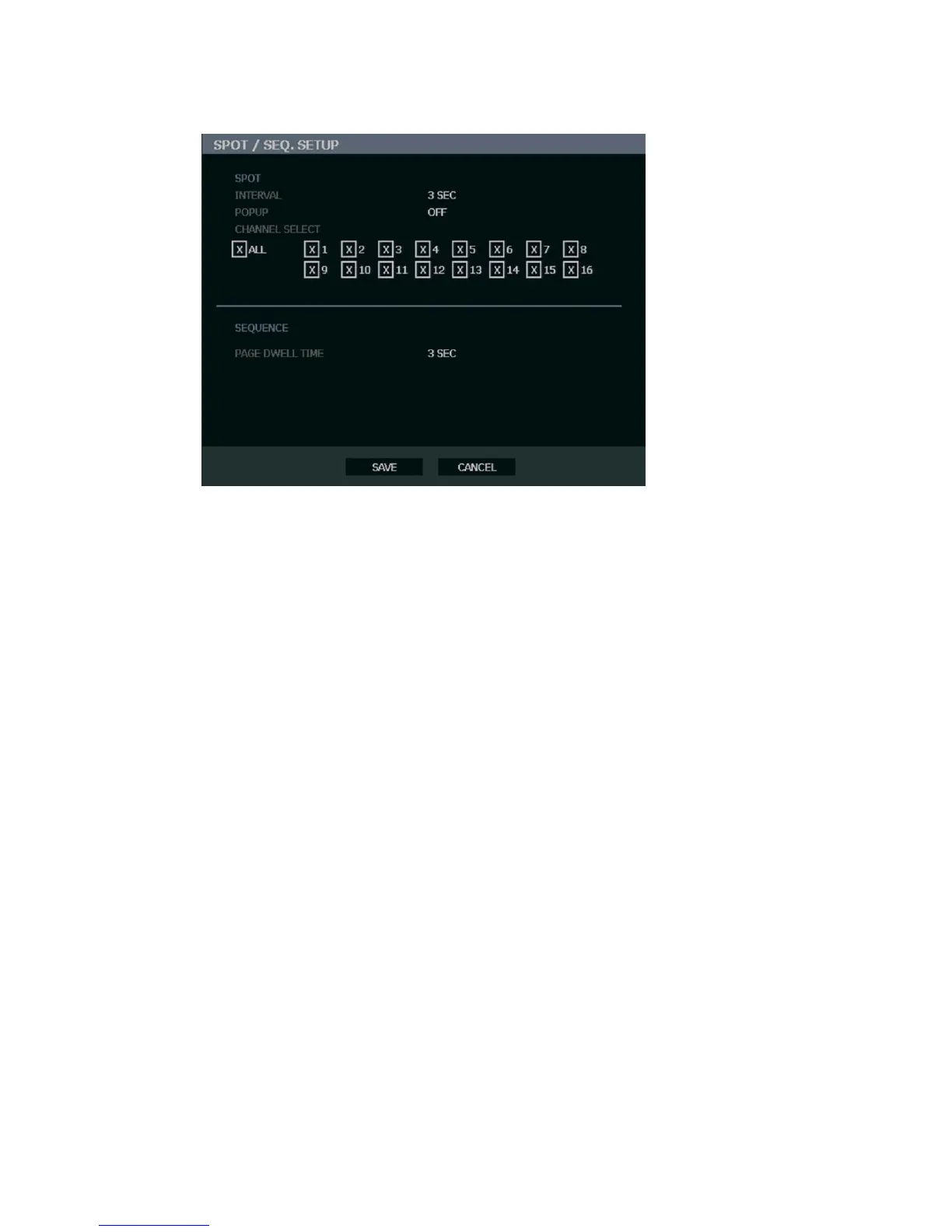
Spot / Sequence Setup
Spot/Sequence Setup allows you to set the parameters for the SPOT OUT on the recorder
and the local live view sequencing.
SPOT – Configure the SPOT OUT connection.
INTERVAL – 1 ~ 100 seconds [Set the sequence interval time].
POPUP – ON / OFF [When set to ON, this function interrupts the sequencing when an event
occurs, and switches to the event channel.]
CHANNEL SELECT – 1~16 / ALL [Select cameras to include in sequence.]
SEQUENCE – Configure the appearance of the sequence on the live view screen
(MAIN/VGA).
PAGE DWELL TIME – 0 ~ 100 seconds [Set the sequence interval time for full page].



 To Next Page