36
Configuration
Import and Export current settings. See details in the Save Settings
section.
Shutdown
Use Shutdown to safely shutdown the system.
1. Select SYSTEM > SHUTDOWN.
2. Select OK to confirm and press ENTER to safely shutdown the system.
3. Turn the power off when shutdown is complete by unplugging the power adapter cord on
the back of the recorder.
Note Improper shut down of the system can cause data loss and system corruption.
CAMERA
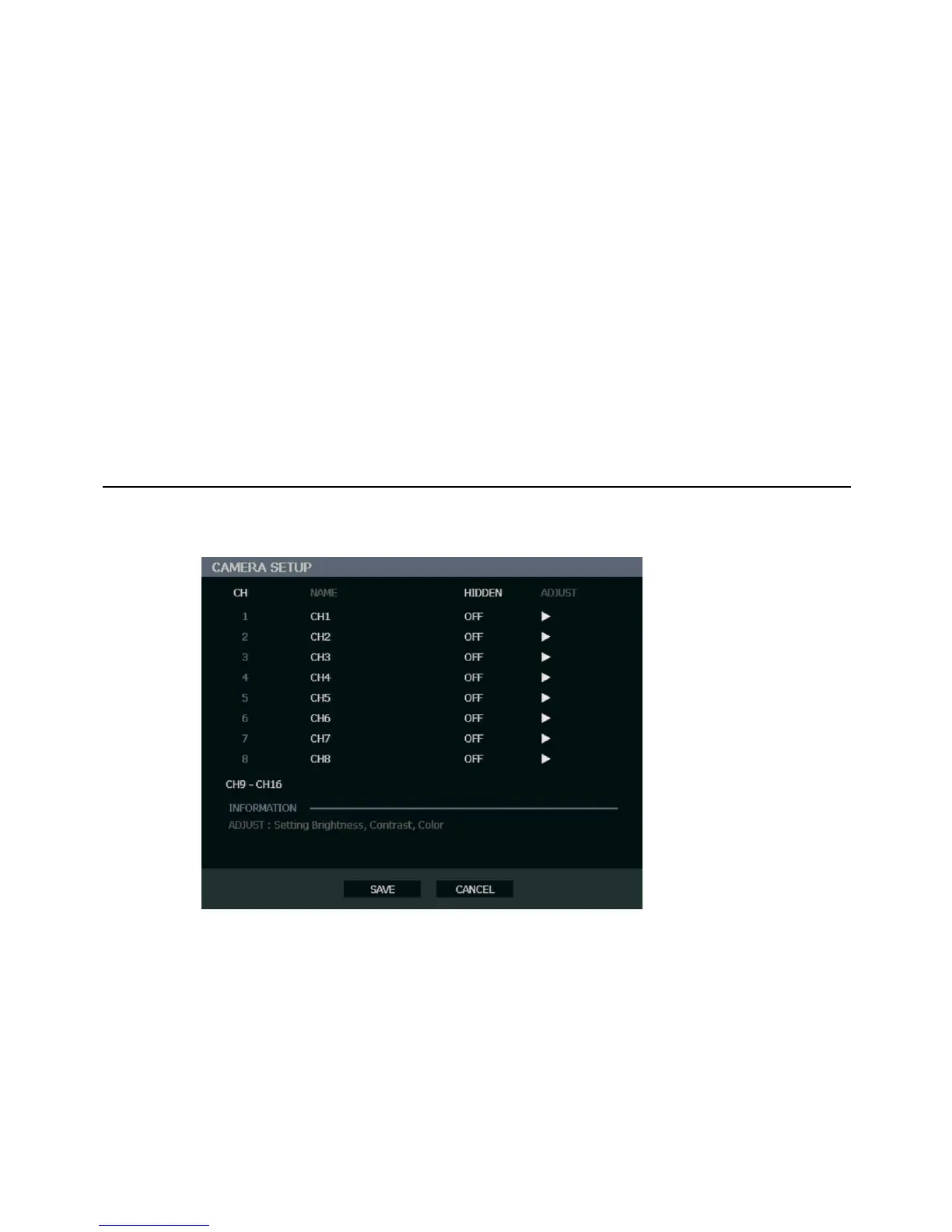
Camera Setup
CH – Camera Channels
NAME – Use the on-screen keyboard to enter a camera name [user defined]
HIDDEN – ON/OFF
Note HIDDEN on the CAMERA SETUP page hides cameras from the main monitor
(VGA/MAIN BNC) when no users are logged in. To hide cameras from users, clear
camera check boxes on the SYSTEM > USER SETUP > ADD/CHANGE.
ADJUST – Detailed camera display settings



 To Next Page