90
EMERGENCY AGENT
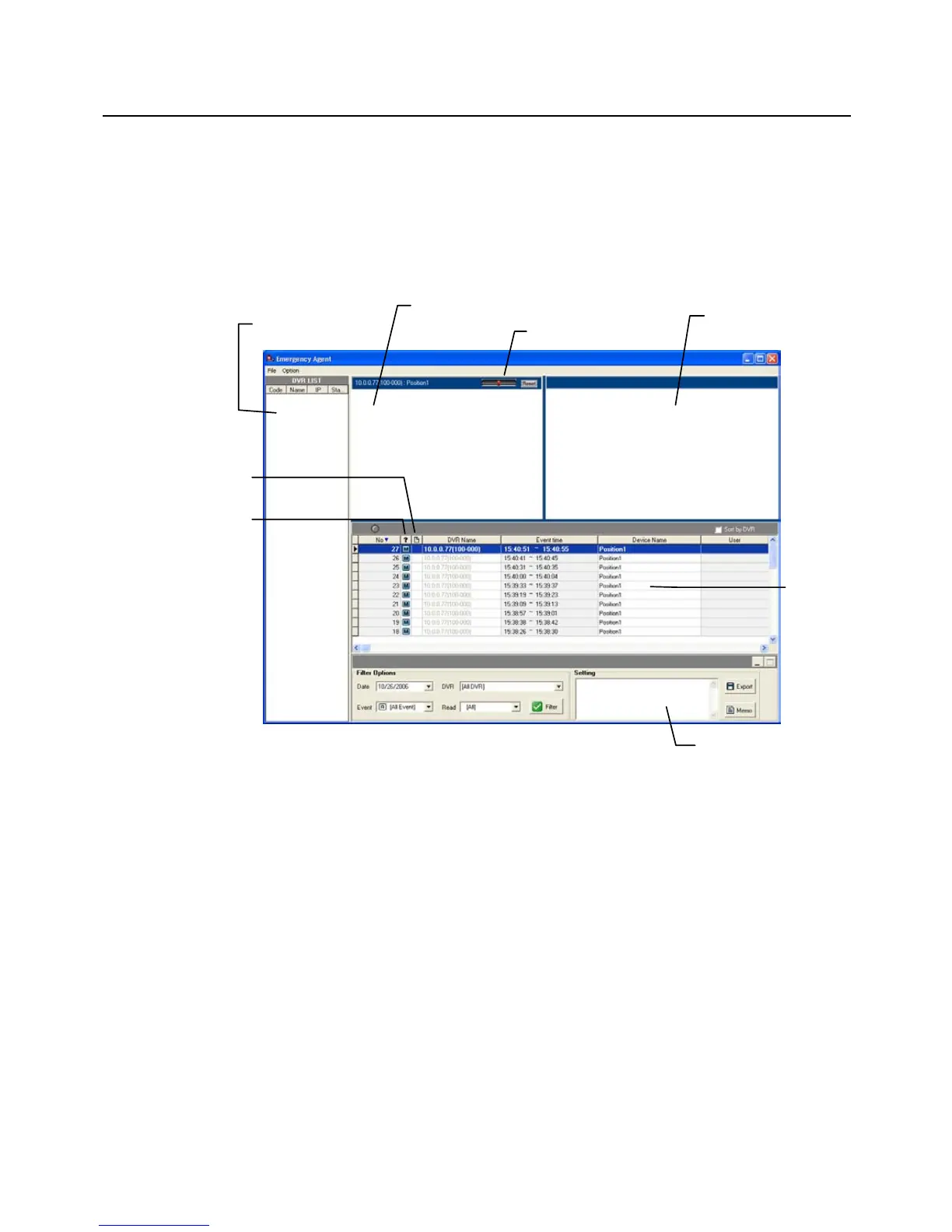
OpenEye Emergency Agent is used to view emergency alarms from the connected recorders,
including Video Signal Loss and Sensor alarms. Use the Filter Options to filter through the
different types of alarms. After viewing event video, include a memo for future searches.
By double-clicking an alarm entry, the search window will open with the associated recorder,
camera, and time related to the event already selected.
Note If all Alarm Event results are not visible, click Off to turn the Filter Options off
Connecting to a Recorder Using Emergency Agent
1. On the recorder go to SETUP.
2. Go to RECORD > MOTION/EVENT SETUP > ALARM MONITOR.
3. Set SEND TO ALARM MONITOR to ON.
4. Define the types of alarms to send to the Emergency Agent software (MOTION,
SENSOR, MOTION+SENSOR).
5. Enter the IP Address of the computer running the Emergency Agent software.
6. Note the Port setting.
Note The Emergency Agent uses one port to transfer the data through. The port can be
adjusted inside the Network settings if necessary. It is recommended that the
default setting should be used unless the port must be changed.
7. Create a schedule for the appropriate sensors and cameras.



 To Next Page