68
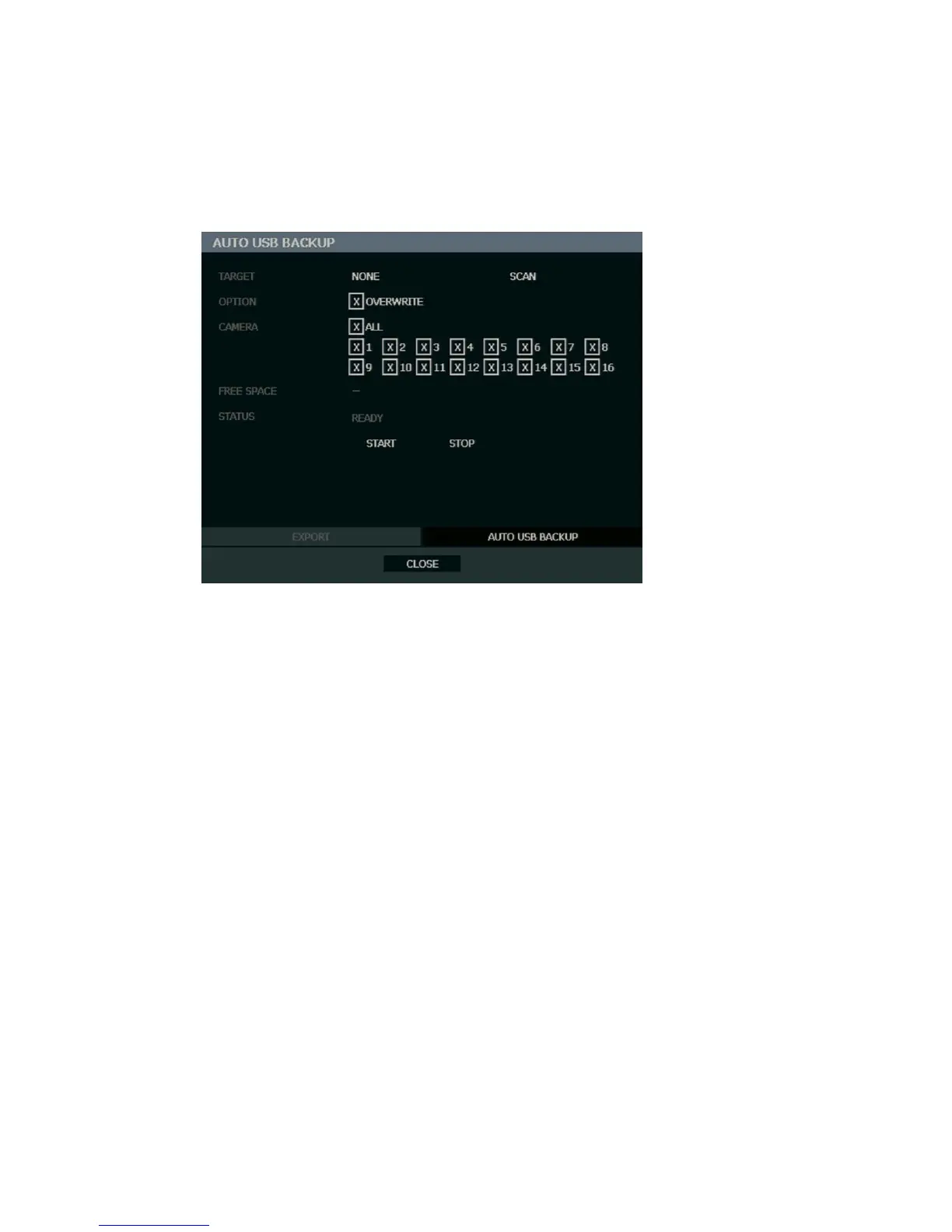
Auto USB Export
Create a mirrored backup of recorded data on a connected USB external hard drive.
Caution OpenEye recommends the use of hard drives only; the use of flash drives is not
recommended for auto backup.
1. Press BACKUP on the front panel or remote control and log in.
2. Select AUTO USB BACKUP.
3. Connect a USB hard drive to the recorder.
4. Select SCAN to locate the drive and then select TARGET.
5. Select the OVERWRITE check box if you want to enable the recorder to write over the
oldest data when the drive is full.
6. Select CAMERAS to include in backup.
7. Select START to start backup.
Caution Do not shutdown the system during the backup process.



 To Next Page