96
Function Buttons
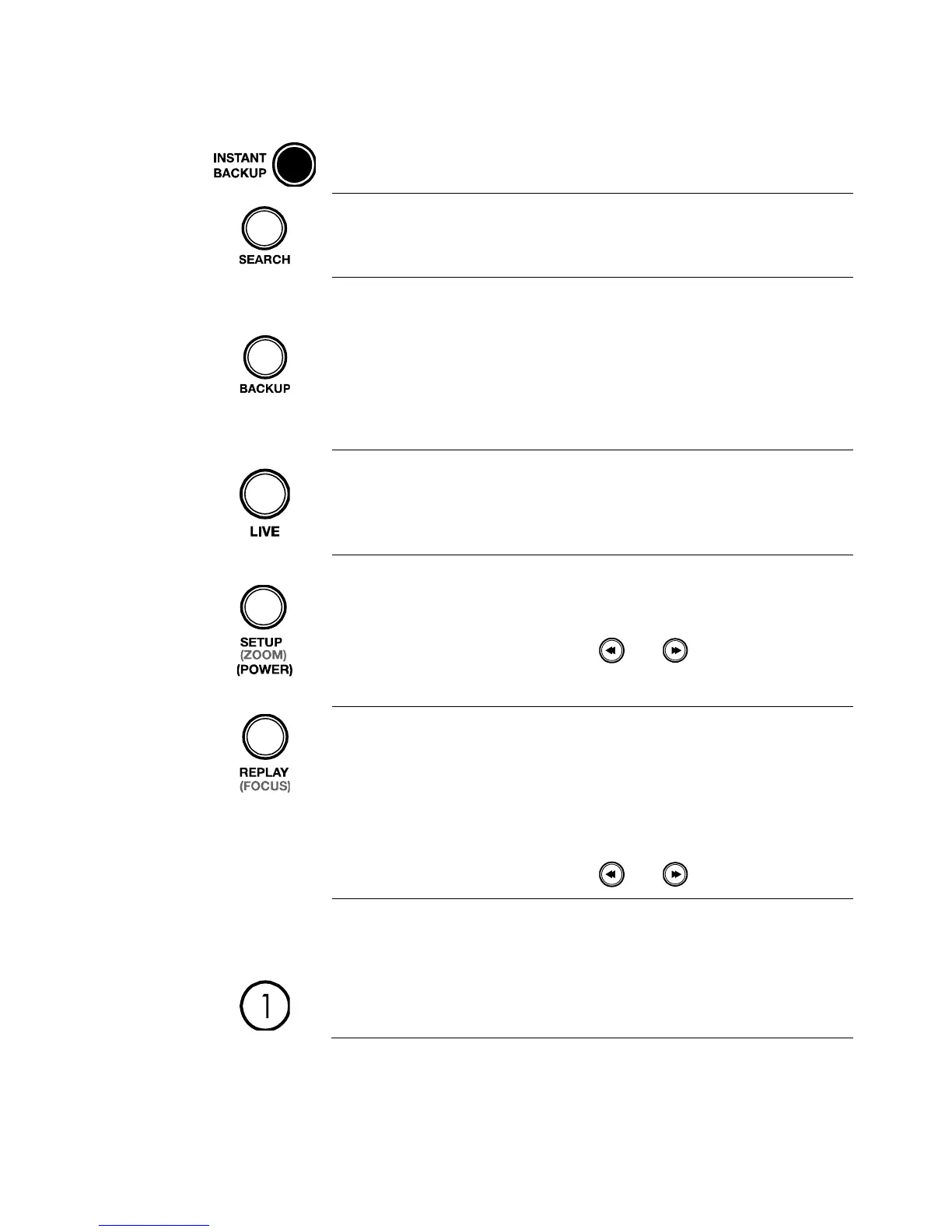
Instant Backup
Back up the most recent video instantly.
Search
Open the search menu.
Backup
In live mode, press to open the backup
menu.
For Quick Backup in the search mode,
• Press once, to set the start time.
• Press again, to set the end time.
• Press a third time, to complete
Backup.
Live
Change the display mode. Display switches
in the following order when the LIVE key is
pressed successively: (Single > 4 > 7 > 9 >
10 > 13 > 16 > Single > 4 > 7 > 9 ...split
screen mode).
Setup
Open the setup menu.
Zoom
In PTZ mode, press to use PTZ Zoom
function.
Use the and buttons to adjust.
Power
Press and hold to shutdown or start.
Replay
Start playback of the latest recordings. (By
default, the system searches recordings in
the past 30 seconds. If no recording is
archived, the system will play back the
latest one.)
Focus
In PTZ mode, press to use PTZ Zoom
function.
Use the and buttons to adjust.



 To Next Page