29716AF 91
Assign Status Settings
In Emergency Agent on the PC:
1. Select an Alarm Event from the list.
2. Right-click the event and select a status level: Default, Review, Dismiss, or Critical.
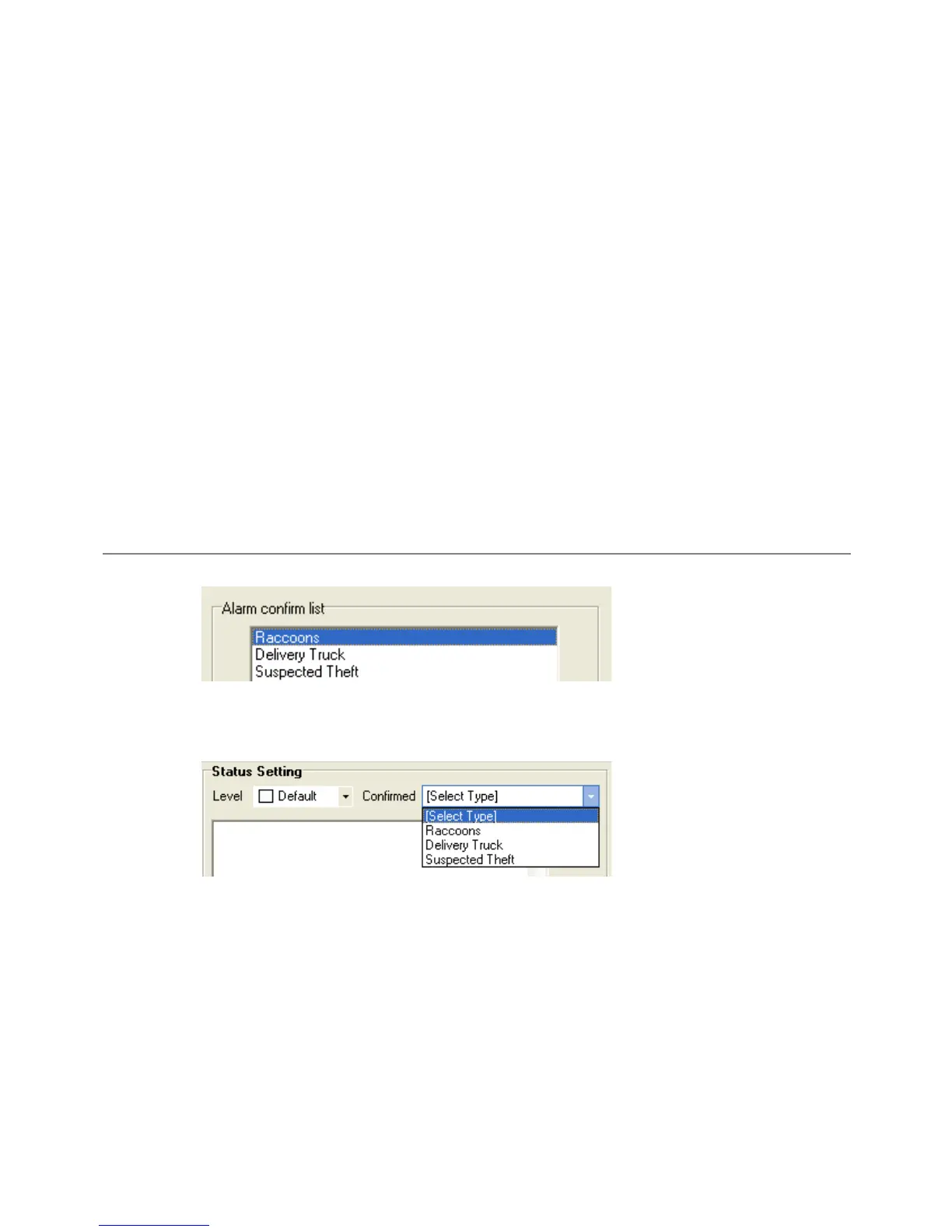
3. Select a defined Alarm Confirmed Type from the list under Status Setting.
4. Type a memo in the Memo box and click the memo button.
Set up EA Options
In Emergency Agent on the PC:
1. From the Option menu, click Setup.
2. Enter the Network Port number. This port number is located on the Alarm Monitor page
on the recorder. RECORD > MOTION/EVENT SETUP > ALARM MONITOR.
3. Select Show Popup Messenger if desired.
4. Select a sound option for alarm events.
5. Add items to the Alarm Confirm List.
6. Click OK to save changes and close the window.
Add Items to Alarm Confirm List
1. Type the desired text in the box below the Alarm confirm list.
Note The items in the Alarm Confirm List will be available on a list under Status Setting in
the Emergency Agent window.
2. Click Add.
3. Click OK to save changes and close the window.



 To Next Page