44
Holiday Setup
Add a recording schedule for a specific date in HOLIDAY SETUP. You can add up to 32
individual holiday recording schedules. To add a new HOLIDAY schdule:
1. Press MENU on the front panel or remote control.
or
Click MENU on the Mouse-over menu and select SETUP.
2. Select RECORD > RECORD SETUP > SCHEDULE.
3. Create a recording schedule in the H.DAY row.
4. Select HOLIDAY SETUP.
5. Select DATE and set the date using the on-screen calendar.
6. Type a description in the box next to the DATE box using the on-screen keyboard.
7. Select ADD to add the holiday.
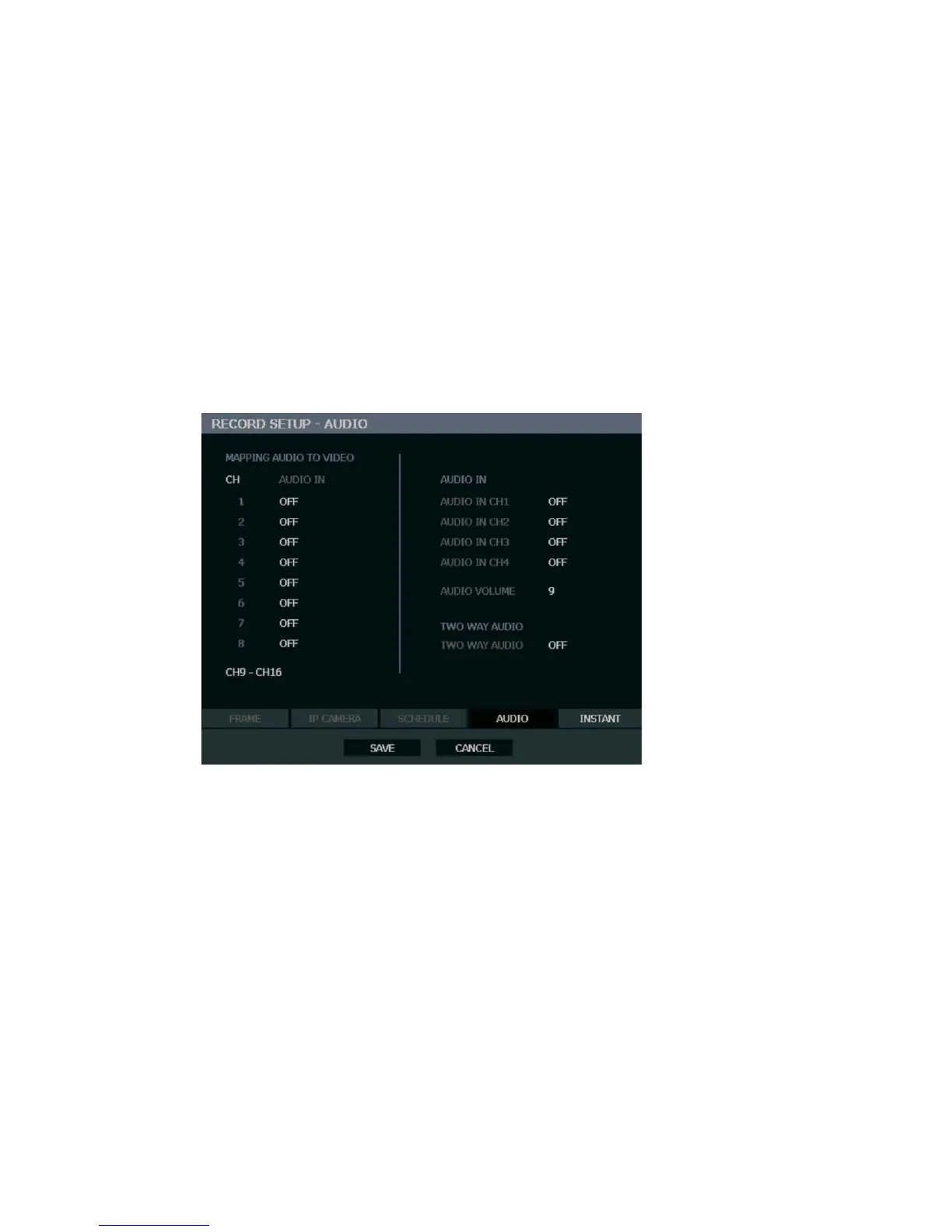
Audio
MAPPING AUDIO TO VIDEO – Associate cameras to the appropriate audio channel.
AUDIO IN – Turn audio channels ON / OFF to enable each audio channel for recording.
AUDIO VOLUME – Set audio volume (1~15).
TWO WAY AUDIO – Turn two way audio ON / OFF.



 To Next Page