29716AF 87
Connecting to a Recorder Using Web Viewer
1. Open Microsoft Internet Explorer.
2. Enter the IP address of the recorder into the Address bar.
3. When attempting this for the first time you will be asked to accept an Active X installation.
Click Yes.
Note If you receive a message saying Internet Explorer security settings do not allow you
to download Active X components then you will need to adjust the browser security
settings. Add the IP address of the recorder to the trusted sites list inside Internet
Explorer settings. Contact the System administrator for additional help with
adjusting Internet Explorer settings.
4. Type the User ID and Password of an authorized user.
5. Click Connect. The cameras will display.
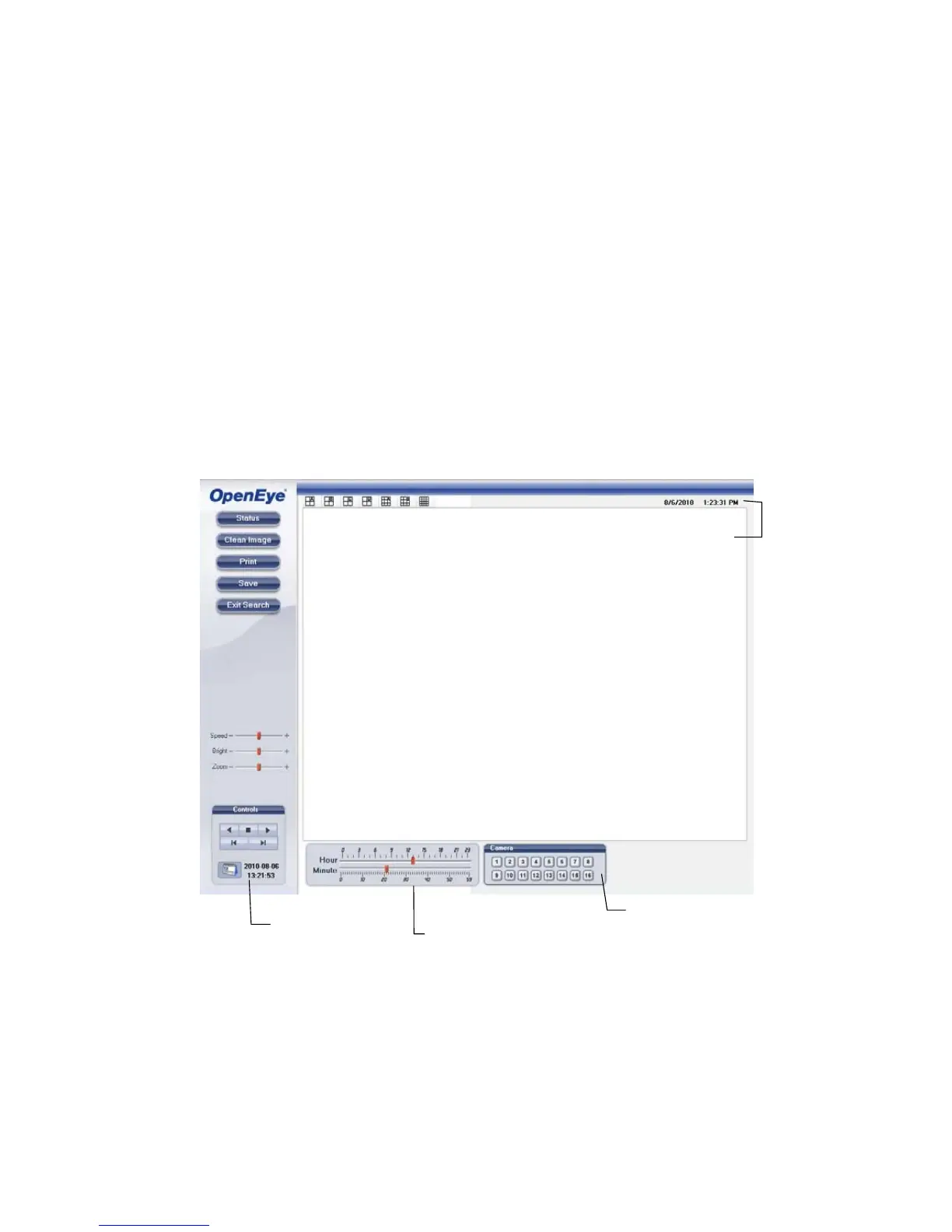
Search Video Using Web Viewer
Camera Display Buttons



 To Next Page