72
SAVE SETTINGS
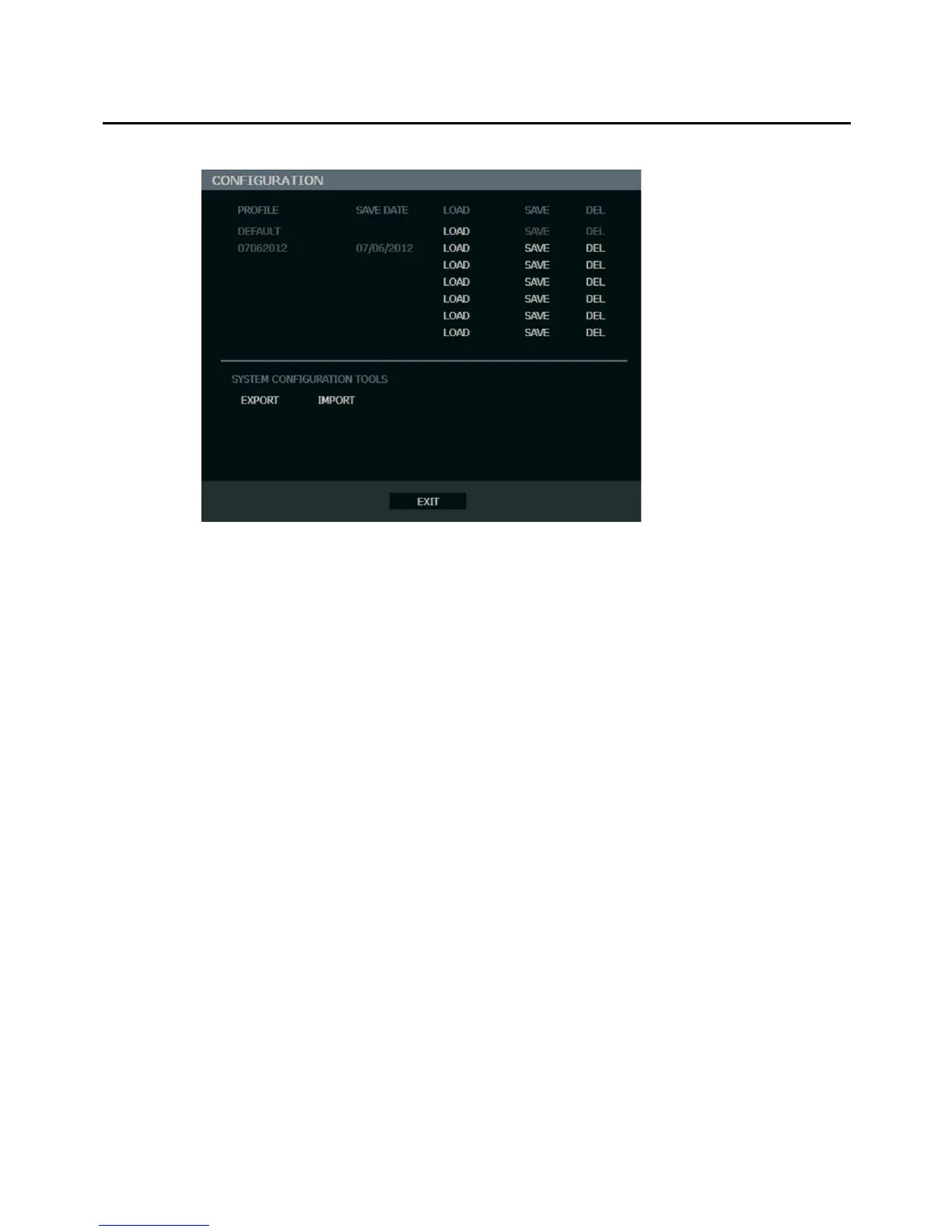
Use the System Setup menu to export and import saved or factory default system settings.
Save Settings
1. Press the SETUP key on the front of the recorder or remote control to log in.
2. Select SYSTEM > SETUP.
3. Select an empty PROFILE and define a name for the settings configuration. To save
settings to a USB device, select EXPORT.
4. Select SAVE and confirm to continue the export process.
Import Settings
1. Press the SETUP key on the front of the recorder or remote control.
2. Select SYSTEM > SETUP and log in.
3. Select a previously saved PROFILE and select LOAD. To import a profile saved on a
USB device, select IMPORT.
4. Select OK and press ENTER on the front of the recorder to complete the import process.



 To Next Page