29716AF 83
PTZ Overview
Accessing PTZ Menus
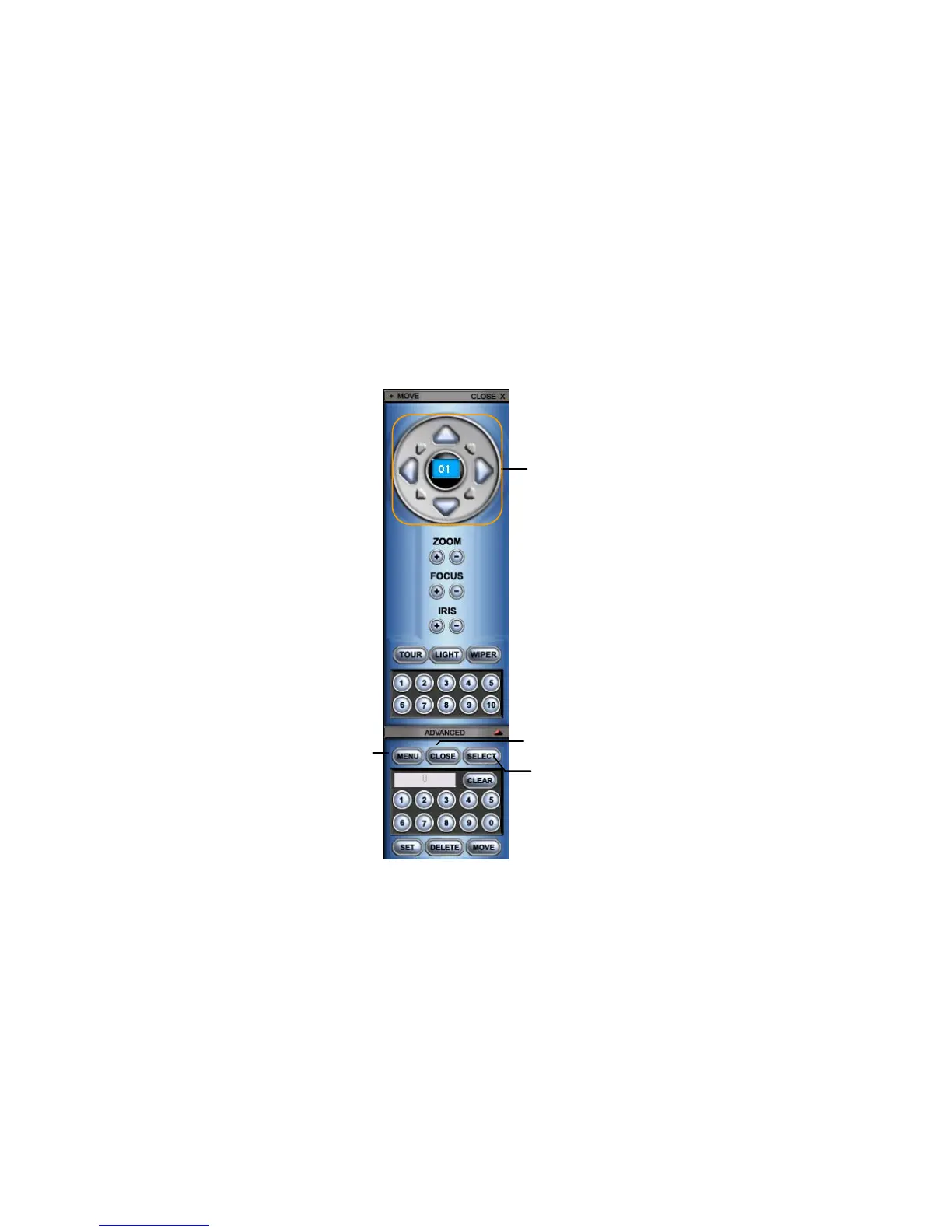
Some protocols support the ability to access the Internal PTZ Onscreen Menu. Click Pan/Tilt
on the remote software Live View screen to open the graphical PTZ controller.
Some protocols support the ability to access the Internal PTZ Onscreen Menu.
Since every PTZ camera is different, the functions of these options can vary slightly.
The E240 and E480 recorders provide an easy way to access the cameras options. For
explanations of what those options are please refer to the manual that came with the camera.
Note Use the arrow buttons on the PTZ controller move through the PTZ Menu options
and/or highlight options.
Controlling a PTZ Camera
• The first method is to use the graphical PTZ Controller that appears when Pan/Tilt is
clicked on the Live View screen.
• The second method is to use the mouse to control the camera directly from the live video
display.



 To Next Page