66
Daylight Saving Search
Daylight Saving Search is used to find recorded data after switching the time at the end of
Daylight Saving Period. The System will record data with the same time stamp for two hours
when they are repeated. If any overlapped time data exists the system will display the times
on this page.
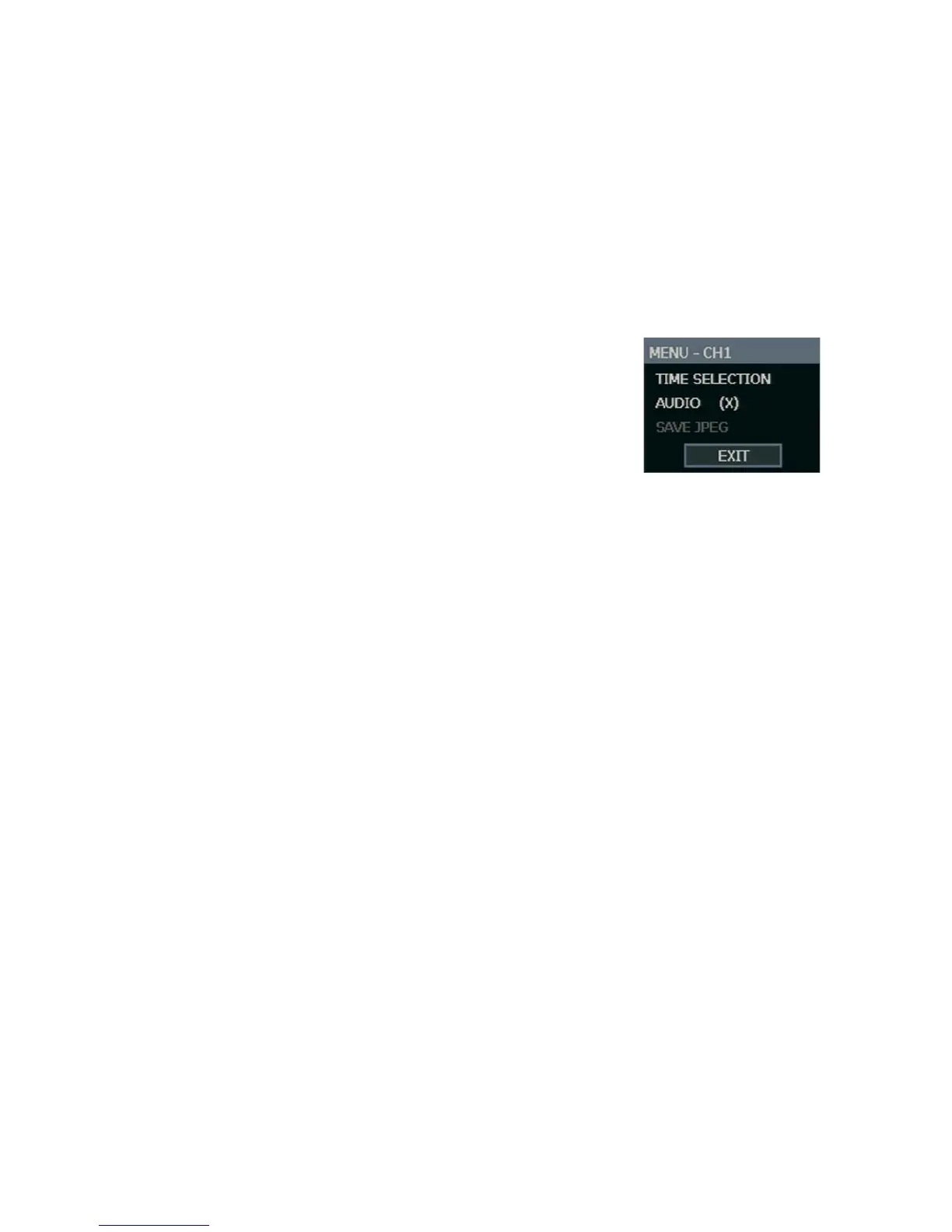
Search Popup Menu
Use to access display options in Search Mode.
• Right-click the desired channel to open the Search
Popup Menu.
TIME SELECTION – Change the Date/Time to search.
AUDIO ON – ON / OFF.
SAVE JPEG – Save a JPEG still image of the current frame.
Note SAVE JPEG is only available when a single
camera is selected. To activate, select a single channel (full screen), pause
playback, and press ENTER twice, or right click the channel to open the popup
menu.



 To Next Page