Opticon
H15
User Manual
2-15
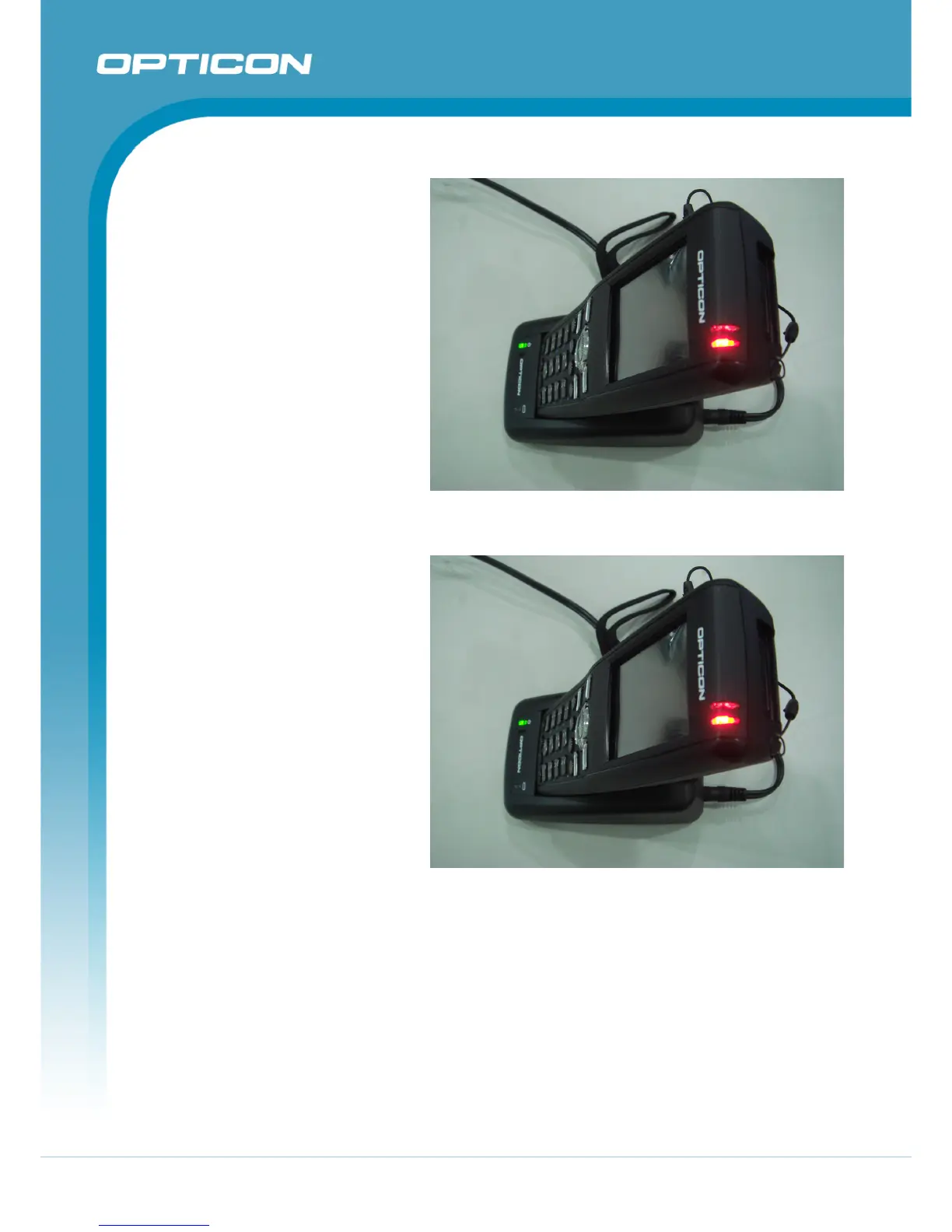
2.2.2. Charging the Terminal
1.
Plug in the connector of the
power adapter to the cradle.
2.
Connect the power cord to the
power adapter and the power
source.
3.
Make sure you have the
battery still inserted in the
terminal.
4.
Put the terminal into the
cradle to charge.
Figure 2-5. Charging Terminal with CRD-15 cradle
2.2.3. Charging the Spare Battery Pack
1.
Plug in the connector of the
power adapter to the cradle.
2.
Connect the power cord to the
power adapter and the power
source.
3.
Put the spare battery into the
cradle to charge.
Figure 2-6. Charging Spare Battery with CRD-15 cradle



 To Next Page