Opticon
H15
User Manual
3-20
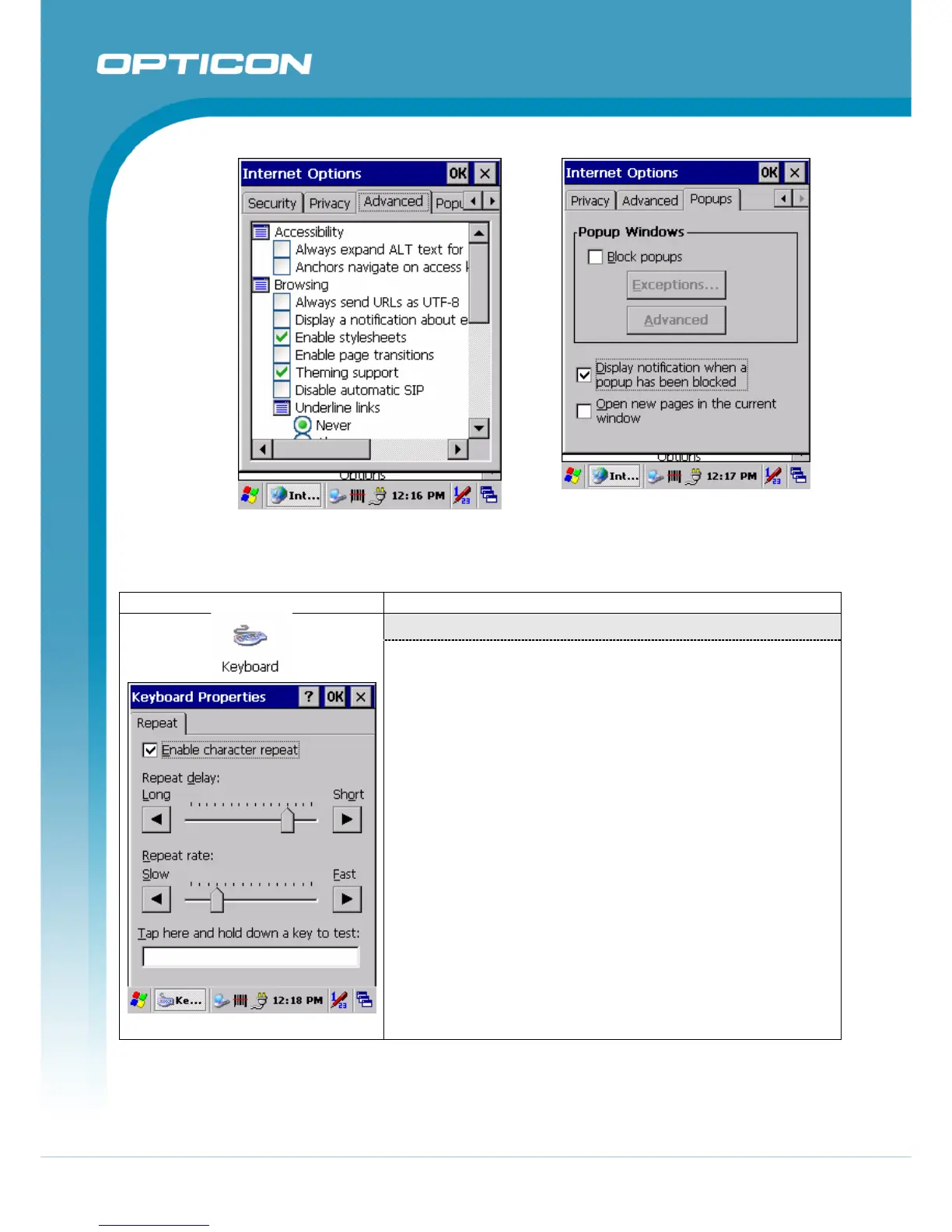
Figure 3-42. Internet Settings Advanced Figure 3-43. Internet Settings Popups
3.2.13. Keyboard
ICON ITEM & FUNCTION
“Repeat” Tab
Figure 3-44. Keyboard Properties
(Figure 3-44)
9 To change the amount of time between depressions
before repetition starts, adjust the Repeat delay slider
9 To change the repeat rate, adjust the Repeat rate slider.
9 Test your new setting.
9 Tap “ OK” to exit the “Keyboard” Tab.



 To Next Page