Opticon
H15
User Manual
3-30
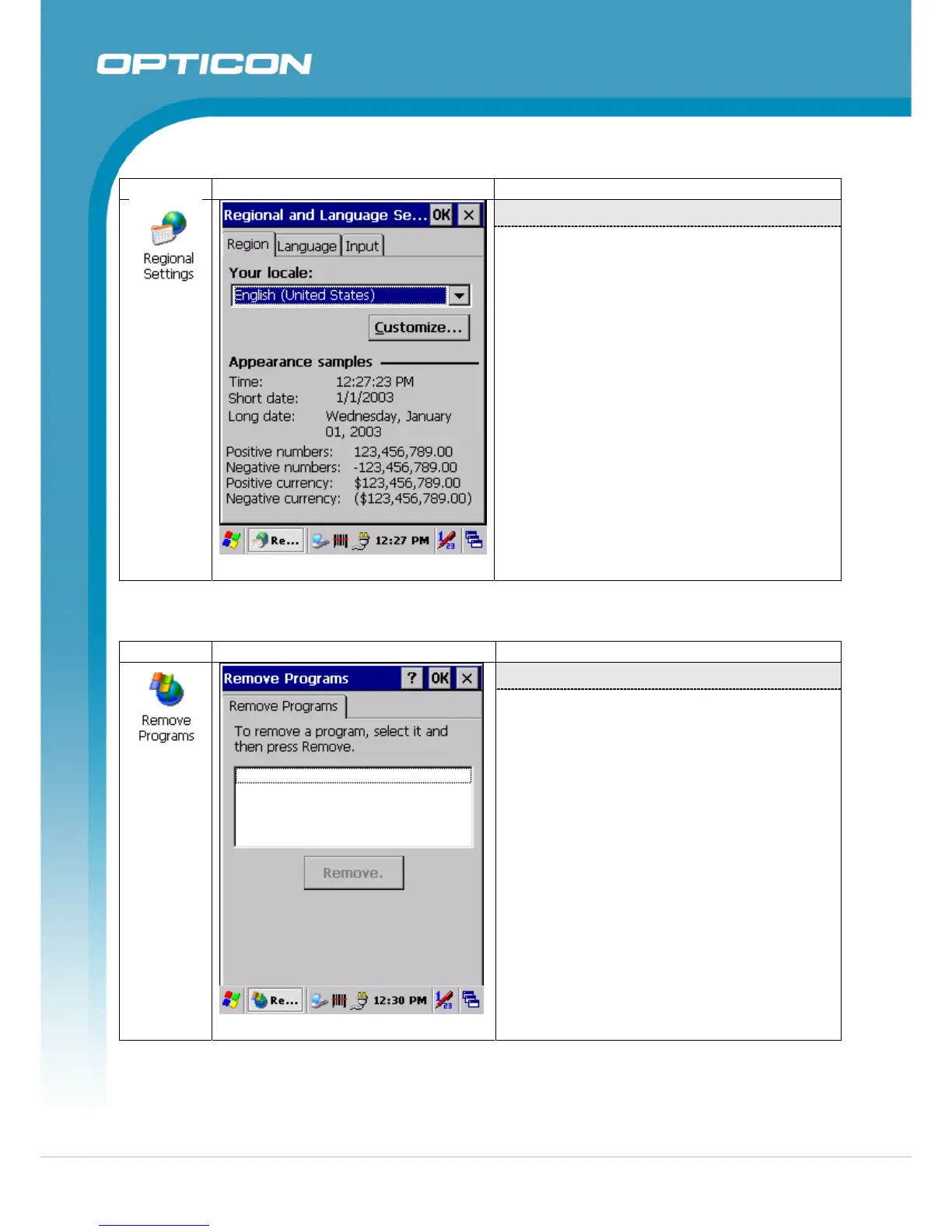
3.2.19. Regional Settings
ICON ITEM & FUNCTION
“Region” Tab:
Table 3-67. Regional Settings
(Figure 3-67)
• Select the desired location/language.
• Review the Appearance samples in the
bottom half of the screen.
• Select the Tab at the top for any settings
you wish to change, Options to modify
include Number, Currency, Time, and
Date.
3.2.20. Remove Programs
ICON ITEM & FUNCTION
“Remove Programs” Tab
Table 3-68. Remove Programs
(Figure 3-68)
•
Only user installed programs can be
removed.
•
Select the program you wish to remove
from the list and press “remove”
button.



 To Next Page