Opticon
H15
User Manual
5-16
c) Disconnecting and Ending a Session
In the Remote Connection window, select Start > Shutdown.
Select Log Off > OK.
5.2.5. Windows Explorer
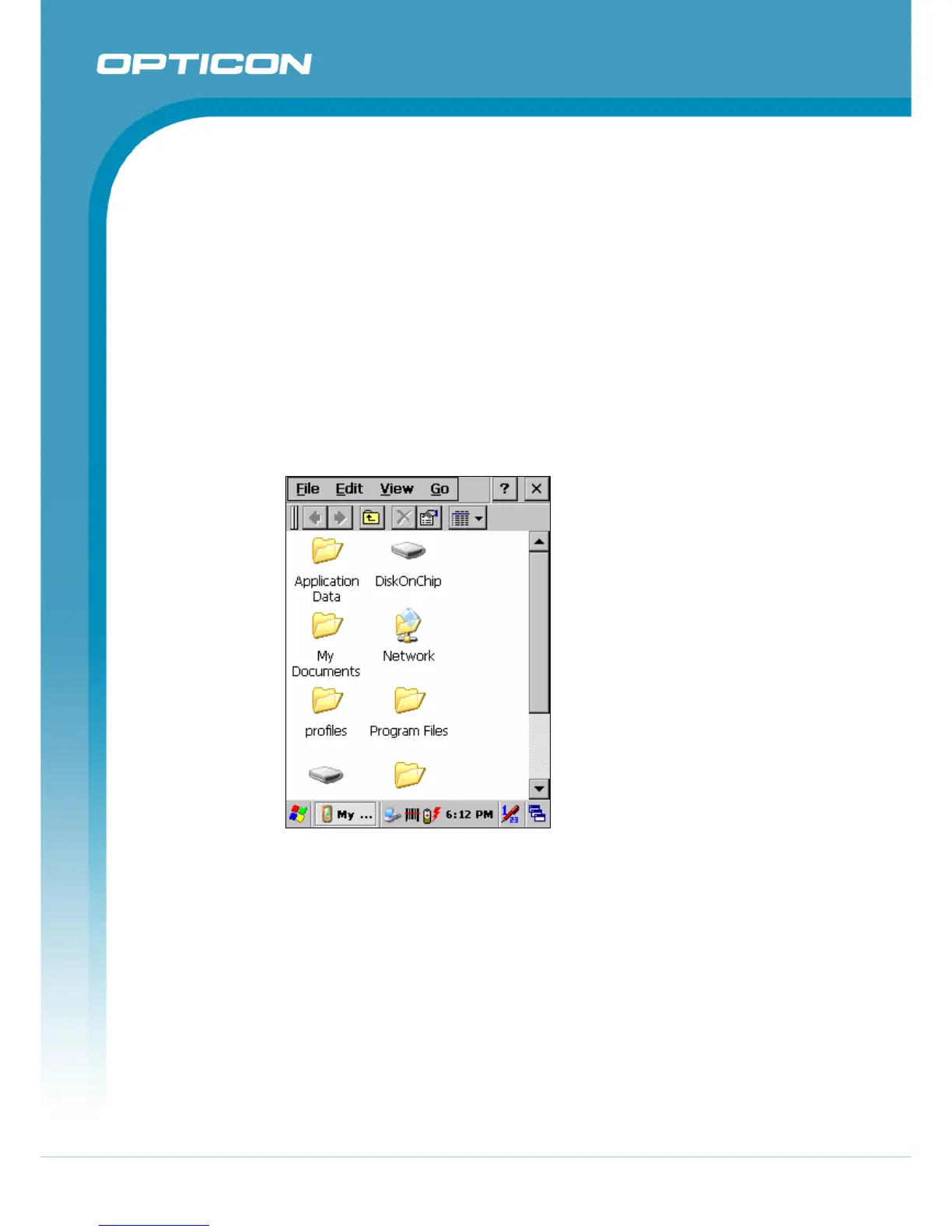
Windows Explorer works almost the same on your PDT as it does on your PC. See
the topics below for information about the difference in Windows Explorer on your
device.
a) Navigating in File View
• Go forward and back.
• To go to the previous folder, select Go > Back.
• To go to the next folder (which you have just viewed), select Go > Forward.
Figure 5-4. Windows Explorer
• Use the Go menu.
• To quickly access the My Documents folder, select Go > My Documents.
• To see all of the folders you have accessed, select Go > History.
Double-tap a folder to return to it.
b) Viewing Files as Icons Lists
• To view icons, select View > Large Icons or Small Icons.
• To view a list, select View > Details.
c) Working with Files and Folders
• Create a new folder.
• If necessary, open the folder where you want the new folder to reside.



 To Next Page