Opticon
H15
User Manual
2-35
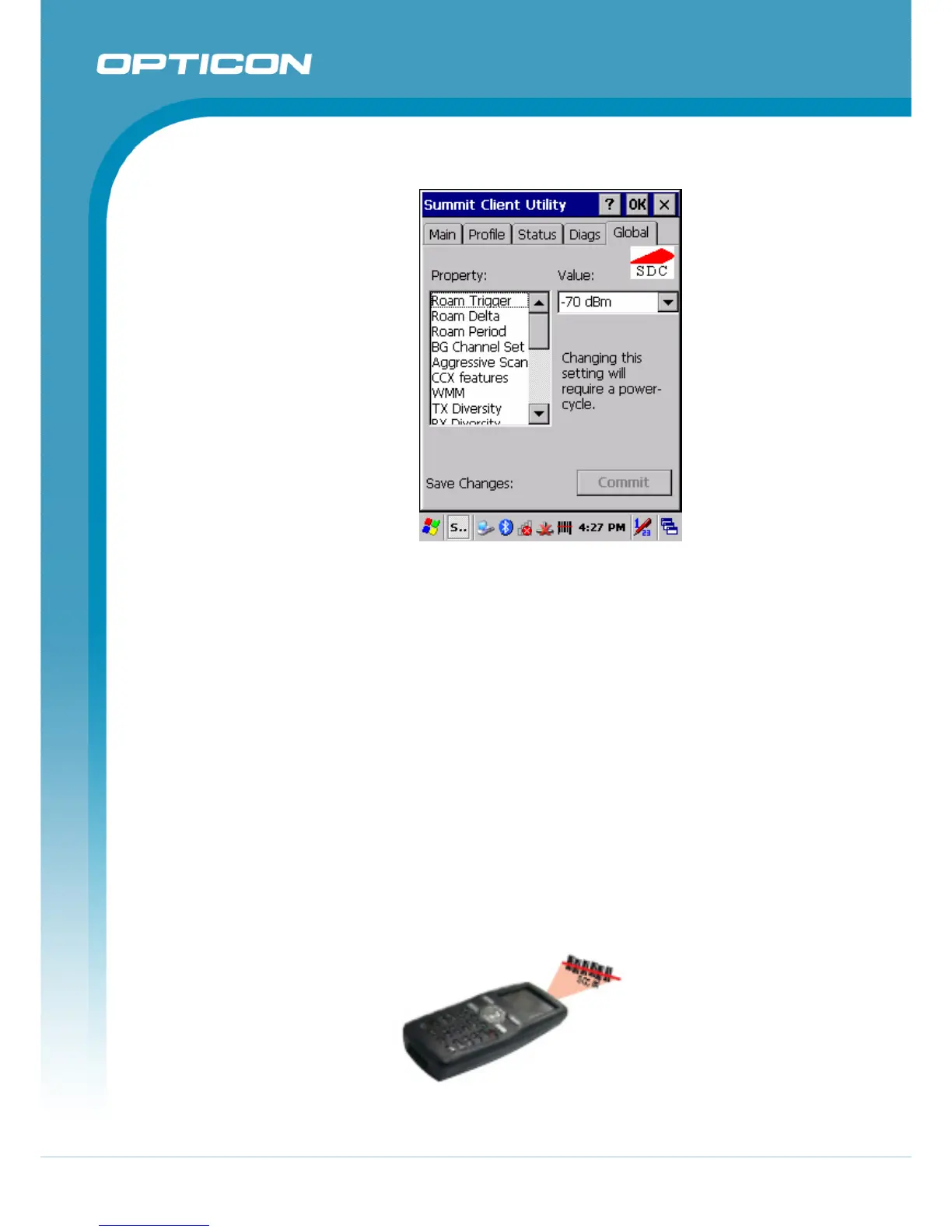
e) Global Tab
Figure 2-17. Global tab
Global settings include:
• Radio and security settings that apply to all profiles
• Settings that apply to SCU itself
An administrator can define and change most global settings on the Global
Settings Tab in SCU.
The default setting for each global setting ensures reliable operation in most
environments. Consult the user’s guide for details on all global settings.
2.4.6.
Reading Barcodes
To use the scanning function, complete the following steps:
1. If you have not already done so, remove the protective plastic film before
using devices equipped with a 1D laser barcode reader.
2. Run the WordPad software program.
3. Press one of the three barcode reader trigger buttons.
4. Aim the scanning beam at the center of the barcode.
Figure 2-18. Aiming the scanning beam



 To Next Page