Opticon
H15
User Manual
2-37
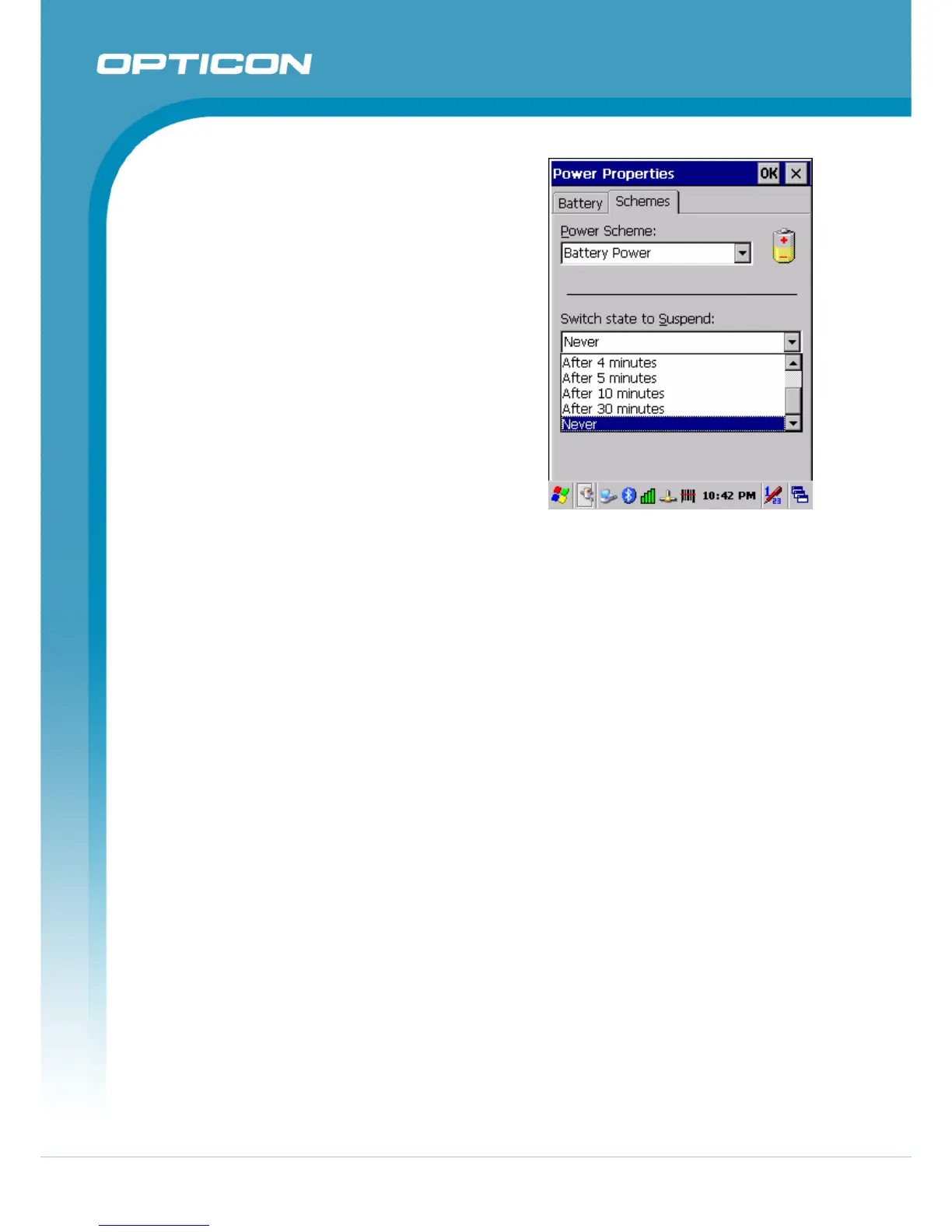
The following conditions will suspend:
• Press the <Power> key while
the unit is on.
• The duration timer of item
Switch state to Suspend
expires, which indicates that
there has been no use for a
specified of time.
• The battery pack is completely
discharged.
Figure 2-21. Schemes tab
2.5.2. Resuming
Use the following method to resume (wake up the Terminal):
• Press the <Power> key to suspend or resume (wake up).
• Dock the terminal into the cradle.
When a battery pack completely discharges while the unit is in suspend mode, the
Terminal remains suspended until discharged battery condition is corrected.



 To Next Page