Opticon
H15
User Manual
2-21
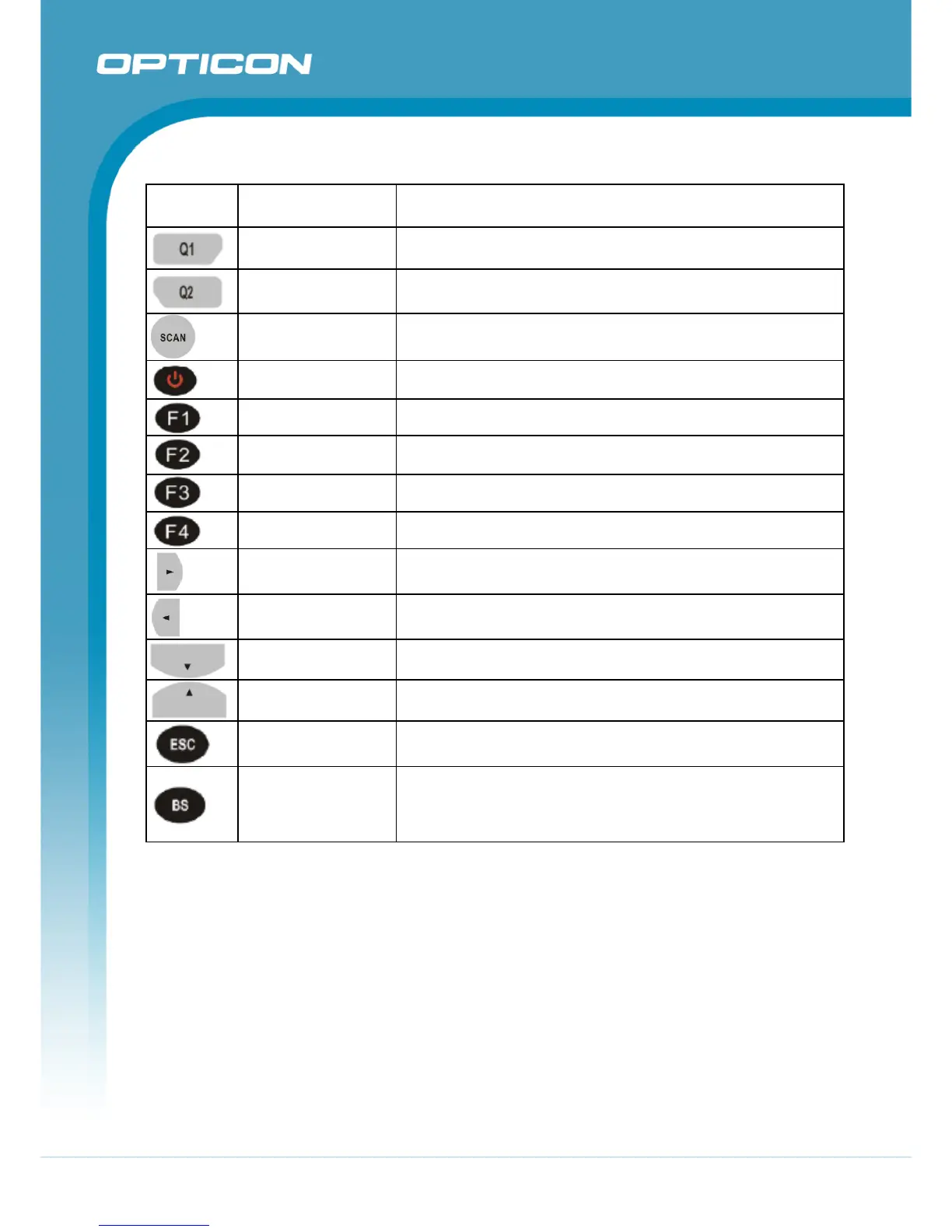
Table 2-5. Definition of main Function
Key Main Function Definition
User configurable
Default : None
Configure its function by customer demand.
User configurable
Default : None
Configure its function by customer demand.
Scan Button
Activates the scan function of Terminal.
Power On/Off
Puts the Terminal into and wakes the Terminal from suspend
mode.
Internet Explorer
Application key 1, User can define F1 function from setting.
Microsoft WordPad
Application key 2, User can define F2 function from setting.
Inbox
Application key 3, User can define F3 function from setting.
File Explorer
Application key 4, User can define F4 function from setting.
Right
Move the cursor one character to the right. The cursor will
move continuously if button remains is pressed.
Left
Move the cursor one character to the left. The cursor will move
continuously if button remains pressed.
Down
Move the cursor down one row or line The cursor will move
continuously if button remains pressed.
Up
Move the cursor up one row or line The cursor will move
continuously if button remains pressed.
ESC
This key performs a cancel action
Backspace
“Backspace” key, it moves the cursor back one space each
time the key is pressed. It deletes the previous character each
time it is pressed if you are typing text. The cursor will move
continuously if button remains pressed.
Continued on next page



 To Next Page