Opticon
H15
User Manual
3-26
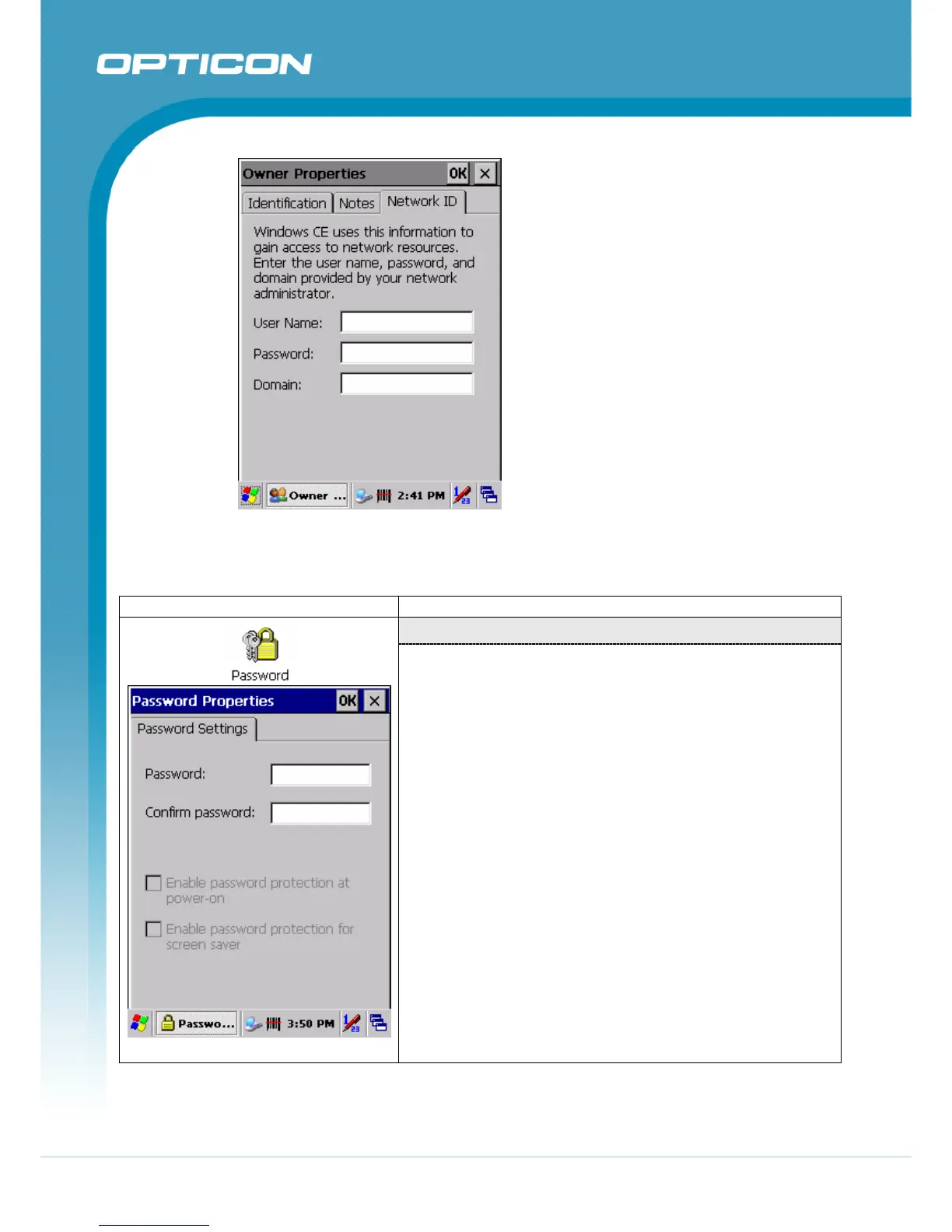
Figure 3-58. Owner Network ID
3.2.16. Password
ICON ITEM & FUNCTION
“Password Setting” Tab
Figure 3-59. Password Properties
• Enter the “Password”
• In the “Confirm password “box, enter the password
again.
• To require the password on startup, select “Enable
password protection at power- on“. and/or select
“Enable password protection for screen saver”
• To exit the Password control panel, press “OK” from the
control bar, or press the <Enter> key on the keypad.



 To Next Page