Opticon
H15
User Manual
3-25
3.2.15. Owner
ICON ITEM & FUNCTION
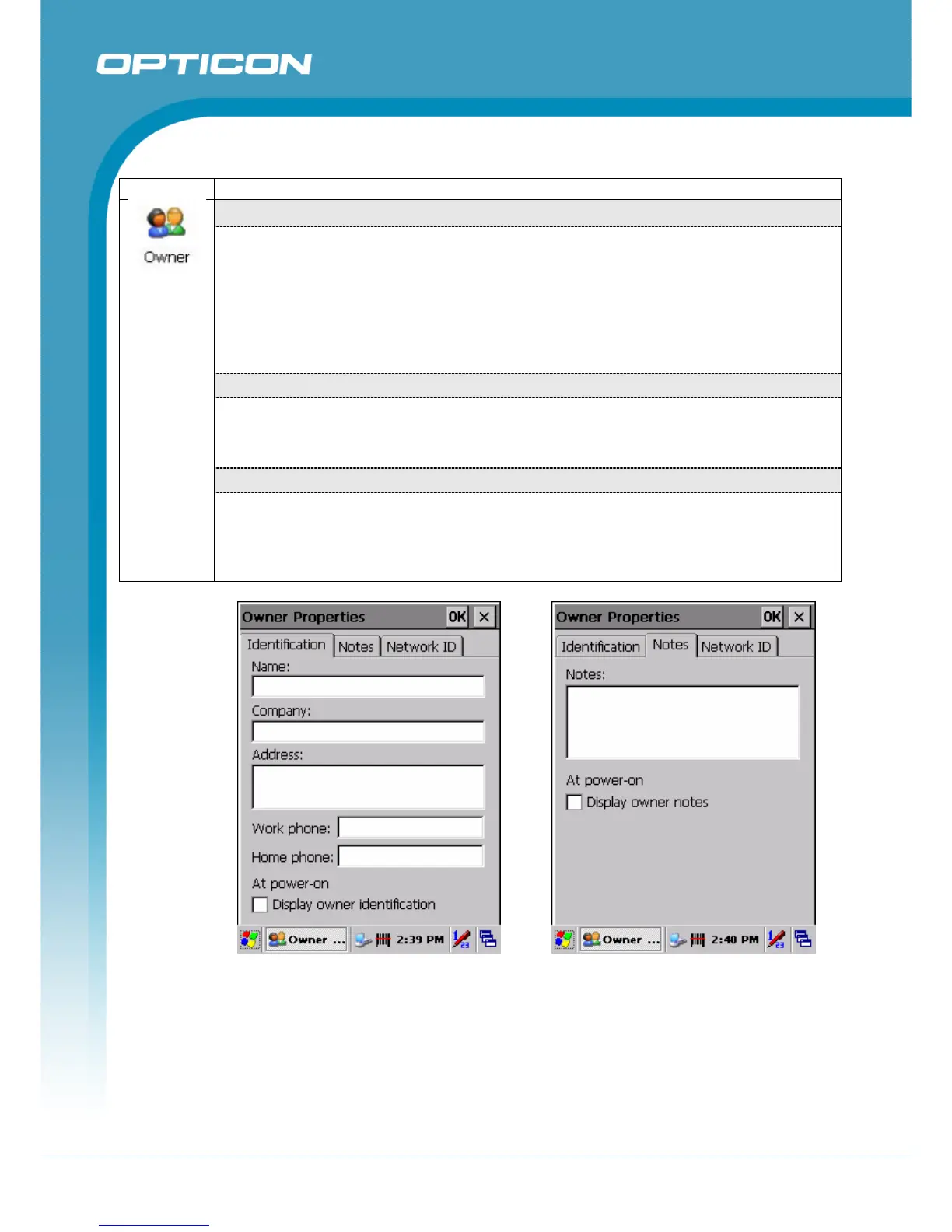
“Identification” Tab
(Figure 3-56)
• Fill in or edit the data as desired.
• To have this information displayed when you start your device, select “Display
Owner Identification” at Power On.
• To set up identification for remote networks, see Setting up identification for remote
networks.
“Notes” Tab
(Figure 3-57)
• Enter the Notes you use to the Display Owner notes
“Network ID” Tab
(Figure 3-58)
• Enter the user name, password, and domain name you use to log on to remote
network.
Figure 3-56. Owner Identification Figure 3-57. Owner Notes



 To Next Page