Opticon
H15
User Manual
3-31
3.2.21. Stylus
ICON ITEM & FUNCTION
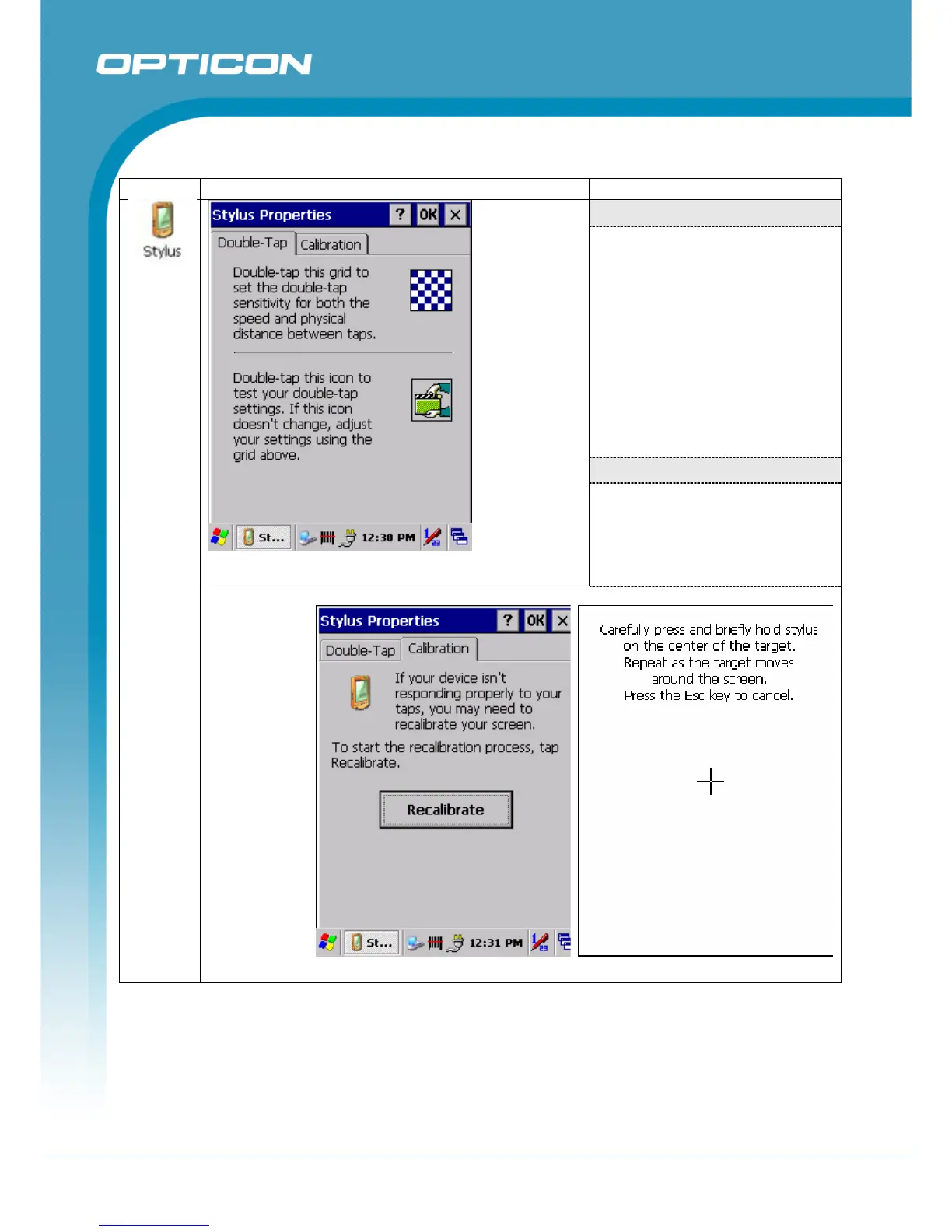
“Double-Tap” Tab
(Figure 3-69)
• Double-tap the checkerboard
grip at a comfortable speed.
• Double-tap the clapboard to
test your settings
• The function is OK if the
figures are changed.
• Tap OK to exit Stylus
Properties.
“Calibration”:
Figure 3-69. Stylus – Double Tap
(Figure 3-70, Figure 3-71)
• For the description of the
calibration refer to section
2.3.3 Calibration of the touch
Screen
Figure 3-70. Stylus – Recalibrate Figure 3-71. Stylus – Calibration



 To Next Page