Opticon
H15
User Manual
2-28
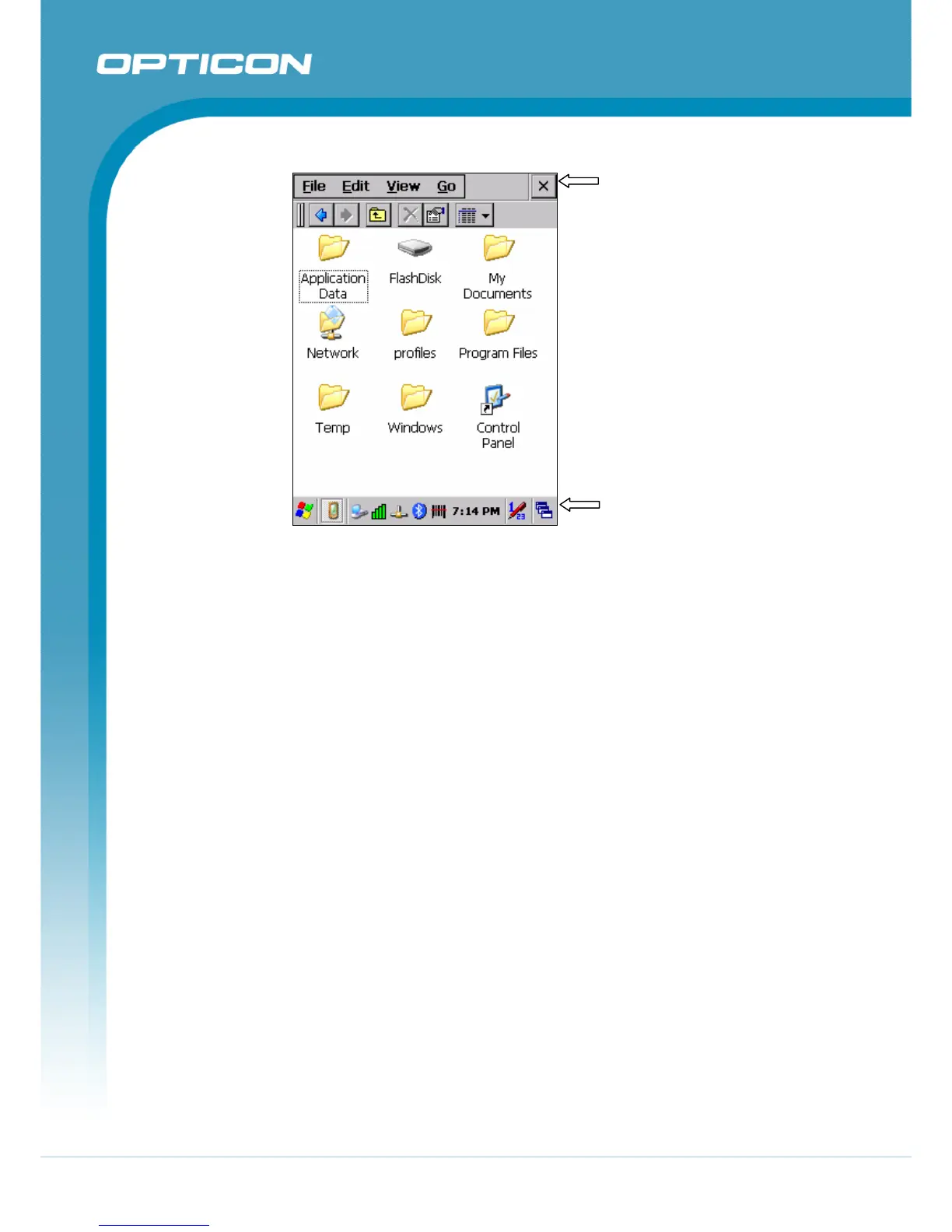
Command Bar
Task Bar
Figure 2-11. Task Bar & Command Bar
2.4.4.
The Soft Keypad
In applications that accept keypad input, the Soft Input Panel (SIP) can be used to
enter data using the stylus. The SIP is a software, QWERTY-style keyboard.
To open the SIP, tap the keyboard icon to open the menu and select Hide Input
Panel to close the keyboard.
Use the stylus to select letters, numbers, or symbols from the Soft Input Panel for
the current application.



 To Next Page