Opticon
H15
User Manual
4-2
Transferring Files
To transfer files, complete the following steps on the host PC:
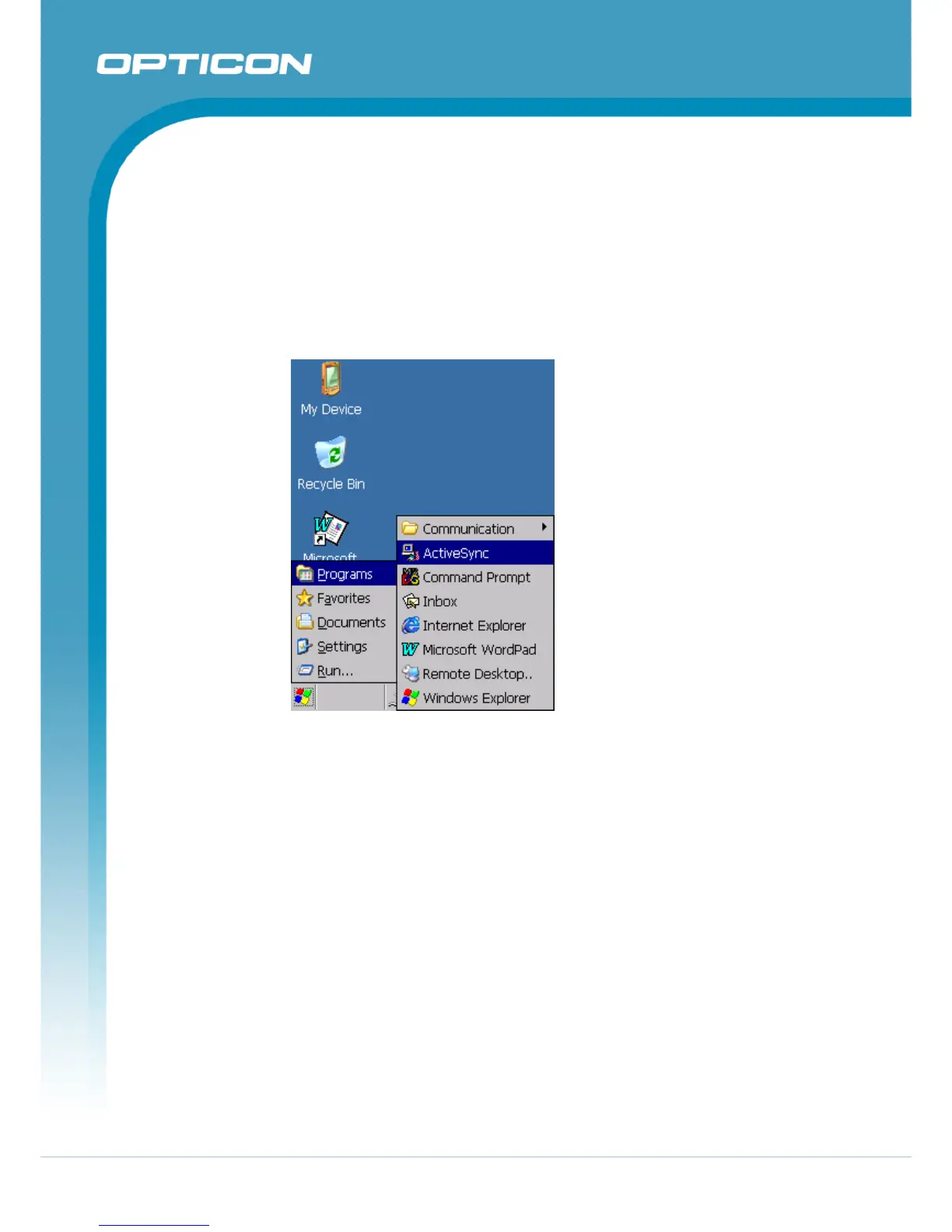
1. Select Start> Programs > ActiveSync.
2. After you have established a connection with Terminal, tap the “Explore”
button at the top of the ActiveSync window (or select Explore from the File
menu).
3. Navigate to the target directory on your Terminal and copy the desired file by
using the Copy/paste method or dragging and dropping the desired file(s) into
the folder.
Figure 4-1. Communication



 To Next Page