Otoport OAE+ABR
User Manual for Otoport DP+TE model
119
Conguration
Neonate mode
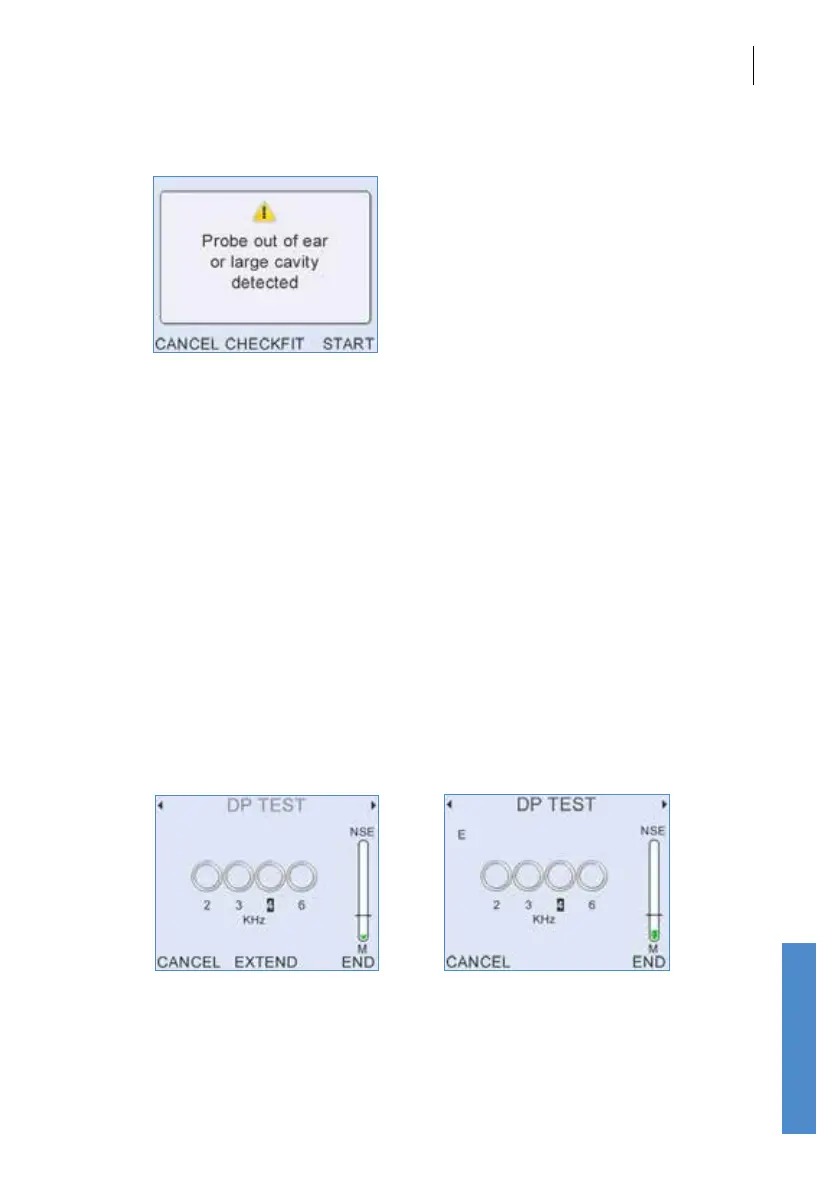
With Neonate mode On the user is warned if the response from the probe
indicates a large ear canal. This provides an additional check of probe t
for users who are testing only babies.
The warning message is displayed after Checkt and before the test starts.
Selecting Start will start the test as normal. Checkt returns the user to
Checkt. Cancel returns the user to the main test screen.
Ear canal cavities greater than around 0.5cc will trigger the warning.
With Neonate setting O (default), no warning message is displayed if a
large ear volume is detected.
NReject
The threshold above which data is rejected can be xed at High, Medium
or Low. Alternatively, Variable can be selected allowing the reject level to
be adjusted during Checkt and test.
Extend
If Extend is On, the user has the option to extend the test beyond the
normal maximum duration. This may be useful if the test result is very
close to meeting the pass criteria at the normal test end. If Extend is On,
the central key on the Otoport will show Extend when there is around 15



 To Next Page