Otoport OAE+ABR
User Manual for Otoport DP+TE model
149
Printing
16.3.1 Printing at the end of a test
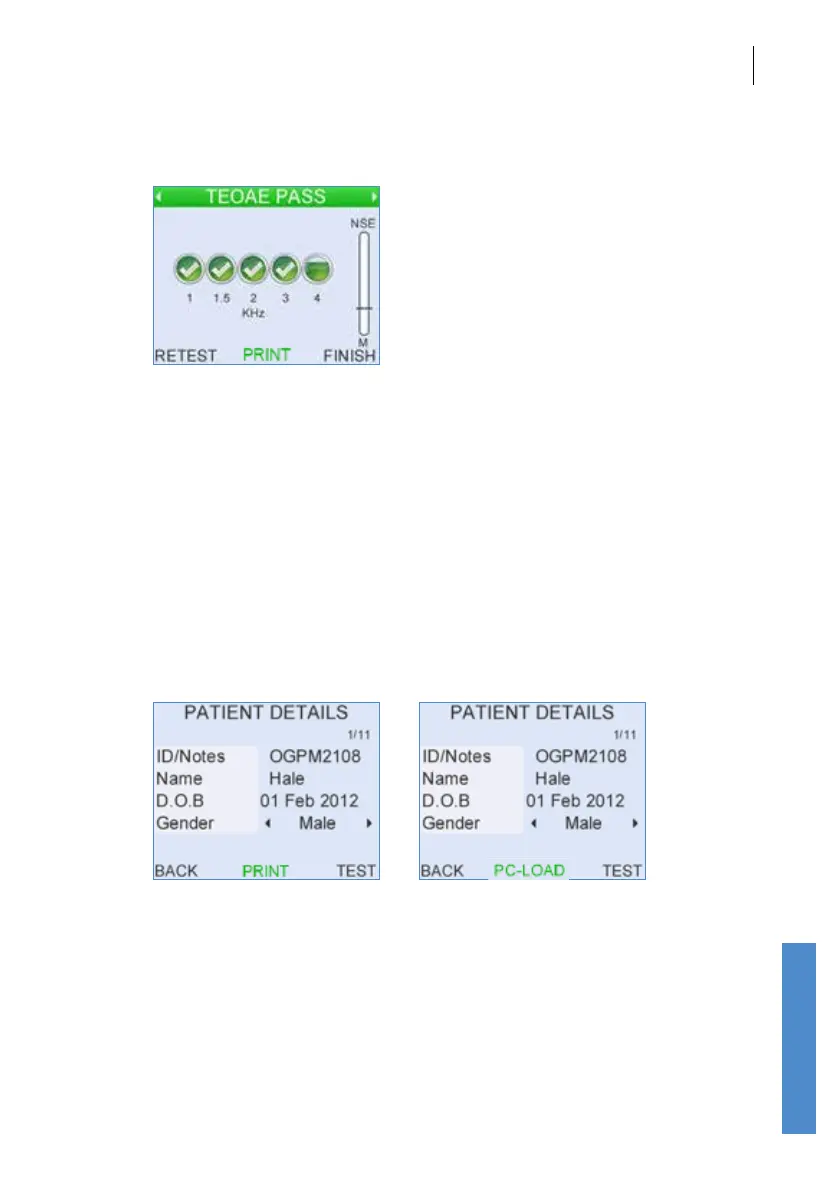
When the OAE recording is nished and the result has been saved, select
Print for a printout of the patient details and current test result or all the test
results for the current patient, depending on the Otoport conguration (see
chapter 15).
16.3.2 Printing or downloading from records
Results can be printed or downloaded from the Otoport Records area.
Select the patient for whom you would like to print/download results (see
the Records section for details of how to retrieve specic records from the
database).
To print or download patient details and all test results for that patient,
select Print or PC-Load on the Patient Details screen.



 To Next Page