CHAPTER SIXTEEN
Printing and downloading
150
Printing
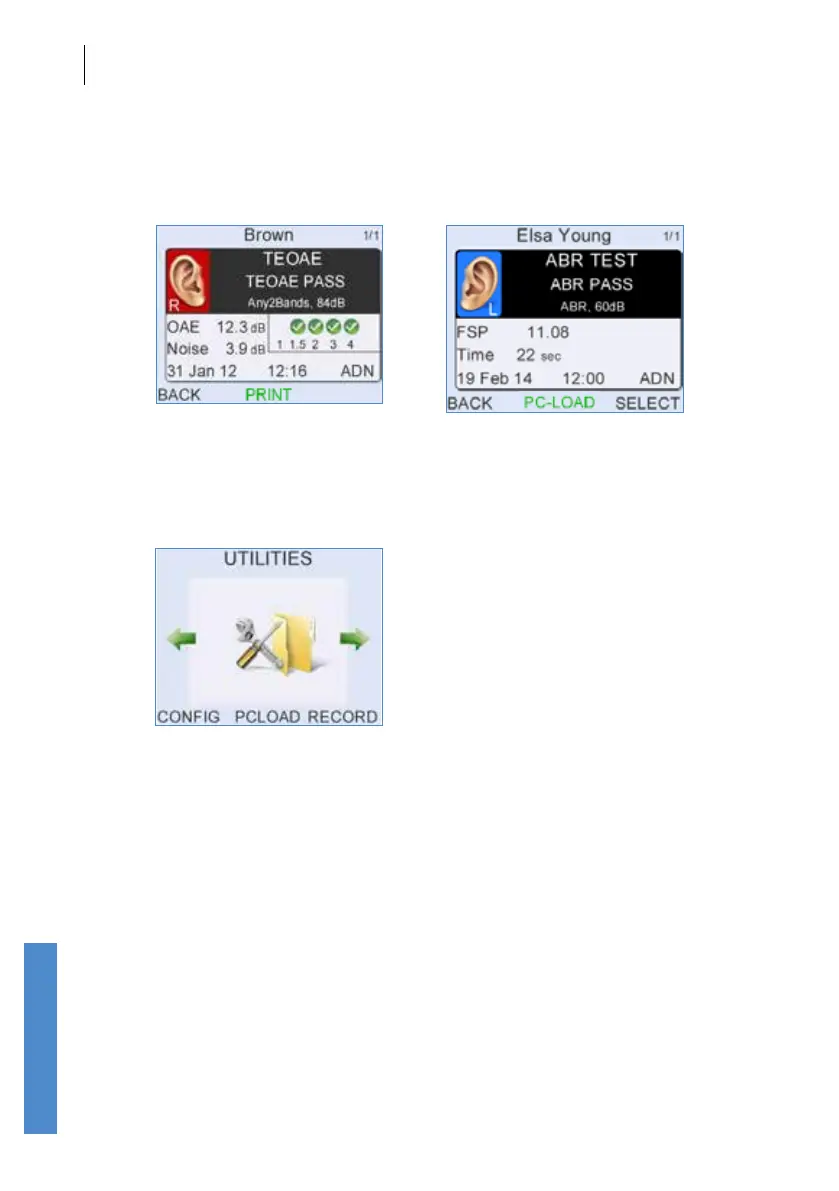
To print or download patient details and the result of a specic test, select
the Results summary screen, scroll through the dierent tests for the
patient (using the up and down arrow keys) and select Print or PC-Load.
Select PC-Load on the Utilities menu to download all new records for all
patients and tests that haven’t previously been downloaded. It is useful to
use this option after collecting results over a day’s work for instance, when
you wish to download all new records for that day.



 To Next Page