188 CHAPTER TWENTY-TWO
Equipment troubleshooting
Equipment troubleshooting
Select Reset to reset the Otoport to factory default settings. Changes from
the default setting and any users or worklist patients added to the device
will be lost. No test data will be removed.
Select Format to reformat the Otoport database. Any records held on the
device will be irrecoverably lost.
The Format and Reset options are only available to users with Admin
rights.
22.4 Instrument fault message
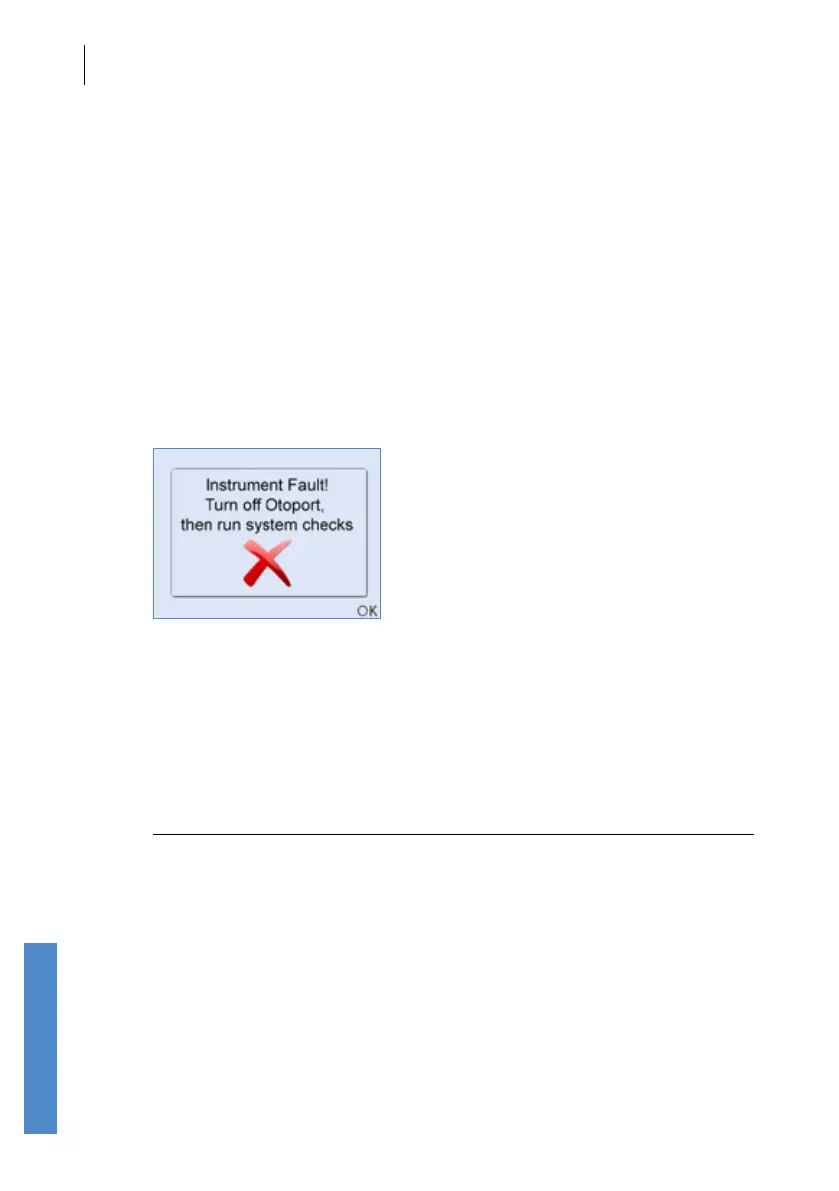
In the event of an instrument fault, the following message will be displayed
at the start a test.
Instrument fault, turn o Otoport then run system checks.
No stimulus will be delivered from the Otoport DP+TE probe and you will
not be able to start a test. Turn o the device and then switch it on again.
Important note:
The Instrument Fault message can be triggered by a partially
connected probe. Ensure that the probe is fully connected and
the knurled sleeve screwed up correctly. (See Connecting the
probe in the Getting started section).
Run the probe checks (see chapter 17). If the tests are ‘OK’ the device is
functioning correctly and can be used for OAE testing again.
If you receive the Instrument fault message again, contact your dealer or
Otodynamics for support.



 To Next Page