Chapter 5. Peripheral Equipment
Section
300~Installation
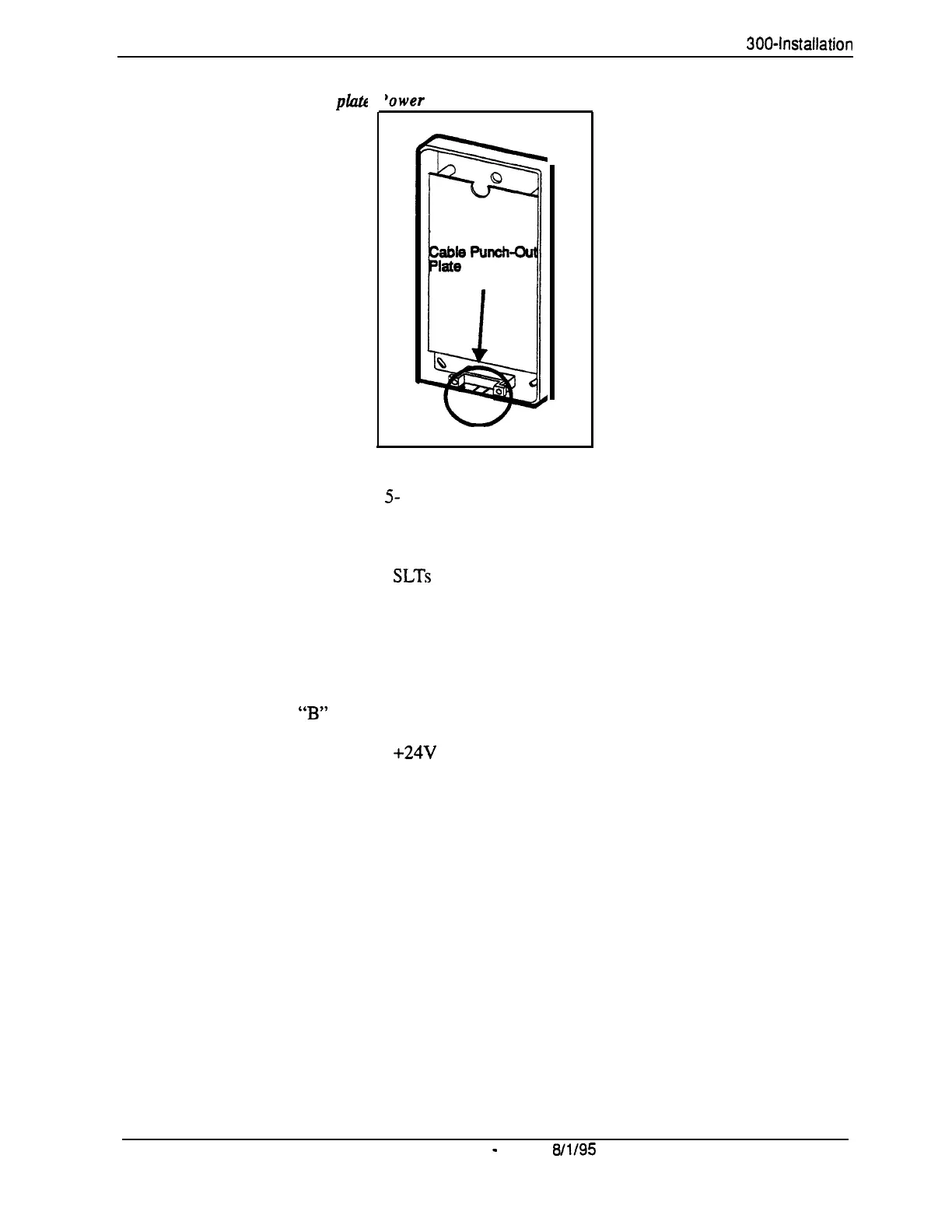
Figure S-10. Cable punch-out phte
‘ower
Failure Unit
3.
Mount the PFU on the wall using the three screws provided with the unit.
(See Figure
5-
11.
j
.
4.
Connect
the
trunks from the central office to the PFU.
5.
Connect the
SLTs
to the AEC extension ports on the PFU.
6.
Connect the trunks from the DBS to the PFU.
7.
Connect the AEC ports from the DBS to the PFU.
When a power failure occurs, AEC “A” is switched to Trunk “A,” AEC
“B”
is switched to Trunk “B,” and so on.
8.
Connect the +24V and GND terminals from CN2 on the DBS Connector
Panel to the PFU.
9.
Install the cover on the PFU.
5-20
DBS Manual
-
Issued
8/l/95
DBS-70-300
Technical Manuals Online! - http://www.tech-man.com















 To Next Page