Section
300~lnstaaation
mamer
3.
C;atmet
lnstallatlon
Installation for the DBS 72 and 96
1.
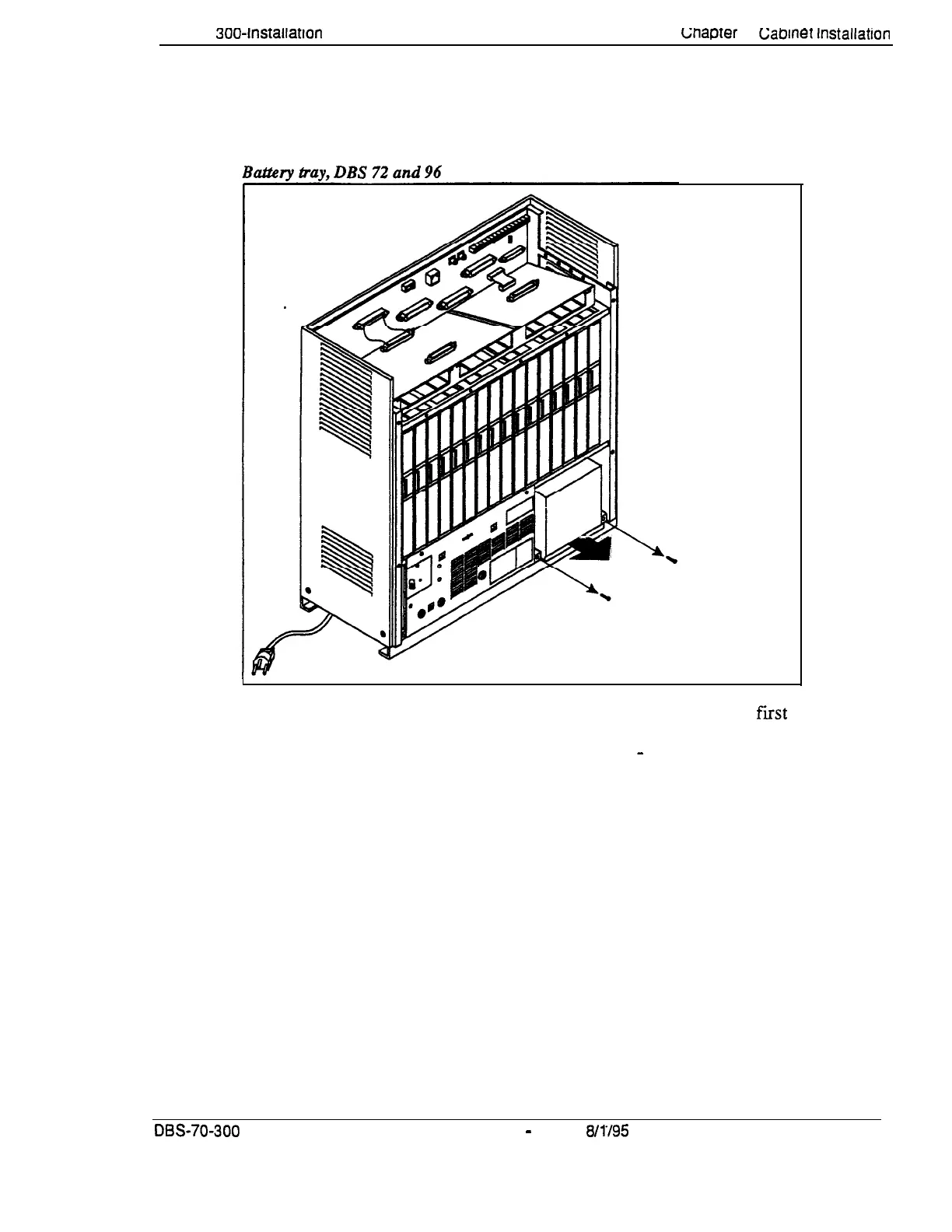
Slide the battery compartment out and place the batteries inside the tray.
Figure
3-9.
Remove Screws
and Slide Battery
Tray Out
2.
Connect the positive cable (red) to the + terminal on the
fist
battery.
3.
Connect the negative cable (blue) to the
-
terminal on the last battery.
4.
Connect the remaining positive and negative terminals with the white
connection cables, as shown in Figure 3-10.
DBS- 70-300
DBS Manual
-
Issued
8/1’/95
3-11
Technical Manuals Online! - http://www.tech-man.com















 To Next Page