Section 700 - Operation Chapter 4. User Maintenance
576-50-700 DBS 576 (USA) issued September 2001 4-31
Hardware Requirements
•N/A
Related Programming
•N/A
Considerations
•N/A
Set System Date/Time/Day
Description
The System allows you to change the date, time, and day of week. When setting the time, you can
specify 12 or 24 hour format.
Operation
To change the system date, time, and day of week:
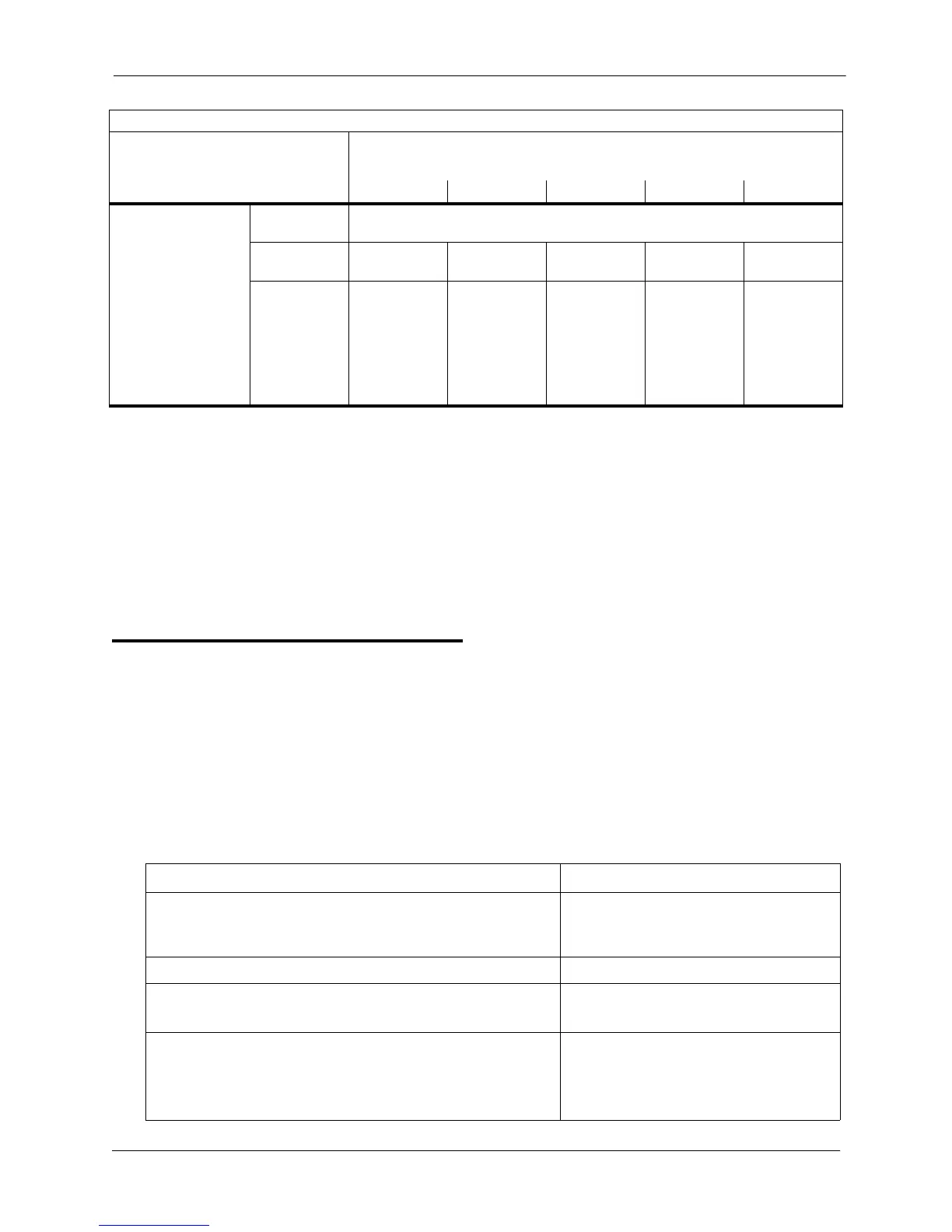
Special Day 20
Date
(MMDD)
1209
Start Time
(HHMM)
1210 1212 1214 1216 1218
Mode (0-5):
0=None
1=Day 1
2=Day 2
3=Night
4=Night (1)
5=Night (2)
1211 1213 1215 1217 1219
Action Result
1. If not already in User Maintenance mode, enter User Main-
tenance mode. (See “To enter User Maintenance mode:” on
page 4-3.)
81-
User MAINT displays
2. At the 81 level, enter 000.
3. Press the HOLD key. 0 :YYMMDD
Date displays
4. Enter the year (two characters), month (two characters), and
day (two characters).
Note: To clear an entry or existing data, press the FLASH
key.
FF8 1 07 1 (1000-1219) Hold (MMDD or HHMM or 0-5) Hold
-- VALUES --
(MMDD, HHMM, or 0-5)
-- ADDRESS NOs. (1000-1219) --
MODES
1st MODE 2nd MODE 3rd MODE 4th MODE 5th MODE













 To Next Page