Section 700 - Operation Chapter 7. SLT Features
576-50-700 DBS 576 (USA) issued September 2001 7-3
Absence Message
Description
Extension users can leave text messages related to their phones when they are away. When the
unattended extension is dialed, the text message displays on the caller’s phone. Any one of the
following messages can be selected. Messages 5 to 9 have no default message text. All the messages
can be changed through system programming.
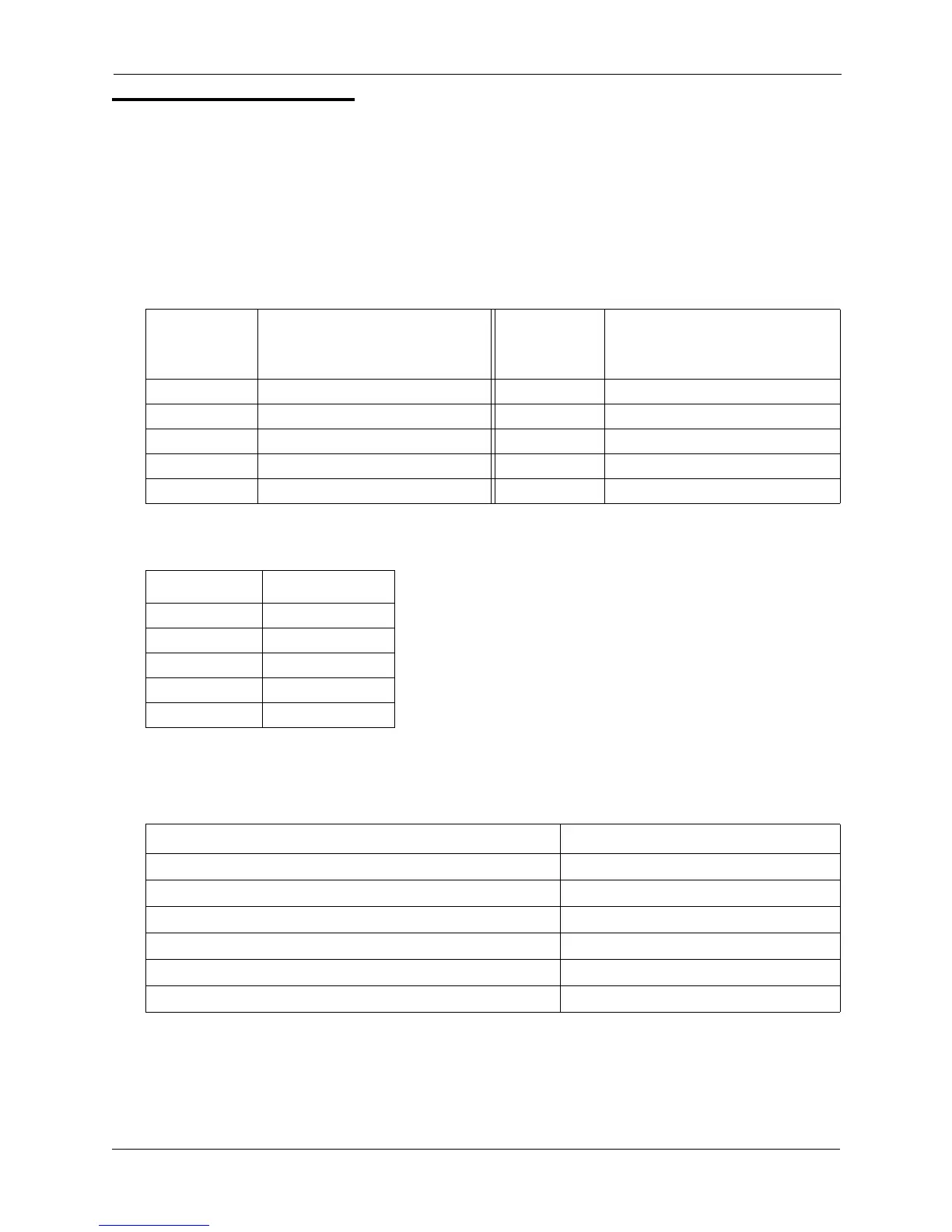
Table 7-1. Absence Messages
Optionally, a return time can be input. Example Return Times for Absence Messages include:
Operation
To set an Absence Message
Message No.
Message Text Displayed on
Called Party’s Key
Telephone
Message No.
Message Text Displayed on
Called Party’s Key
Telephone
0 In Meeting 5 Absence_No_5
1 At Lunch 6 Absence_No_6
2 Out of Office 7 Absence_No_7
3 Vacation 8 Absence_No_8
4 Another Office 9 Absence_No_9
Input Display
No input Return
9 Return 9:00
11 Return 11:00
615 Return 6:15
1035 Return 10:35
Action Result
1. Lift the handset. Intercom dial tone
2. Enter the Absence Message code (default = 729).
3. Enter the Absence Message number. (See Table 1 above.)
4. If desired, enter the 4-digit returning time.
5. Flash the hookswitch.
6. Replace the handset.













 To Next Page