17
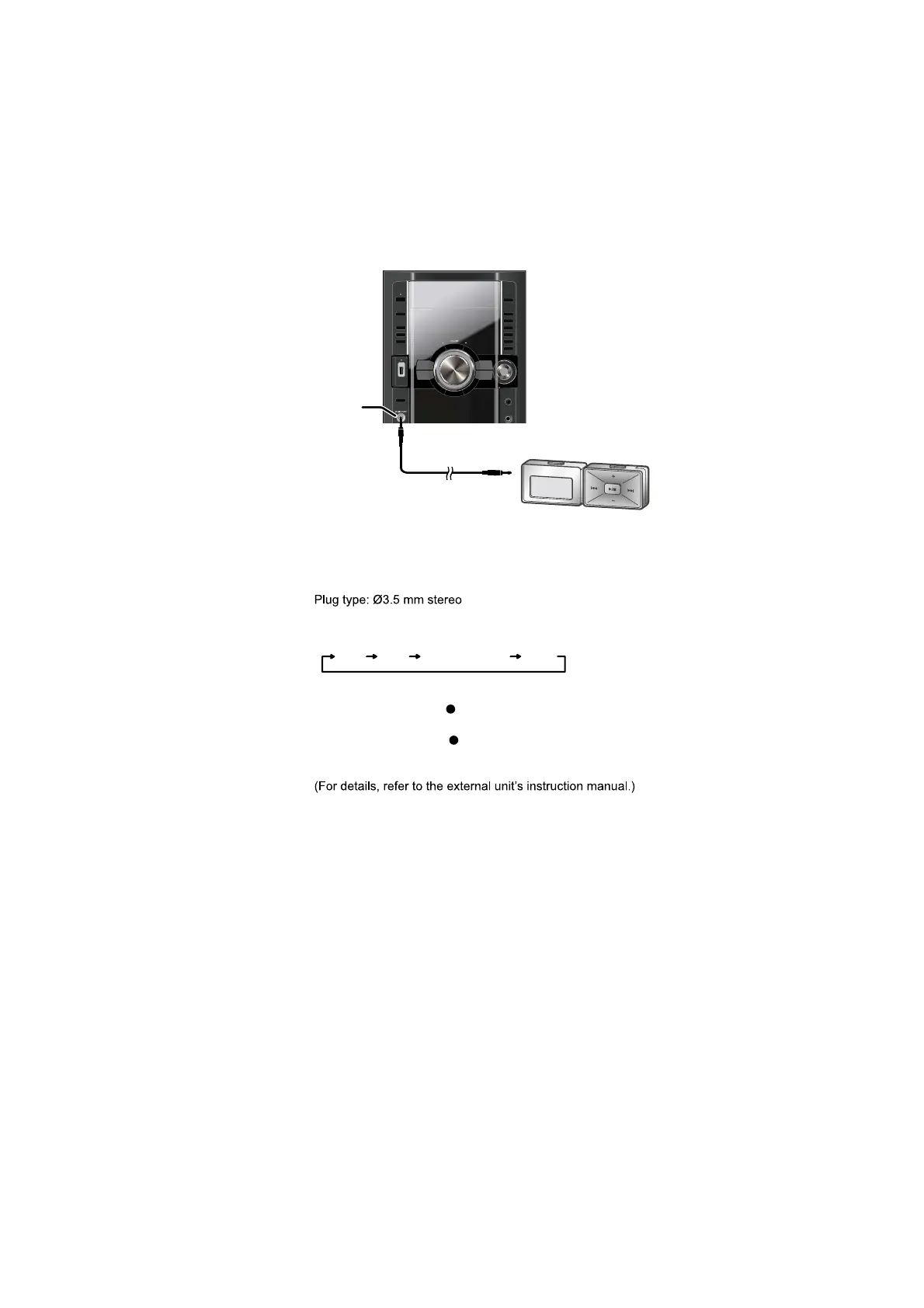
5.4. Using the Music Port
Portable audio
equipment
(not included)
MUSIC PORT
Audio cable (not included)
1 Connect the portable audio equipment.
2 Press [EXT-IN] to select MUSIC PORT .
Every time you press the button:
3 For listening : Proceed to step 4.
For recording : Press [ REC, TAPE] on the main unit to
start recording.
Press [ REC, USB] on the main unit to
start recording.
4 Playback the portable audio equipment.
You can playback sound from portable audio equipment.
Sound from the speaker may be distorted if the portable audio
equipment s equalizer (if any) is turned on. Turn it off before
you plug into the MUSIC PORT jack.
Preparation
Reduce the volume of the unit and portable audio equipment
before connecting or disconnecting.
FM MUSIC PORT AUXAM











 To Next Page