30
6.4.4. Service Mode Table 4
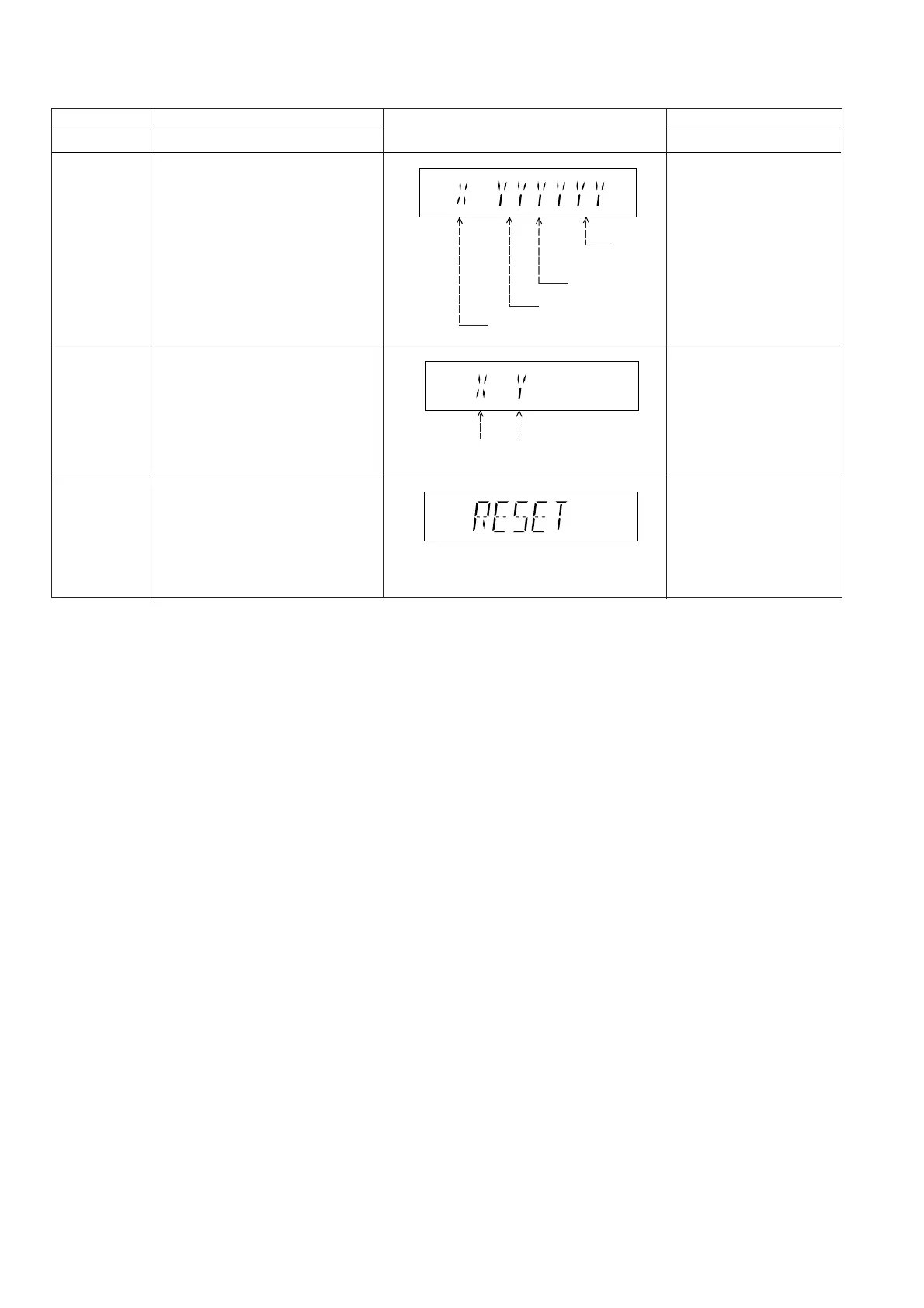
FL Display
Key Operation
Front Key
Item
Description
Mode Name
Cancelled automatically
5 seconds later.
CPPM/CRM
Keys Check
In STOP (no disc)
mode, press [STOP]
button on the main unit,
and [DISC] button on the
remote control unit.
0: NG
1: OK
0: NG
1: OK
DVD Module
P.C.B. firmware
version display
Cancelled automatically
5 seconds later.
In STOP (no disc)
mode, press [STOP]
button on the main unit,
and [8] button on the
remote control unit.
System controller
generation
Destination
System
controller
version
Region No.: 0-8
DVD Module P.C.B. firmware version
is displayed on the FL Display.
The firmware version can be updated
using recovery disc.
Note: It is necessary to check for
firmware version before carrying out
the version up using the disc.
CPPM/CRM refers to the Content
Protection for Recordable Media and
Pre-Recorded Media. It displays the
existence of the keys as "1" or "0".
OK: Existing of keys.
NG: Non existing of keys.
DVD Module
P.C.B. Reset
To reset DVD Module P.C.B.
This process is used when the DVD
Module P.C.B. or FLASH ROM
IC is replaced with a new one.
While in initialization
mode, press & hold
[STOP] button on the main
unit, follow by [OK] button
on the remote control unit.
Cancelled automatically
5 seconds later.











 To Next Page