ISDN configuration task list 222
SmartWare Software Configuration Guide 19 • ISDN configuration
Example: QSIG
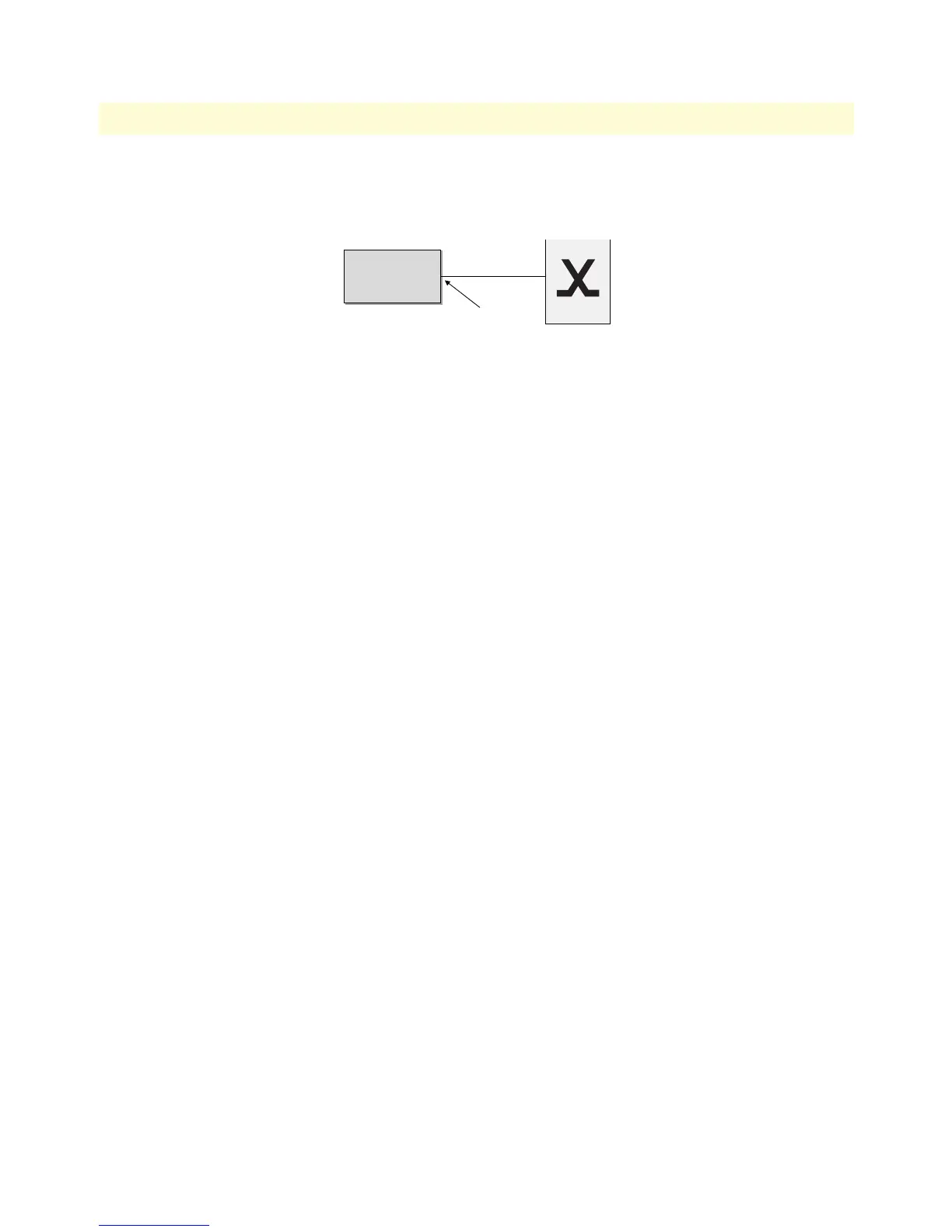
Assume the scenario as illustrated in figure 35:
Figure 35. PBX connected to ISDN port 1/0
Configure the ISDN port 1/0 to work as a Q-SIG master port but clock-slave and allow a maximum of eight
parallel B-channel connections.
172.16.40.71(cfg)#port e1 1 0
172.16.40.71(prt-e1)[1/0]#clock slave
172.16.40.71(prt-e1)[1/0]#q921
172.16.40.71(q921)[1/0]#q931
172.16.40.71(q931)[1/0]#uni-side net
172.16.40.71(q931)[1/0]#protocol pss1
172.16.40.71(q931)[1/0]#signalling-rule etsi
172.16.40.71(q931)[1/0]#max-channels 8
172.16.40.71(q931)[0/0]#exit
172.16.40.71(q921)[0/0]#exit
172.16.40.71(prt-e1)[0/0]#no shutdown
Example: PRI
Configure PRI port 1/0 as clock master. From the Local Exchange timeslots 1 through 20 are available and the
total number of concurrent calls shall be limited to 10. Use down-cyclic channel numbering.
172.16.40.71(cfg)#port e1 1 0
172.16.40.71(prt-e1)[1/0]#q921
172.16.40.71(q921)[1/0]#q931
172.16.40.71(q931)[1/0]#uni-side net
172.16.40.71(q931)[1/0]#max-channels 10
172.16.40.71(q931)[1/0]#channel-range 1 20
172.16.40.71(q931)[1/0]#bchan-number-order descending-cyclic
172.16.40.71(q931)[0/0]#exit
172.16.40.71(q921)[0/0]#exit
172.16.40.71(prt-e1)[0/0]#no shutdown
Node
Node
ISDN Port 1/0



 To Next Page