Boot procedure 73
SmartWare Software Configuration Guide 5 • System image handling
Boot procedure
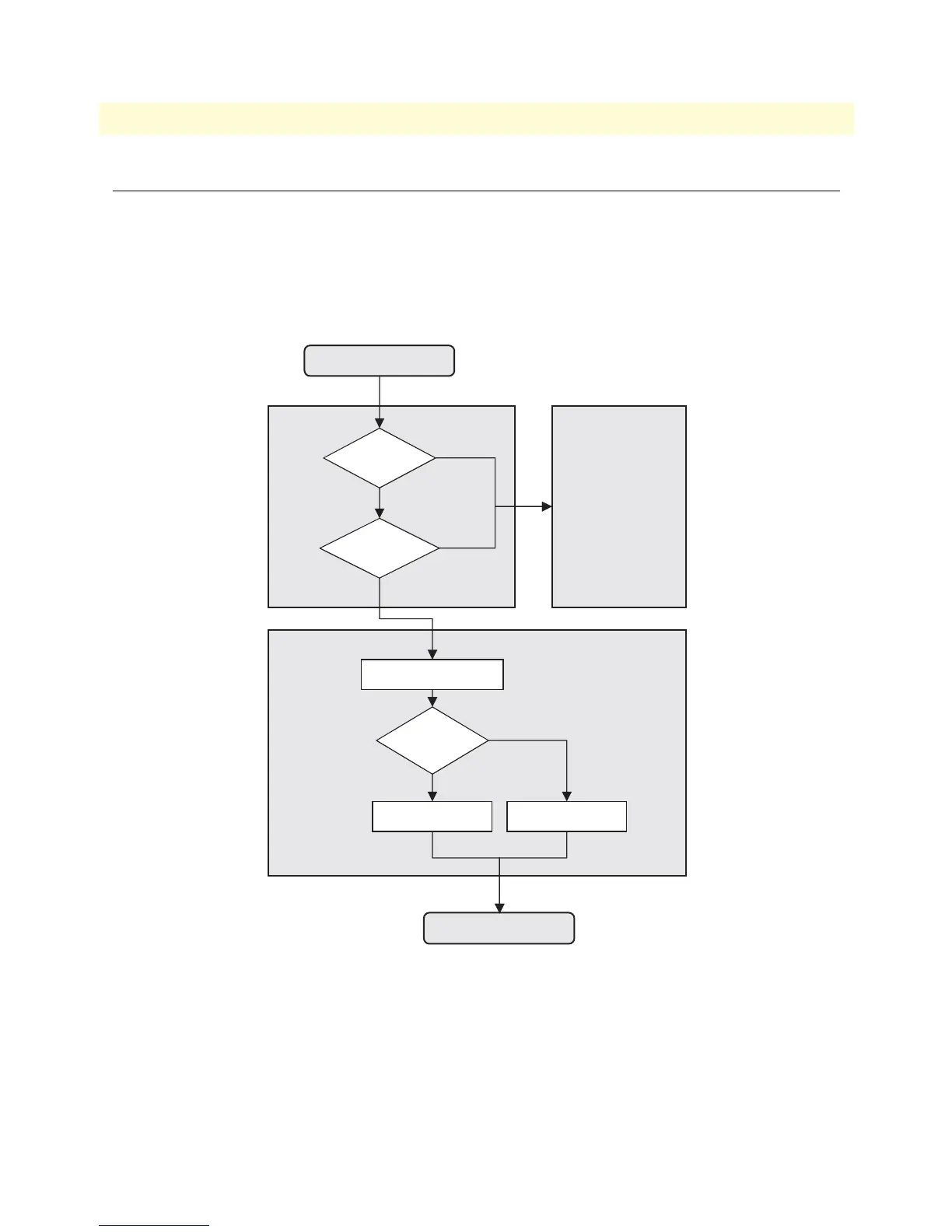
During a normal boot procedure of a SmartNode, the bootstrap application checks for an application image in
the persistent memory of the logical region nvram:. The application image is then executed, i.e. the SmartWare
is started module by module. One of the last start-up tasks to finish in bringing up the entire system is han-
dling the operating configuration. The configuration startup-config is copied from the logical region nvram: in
nonvolatile memory to the logical region running-config in the volatile memory. The SmartWare now uses the
running-config to set up the operating configuration of the SmartNode. Figure 9 illustrates the boot procedure.
Figure 9. Boot procedure
There are two situations during bootstrap when the bootloader takes control:
• “If the user has pressed the system button, it launches the bootloader, the bootstrap application checks the
status of the Reset button (not available for SN4xxx) on the back panel of the SmartNode.”
• If a valid application image is not available
Bootstrap Bootloader
Application
Application
Image
Reset Button
pressed
invalid
released
valid
start Software Modules
System Button
use startup-config use factory-config
pressed
released
Power-On
System Up



 To Next Page