Configuring general CS settings 342
SmartWare Software Configuration Guide 31 • CS context overview
Mode: System
Debugging the clock source
To control the system behaviour at runtime, there exists a debug command with the options ‘event’ and ‘error’.
If the user enables the ‘event’ command, he can follow the system’s Clock Source Hunting algorithm, the out-
put informs about the occurrence of a clock source change. In addition exists a ‘show’ command that prints the
clock source configuration and marks the ports that are synchronized. Further, the port that has been chosen
by the system as the current clock source will also be displayed.
Mode: Operator execution
Mode: Operator execution
node#show system-clock
Current clock source
====================
t1 0 2 0
Registered clock sources
========================
Name Sync
e1 0 1 0
t1 0 2 0 X
bri 0 3 0
bri 0 3 1
bri 0 3 2
bri 0 3 3
internal X
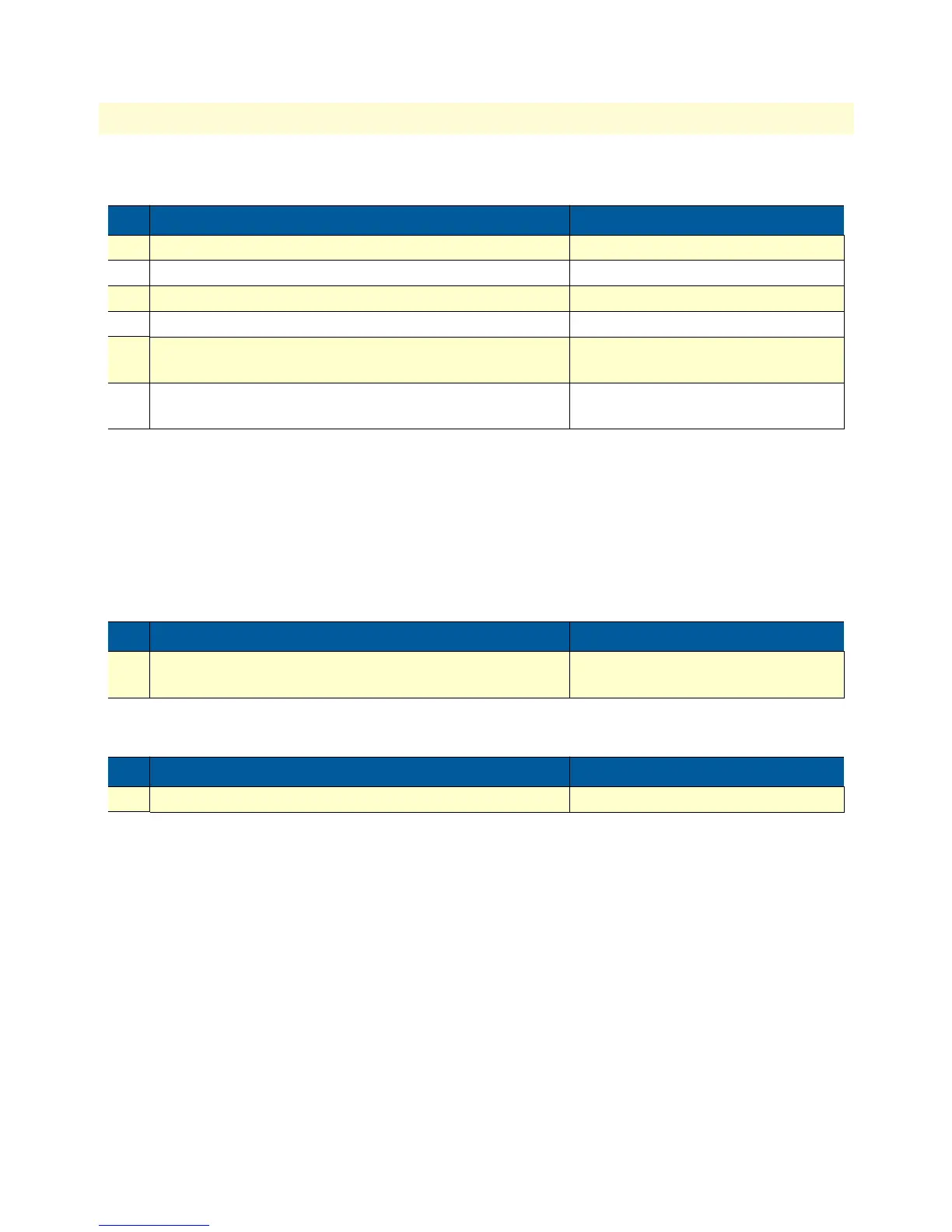
Step Command Purpose
1
node(sys)#clock-source hw-type slot port
Add an entry to the end of the list
node(sys)#clock-source index hw-type slot port
Overwrite and entry at position ‘index’
node(sys)#clock-source before index hw-type slot port
Insert an entry before position ‘index’
node(sys)#clock-source after index hw-type slot port
Insert an entry after position ‘index’
node(sys)#clock-source index up positions
Move entry at ‘index’ number of ‘posi-
tions’ up
node(sys)#clock-source index down positions
Move entry at ‘index’ number of ‘posi-
tions’ down
Step Command Purpose
1
node#[no] debug system-clock {event | error}
Enables/Disables the system clock moni-
tor
Step Command Purpose
1
node#show system-clock
Print system clock information



 To Next Page