Introduction 646
SmartWare Software Configuration Guide C • Command summary
Introduction
This chapter provides an overview of all CLI commands and modes available. It is organized as follows:
Mode Name
Enter Command
Command 1
…
Exit
Mode Name
…
Several commands contain a lot of parameters and arguments. The command syntax is described as follows:
• Arguments where you must supply the value are surrounded by <angle brackets>.
• Optional arguments within commands are shown in square brackets ([ ])
• Alternative parameters within commands are separated by vertical bars ( | ).
• Alternative but required parameters are shown within grouped braces ({ }) and are separated by vertical bars
( | ).
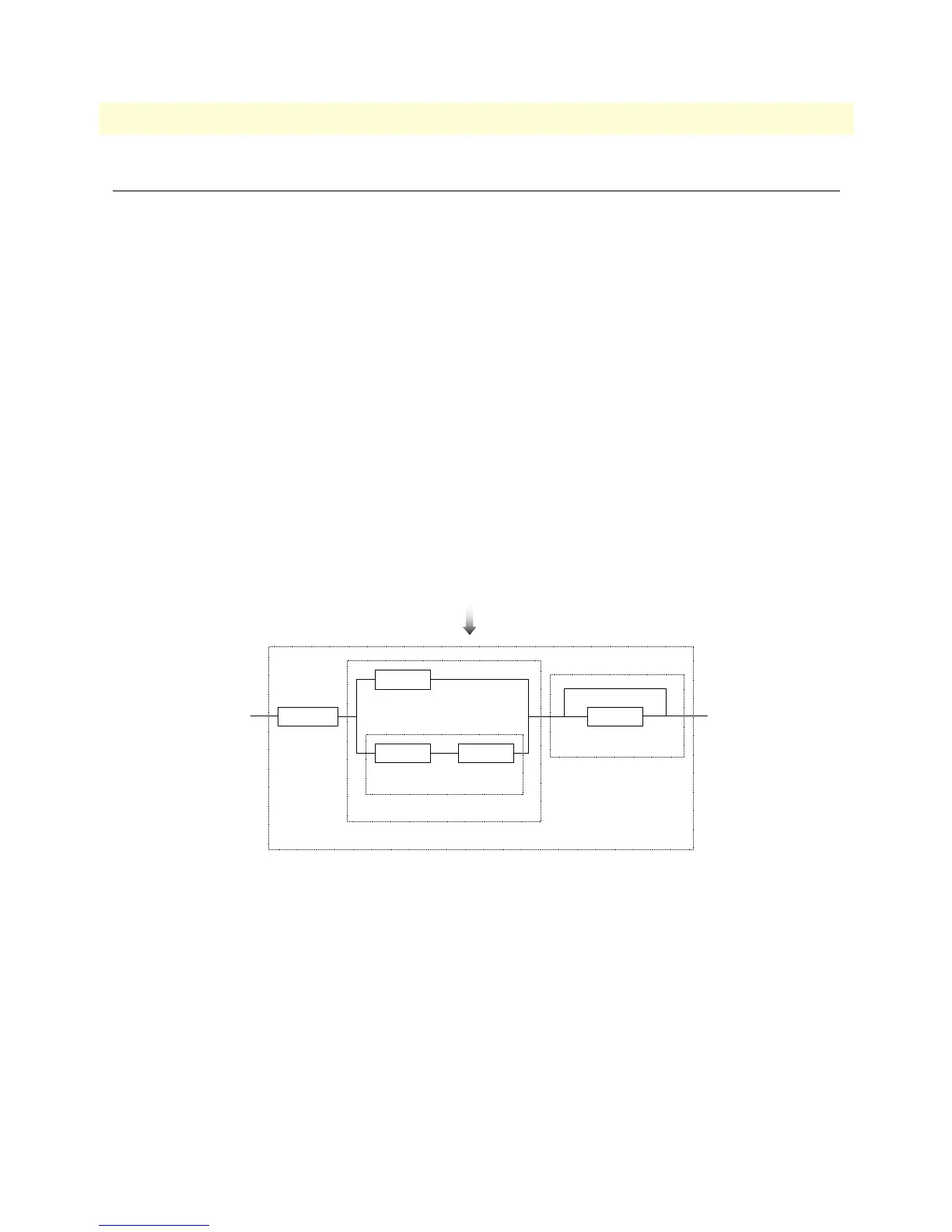
Command syntax is illustrated by an example in figure 14.
Figure 14. EBNF syntax
param1
param2 <arg>
param 3
Null-Option
Key
Key
Key
Text
Key
Sequence
Option
Sequence
command { param1 | (param2 <arg>)} [ param3 ]



 To Next Page