PSTN profile configuration task list 594
SmartWare Software Configuration Guide 48 • PSTN profile configuration
Procedure: Create a PSTN Profile and enter the PSTN profile configuration mode
Mode: Configure
Configuring the echo canceller
Echoes are reflections of the transmitted signal that result from impedance mismatches in the hybrid (bi-direc-
tional 2-wire to 4-wire conversion) device, causing an echo on the wire. Echo cancellation provides near-end
echo compensation for this effect as shown in figure 9.
Figure 9. Echo Cancellation
Procedure: Disable echo cancellation.
Mode: Profile PSTN
Configuring output gain
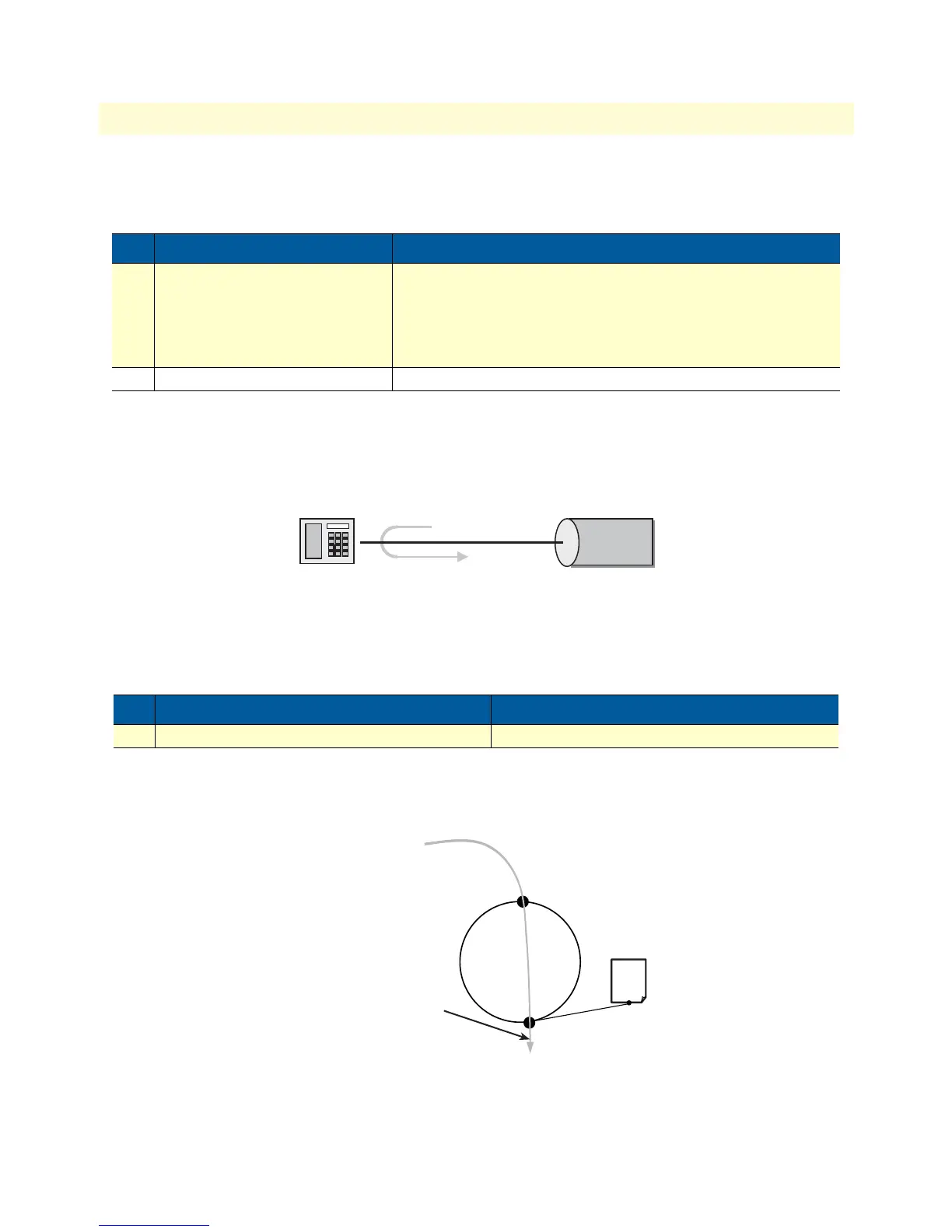
The output gain determines the voice output volume gain towards PSTN ports as shown in figure 10.
Figure 10. Applying output gain
Procedure: Configure voice output gain.
Step Command Purpose
1 node(cfg)#profile pstn name Create a PSTN profile with name name and enter PSTN profile
configuration mode. The newly created profile contains default
values for all parameters.
If a profile with name name already exists, only the PSTN profile
configuration mode is entered.
2 node(pf-pstn)[name]#... Configuration steps as described in the chapters below
Step Command Purpose
1 node(pf-pstn)[name]#no echo-canceller Disable echo canceller (Default: Enabled)
Echo
Echo canceller
Node
Node
Context CS
“switch”
PSTN interface
Outgoing voice is amplified by
“output gain”
voice volume: 10 dB
PSTN
Profile
B



 To Next Page